More
Сhoose
Design Process

User Research

Ideate

UI Design

Prototype
Key Objective
The primary goal for Rumble is to simplify the process of scheduling social gatherings among friends with conflicting schedules. By providing intuitive features such as calendar synchronization, group chat, and collaborative decision-making, the app aims to streamline the coordination process and enhance user experience.
Rumble seeks to empower users to effortlessly find suitable meeting times, reduce scheduling conflicts, and facilitate enjoyable social interactions. Additionally, the app aims to streamline venue selection by offering convenient booking options, further enhancing the overall event planning experience for users.
User Personas
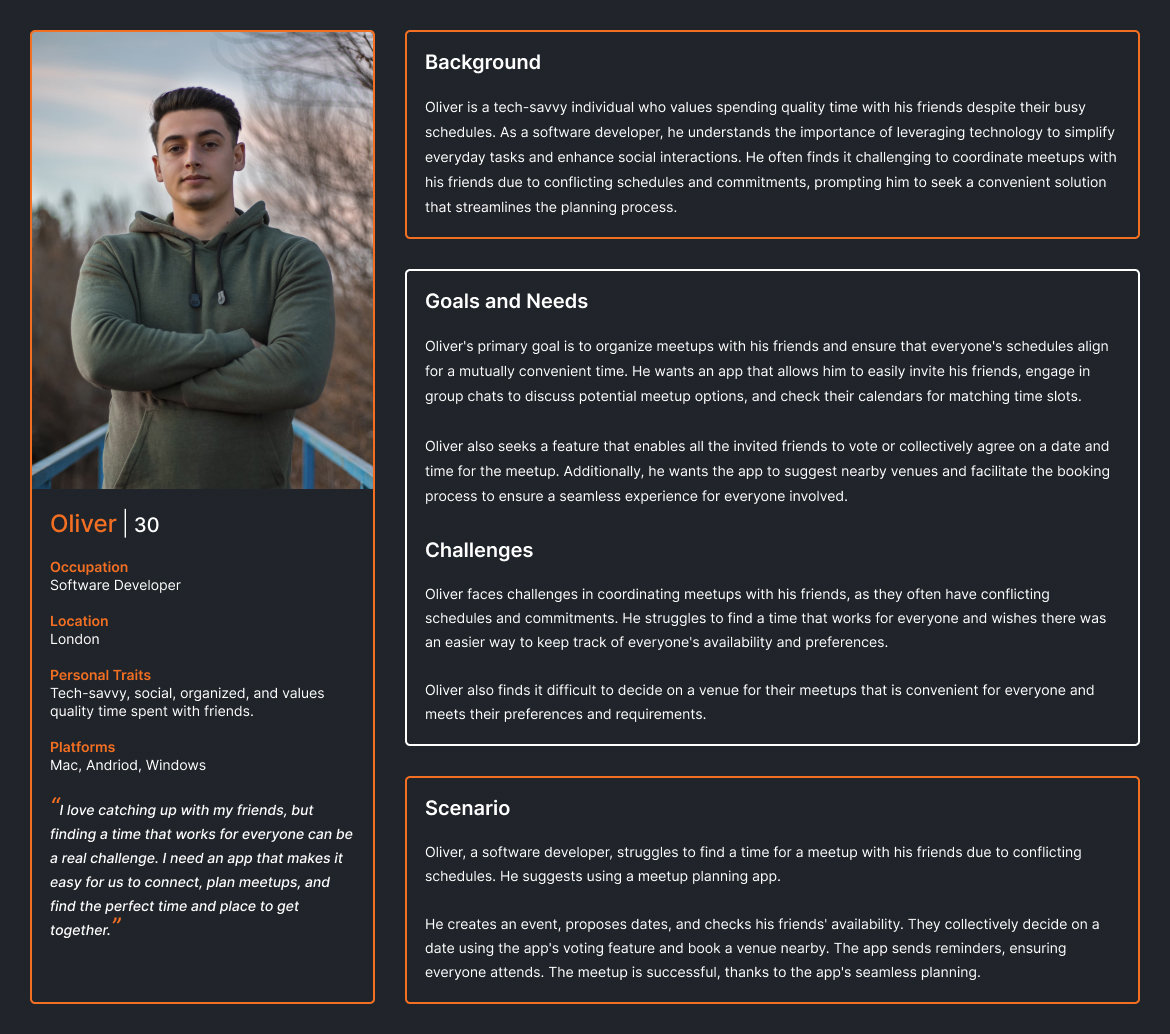
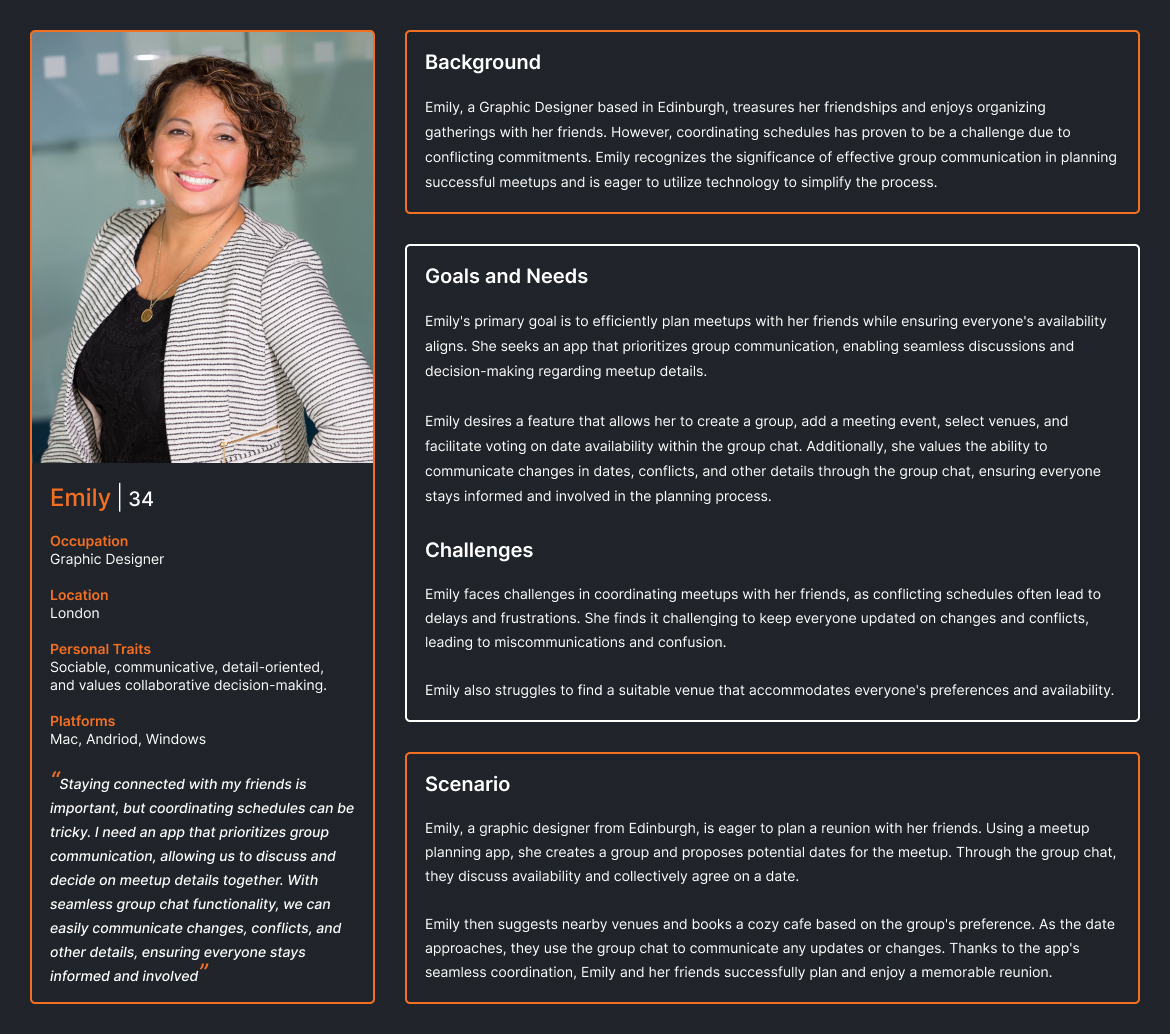
User Flow and UI Design
For Complete Working Prototype, please check the link > Prototype Link
Userflow for Sign In
Splash Screen
Sign In
Mobile No.
Verify OTP
Dashboard
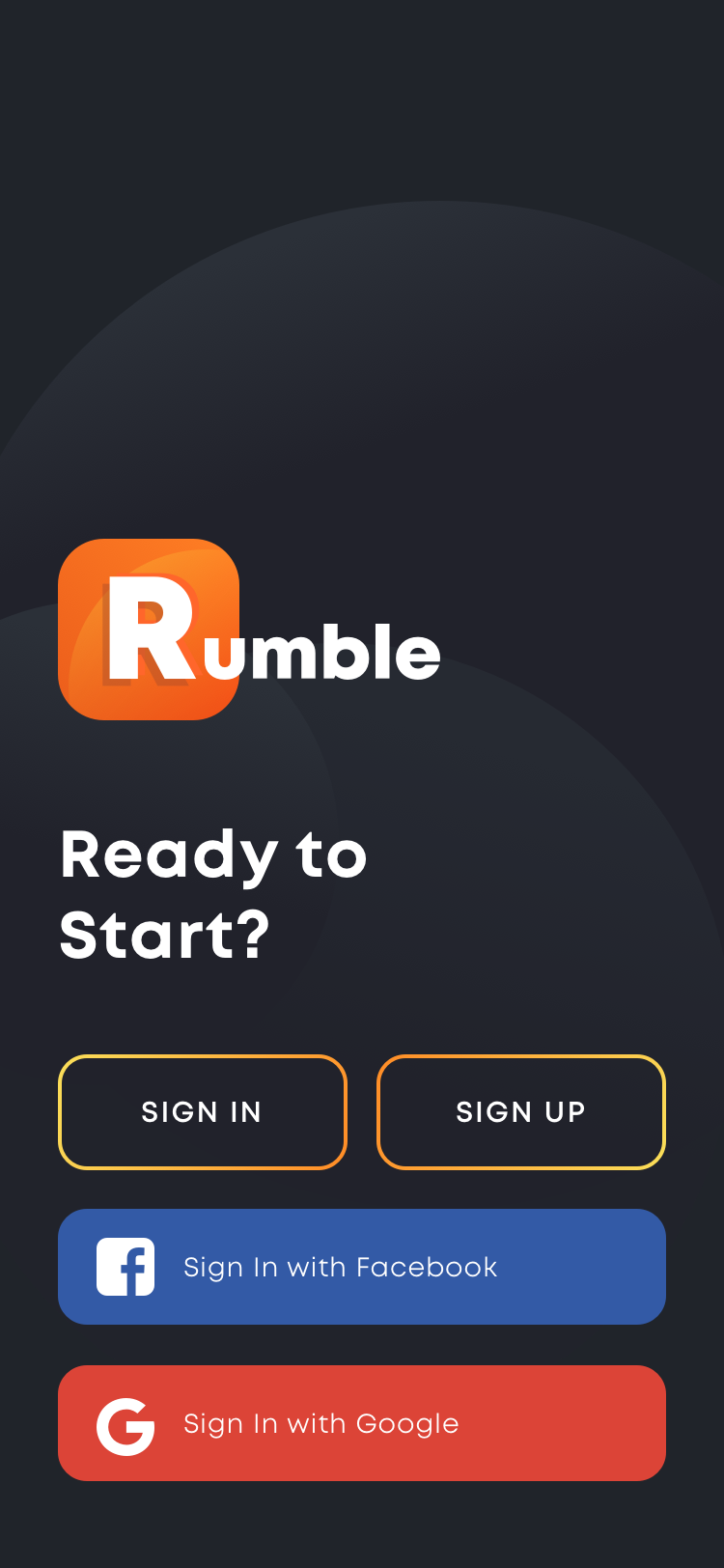 Splash Screen
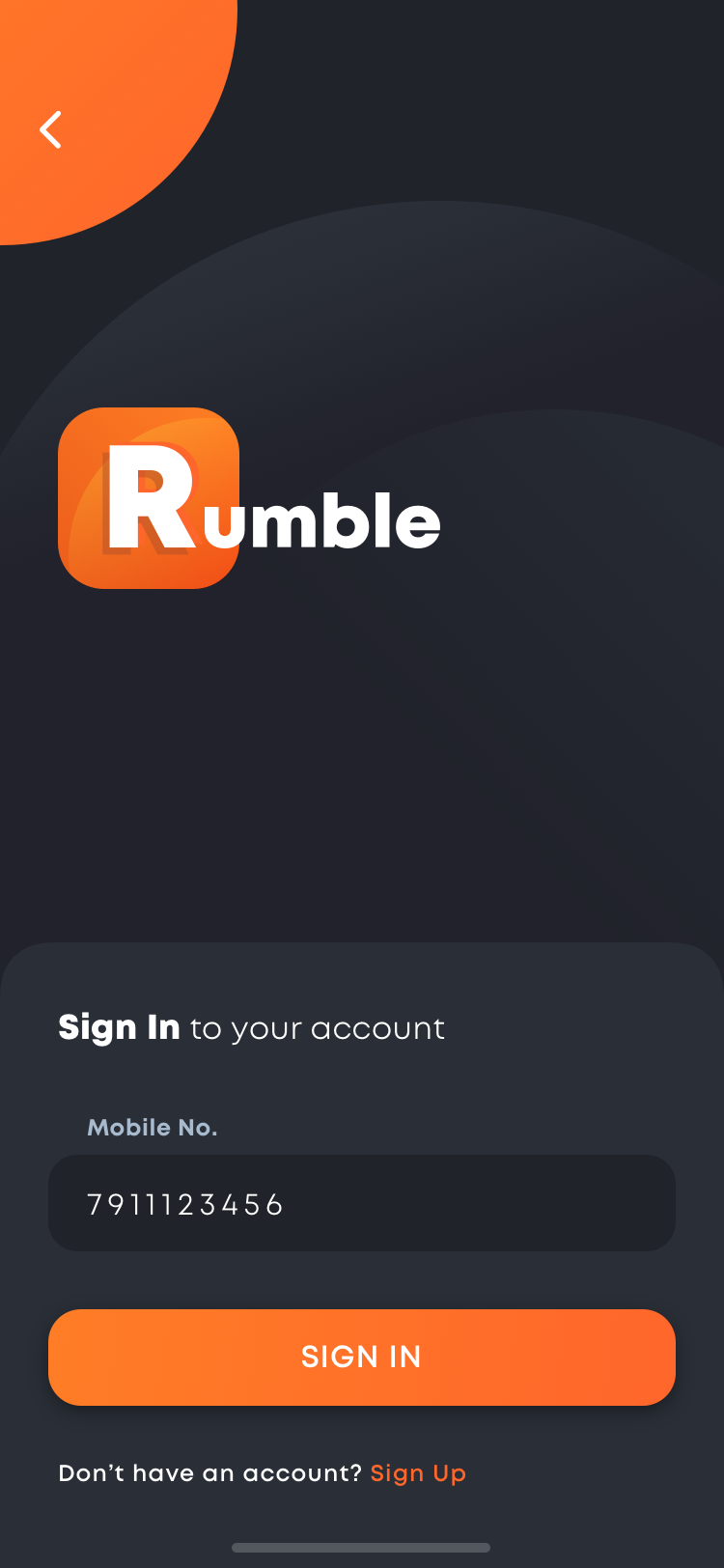 Sign In with Mobile No.
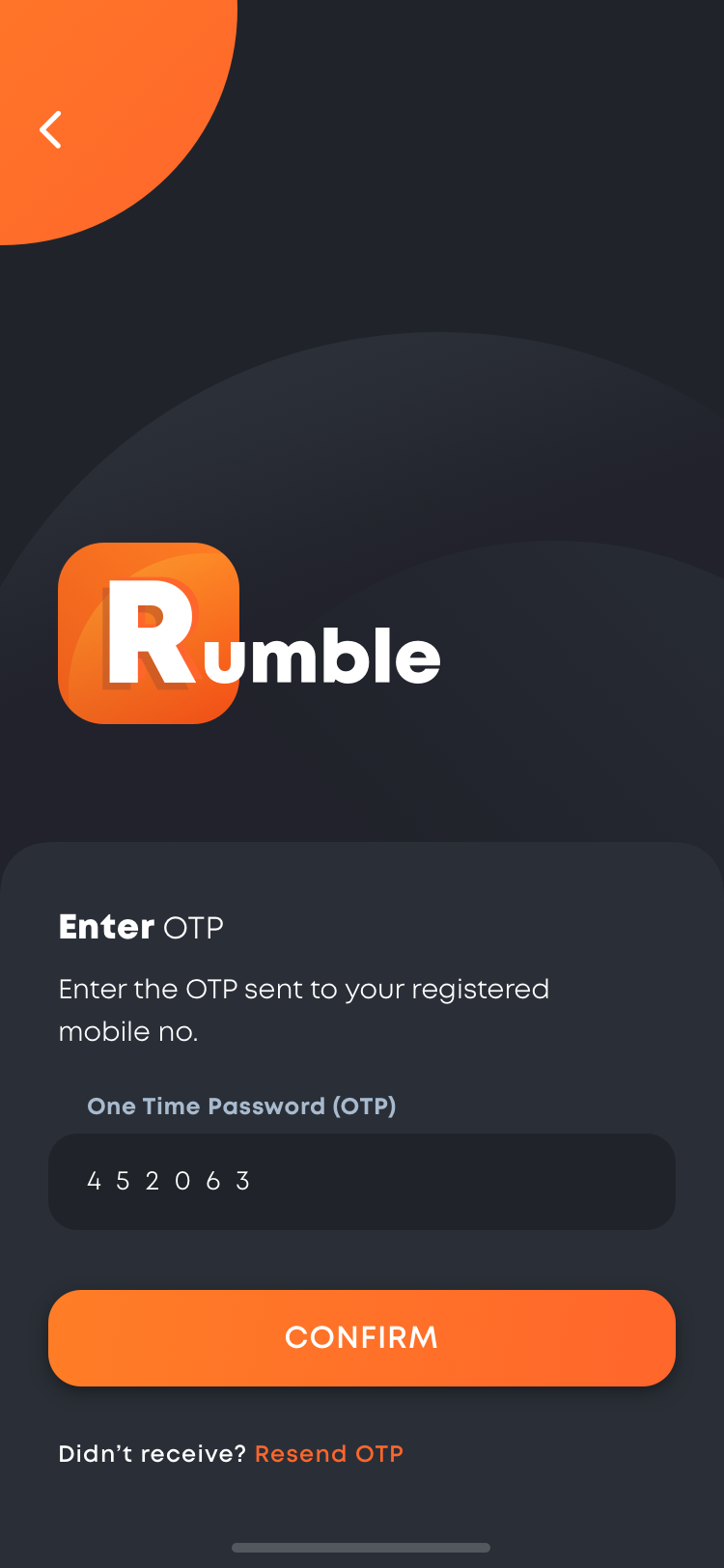 Verify OTP
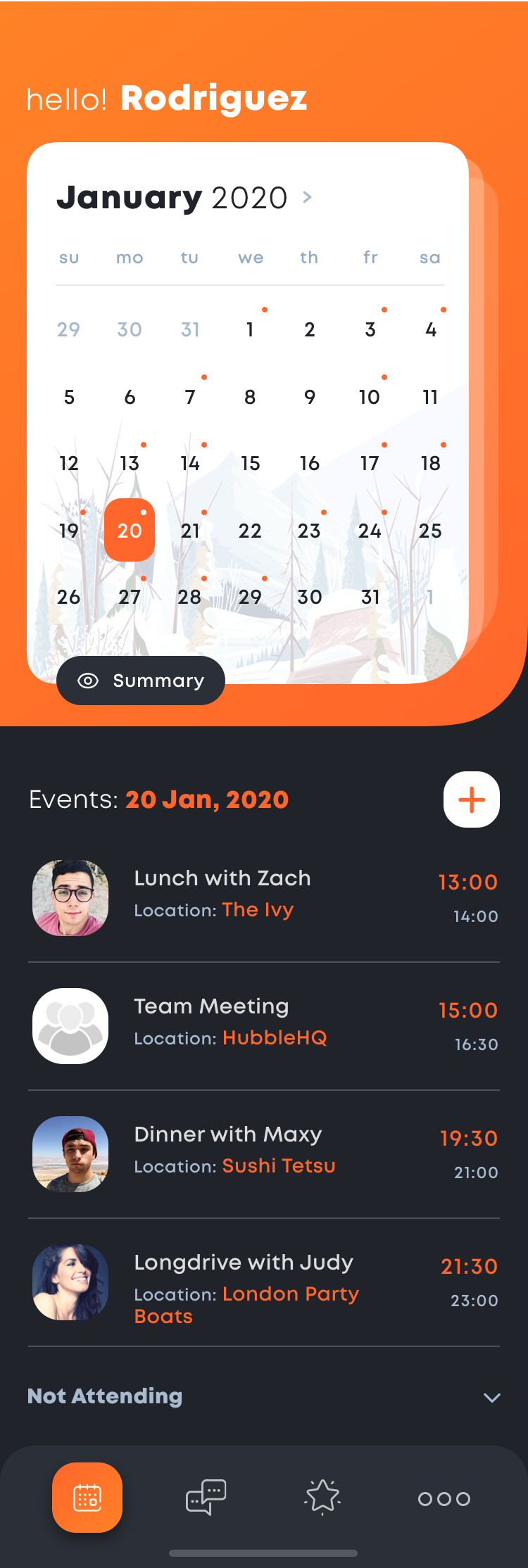 Dashboard
Userflow for Sign Up
Splash
Create Account
Verify Mobile No.
Sync Calendar
Dashboard
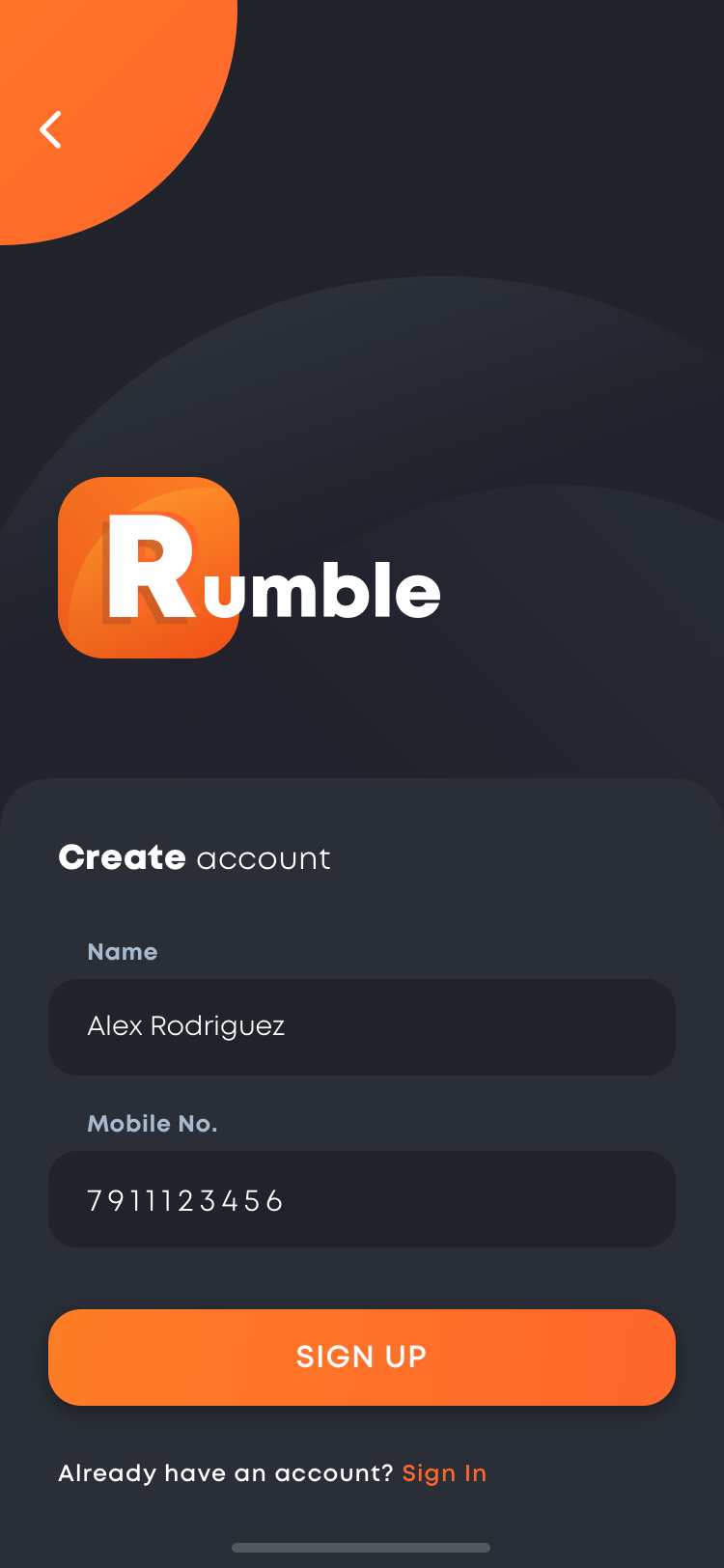 Create Account
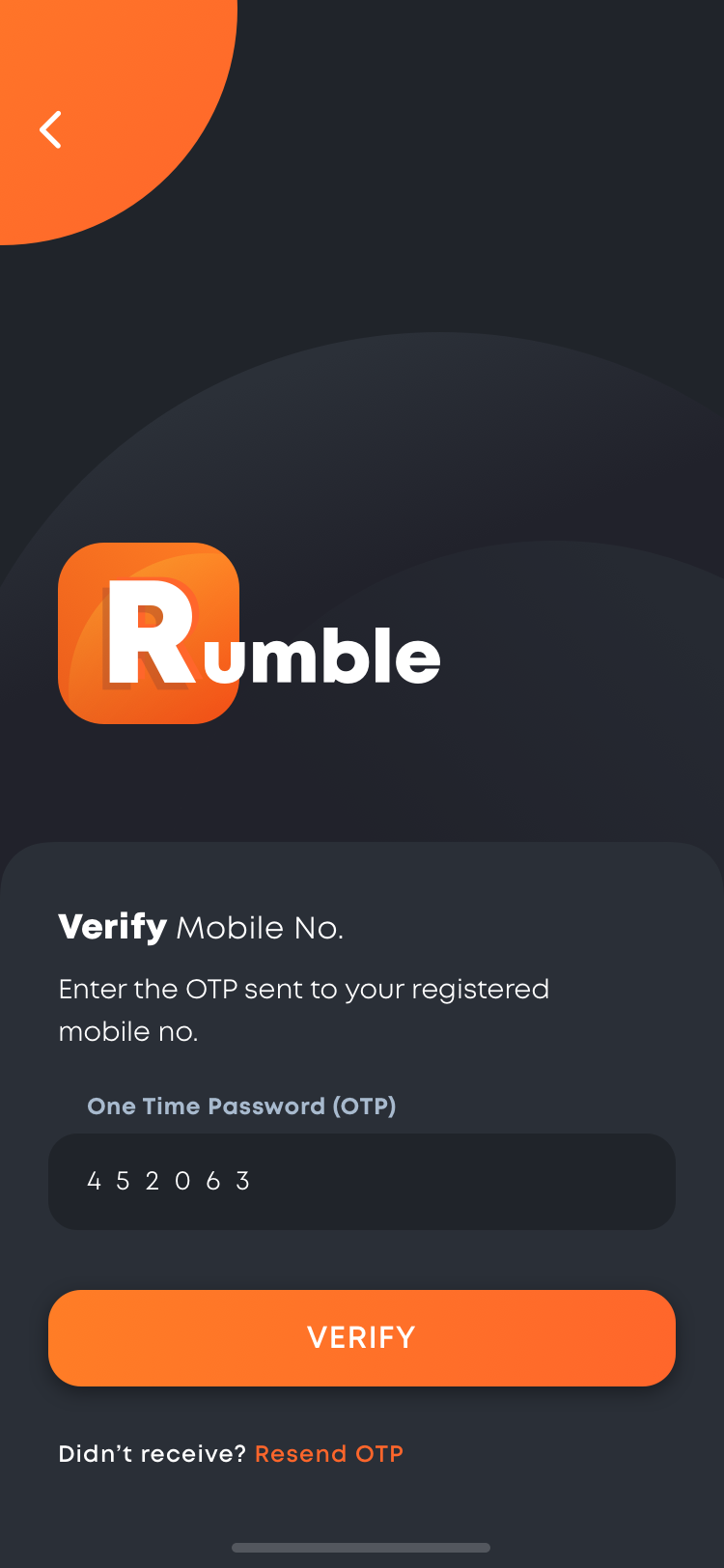 Verify Mobile No.
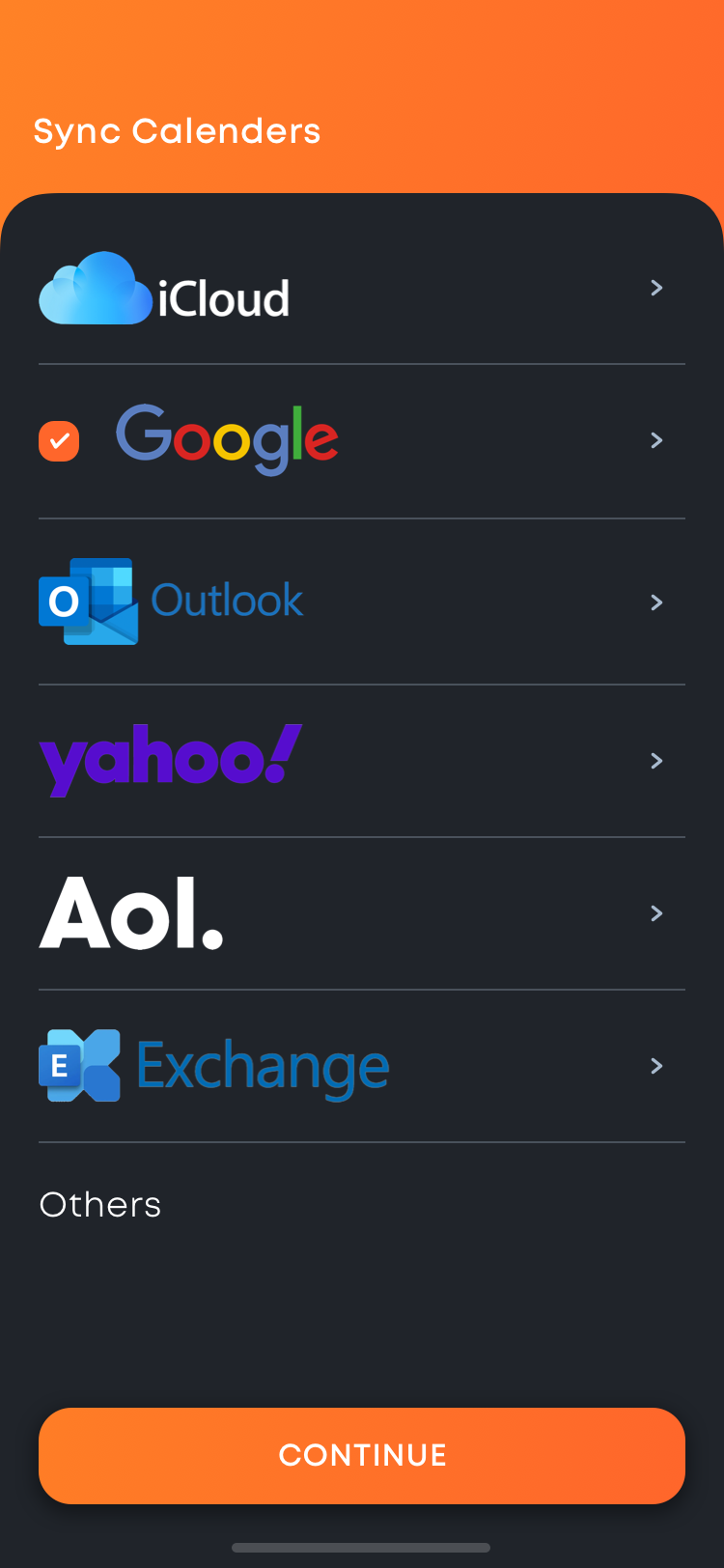 Sync Calendar
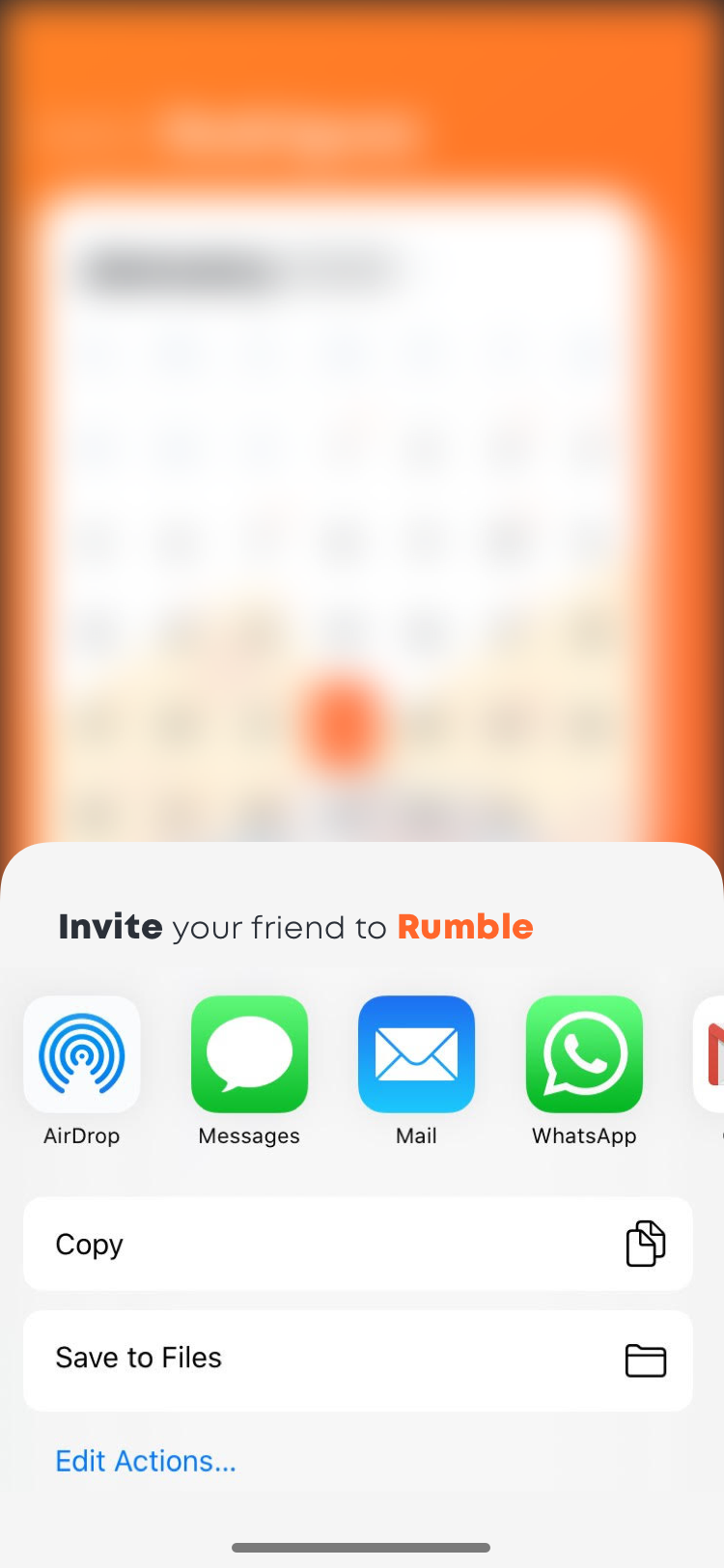 Invite / Share App
Userflow for Calendar Summary & Create Event via Calendar
Dashboard
Summary
Event Detail
Event Declined
+ Create Event Add Event Details - Auto Generate Dates No Add People Create Group Chat & Send Invite Group Event Detail (Auto Adds to Calendar)
+ Create Event Add Event Details - Auto Generate Dates Add to Calender
+ Create Event Add Event Details - Auto Generate Dates No Add People Create Group Chat & Send Invite Group Event Detail (Auto Adds to Calendar)
+ Create Event Add Event Details - Auto Generate Dates Add to Calender
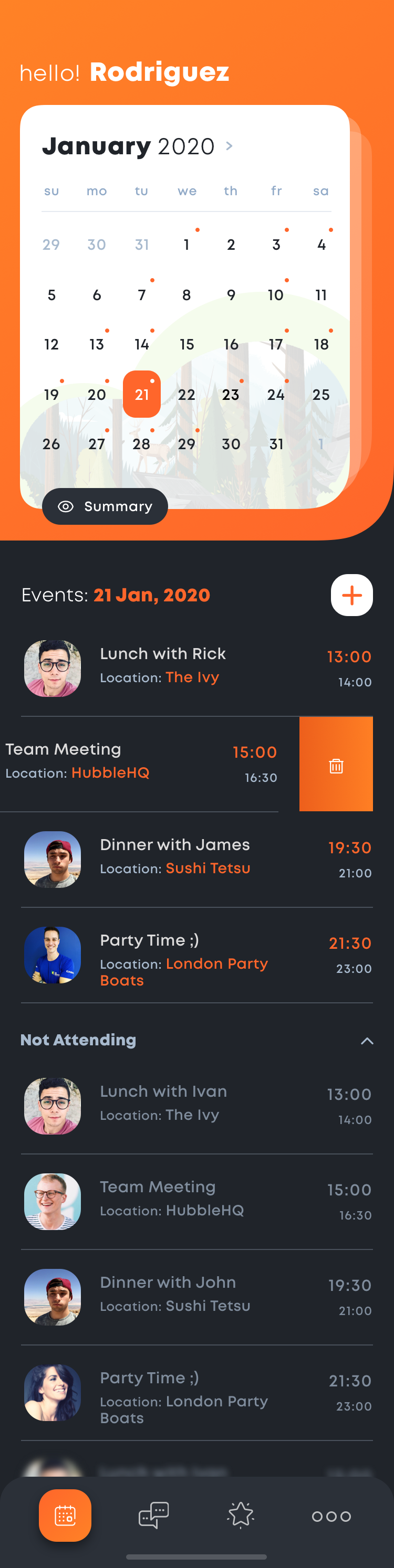 Dashboard
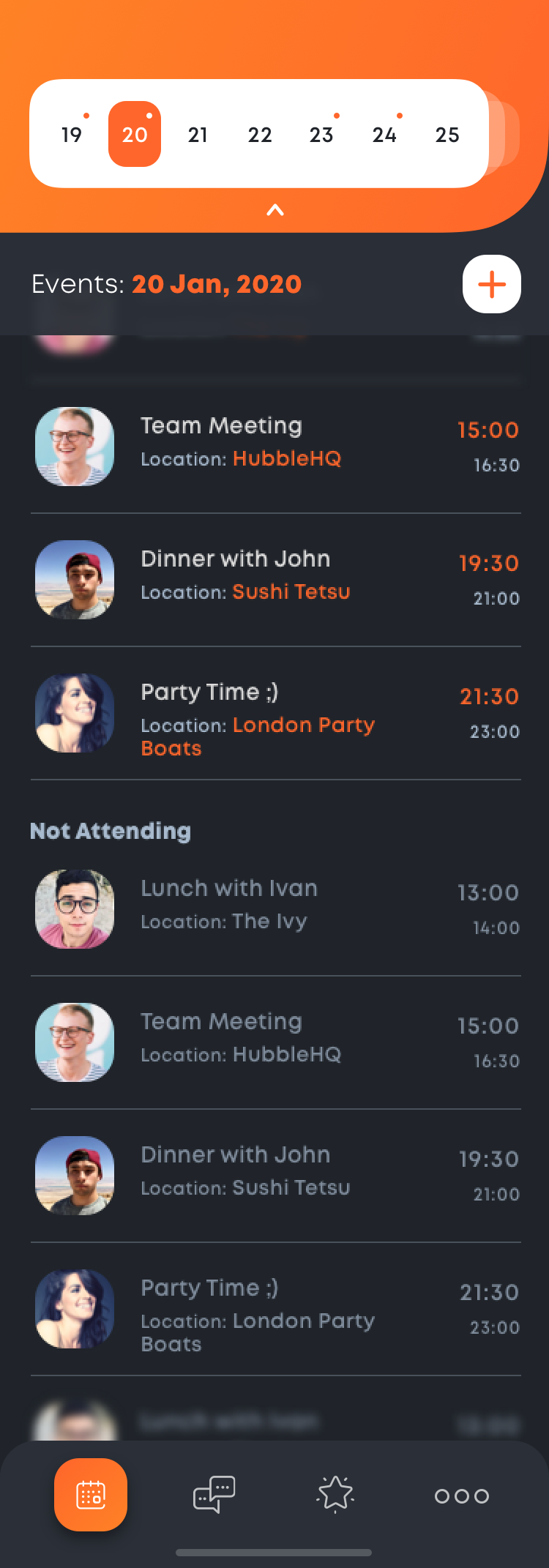 Calendar Summary
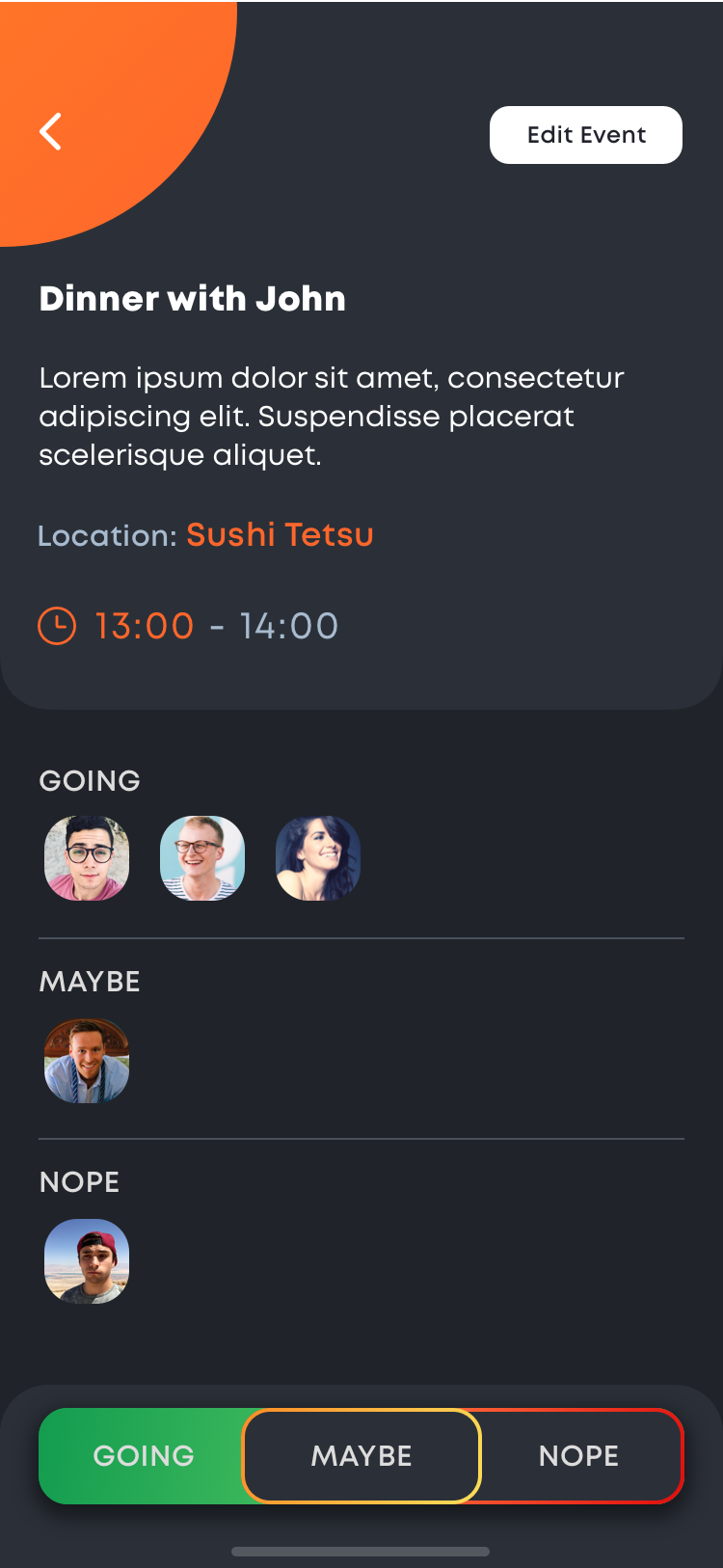 Event Detail
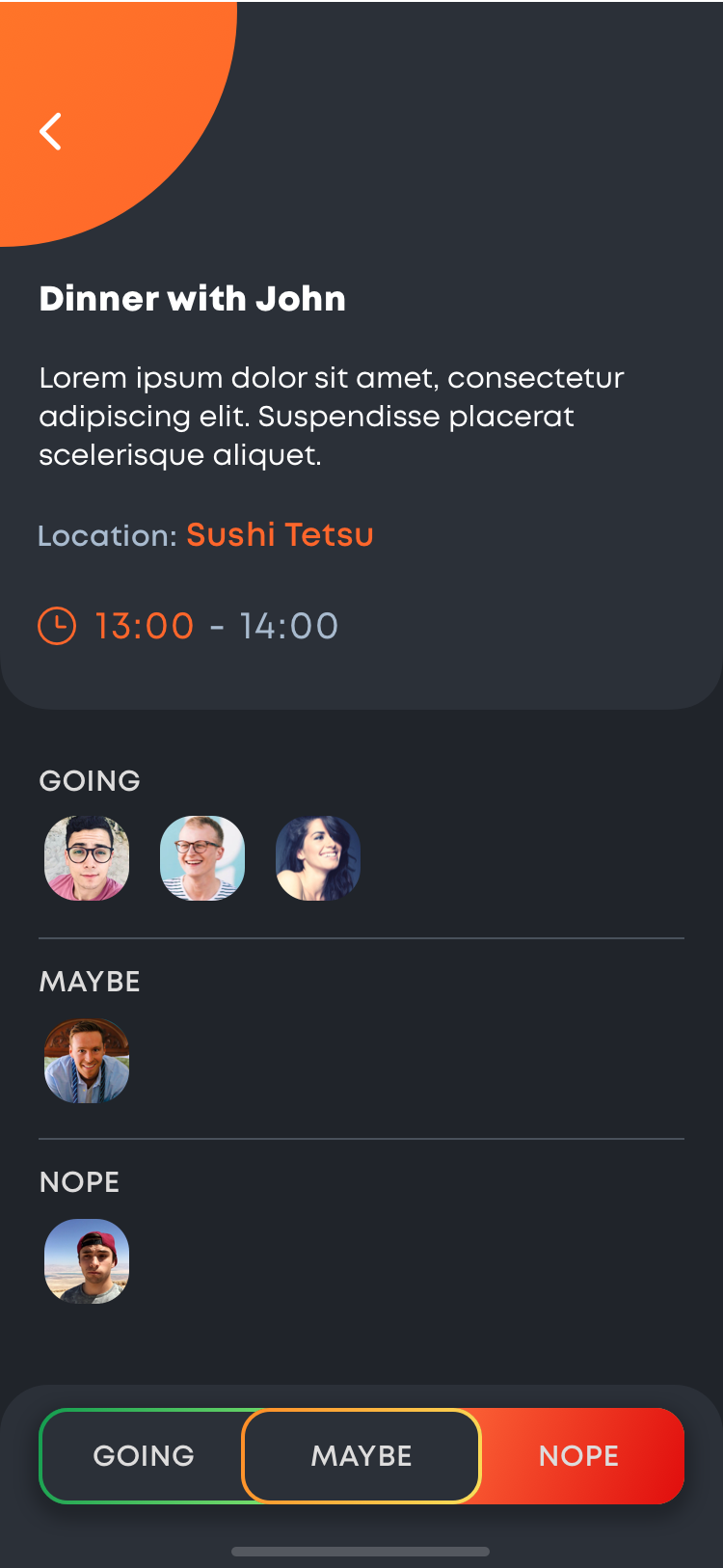 Event Declined
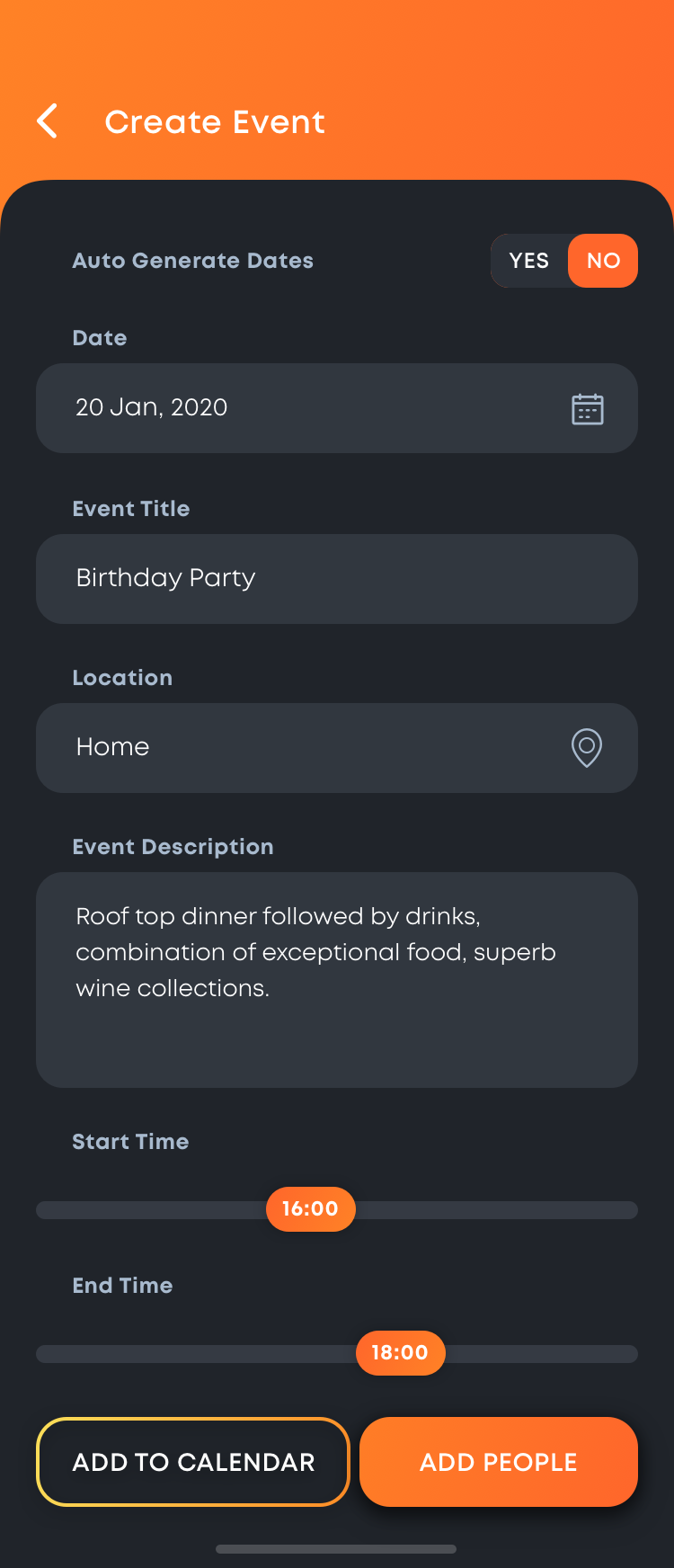 Create Event (Auto Generate No)
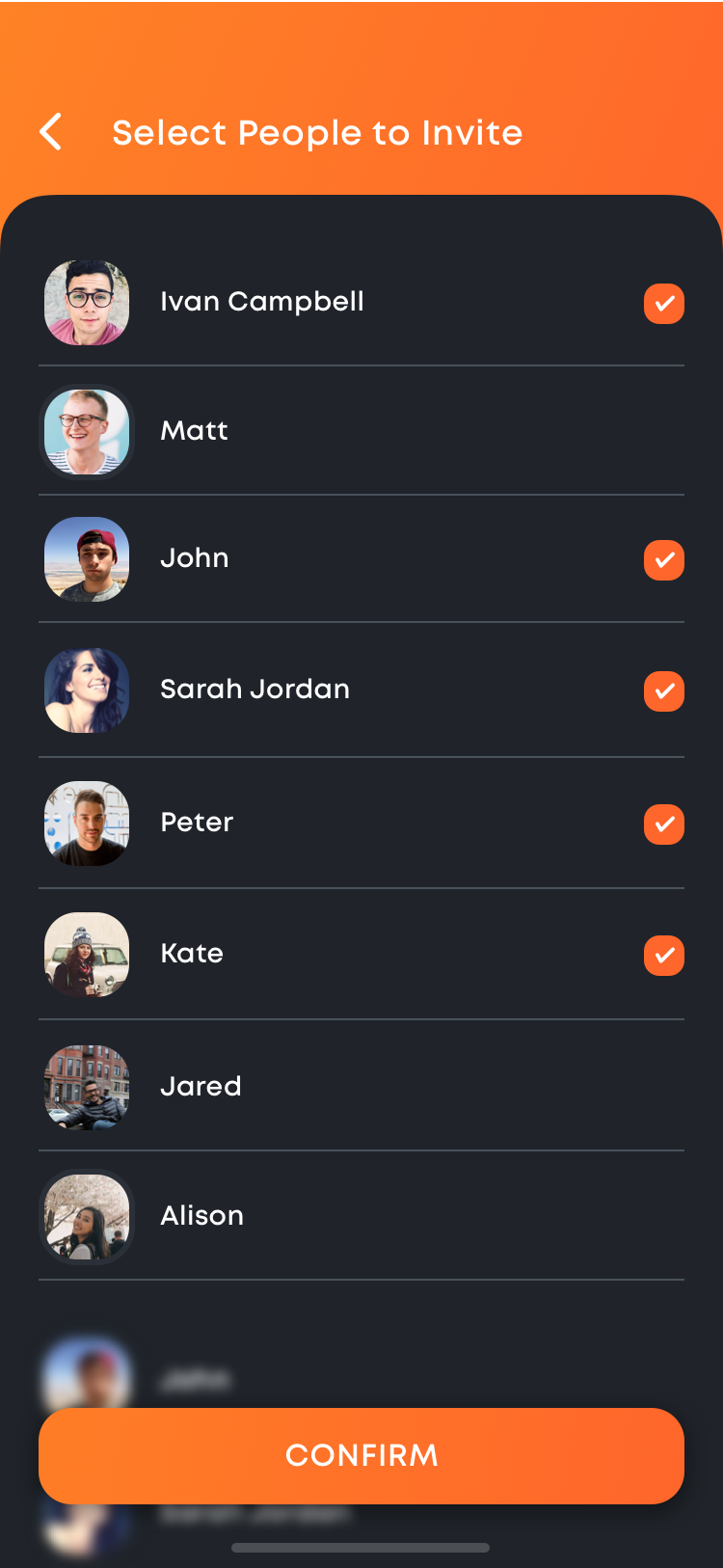 Add People
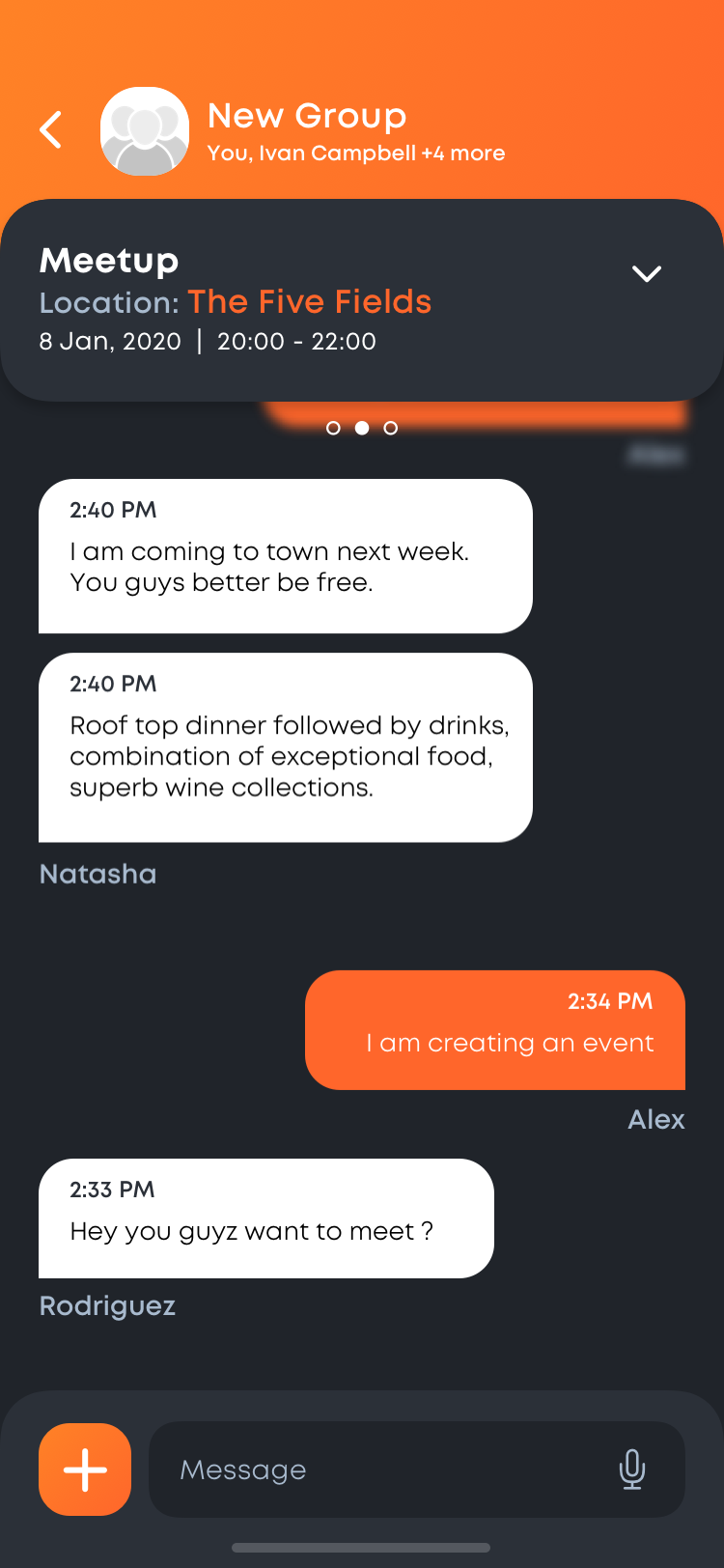 Event Chat Group
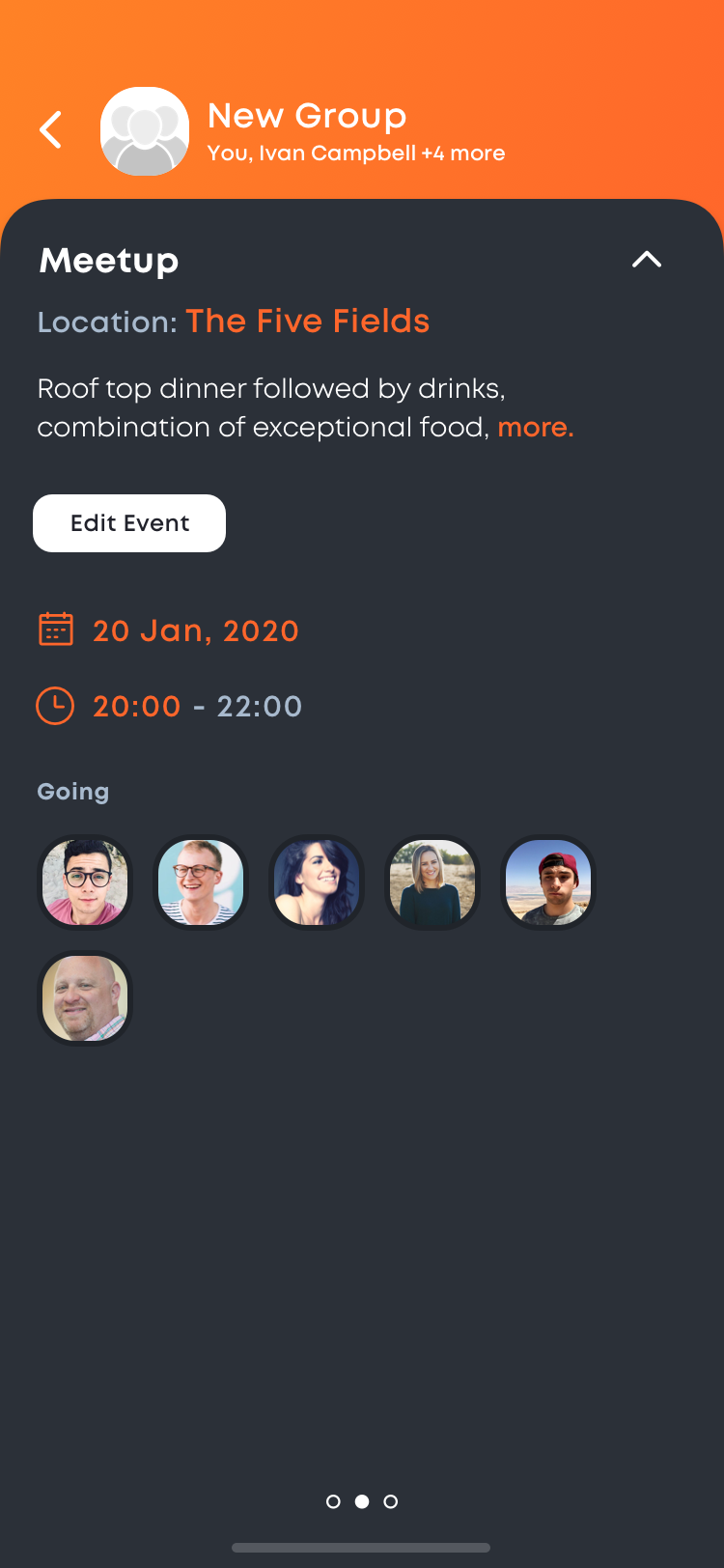 Chat Event Detail
Userflow for Event Creation & Date Voting via Chat Group
Chat
Create Group
Add People
Chat Group
+ Create Event Select Date or Advance Search Generate Dates Start Voting Vote a Date Voting Details Add to Calendar or Find Special Event
+ Create Event Select Date or Advance Search Generate Dates Start Voting Vote a Date Voting Details Add to Calendar or Find Special Event
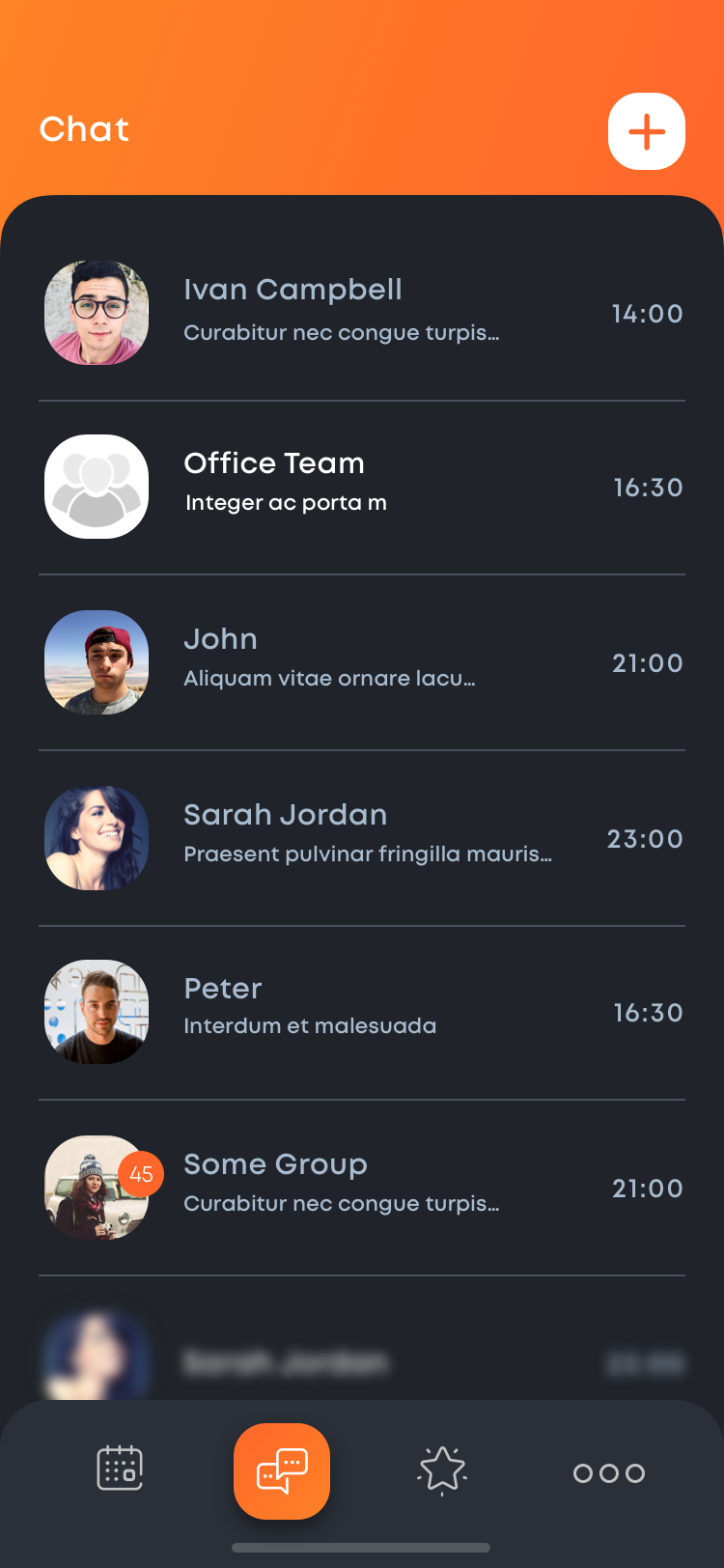 Chat
Chat
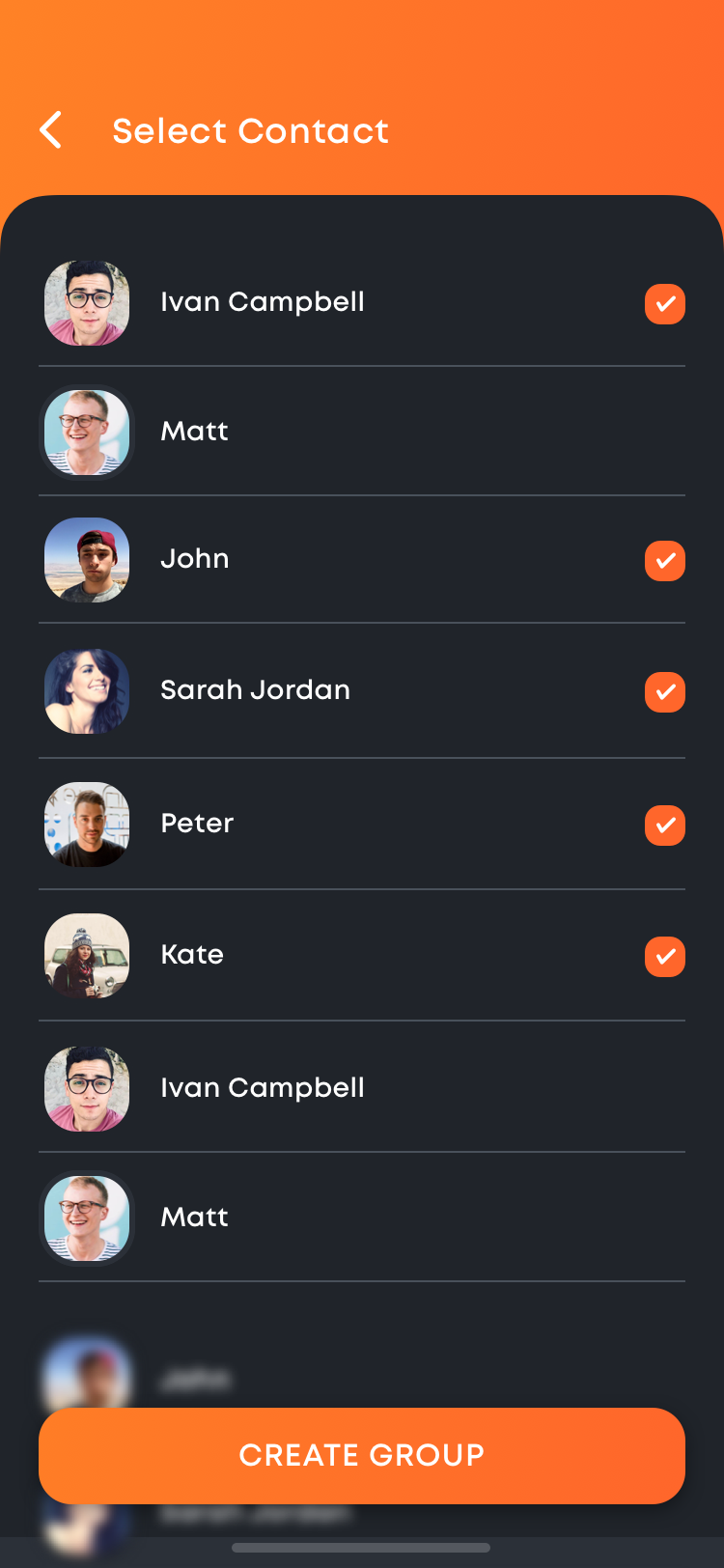 Create Group Chat
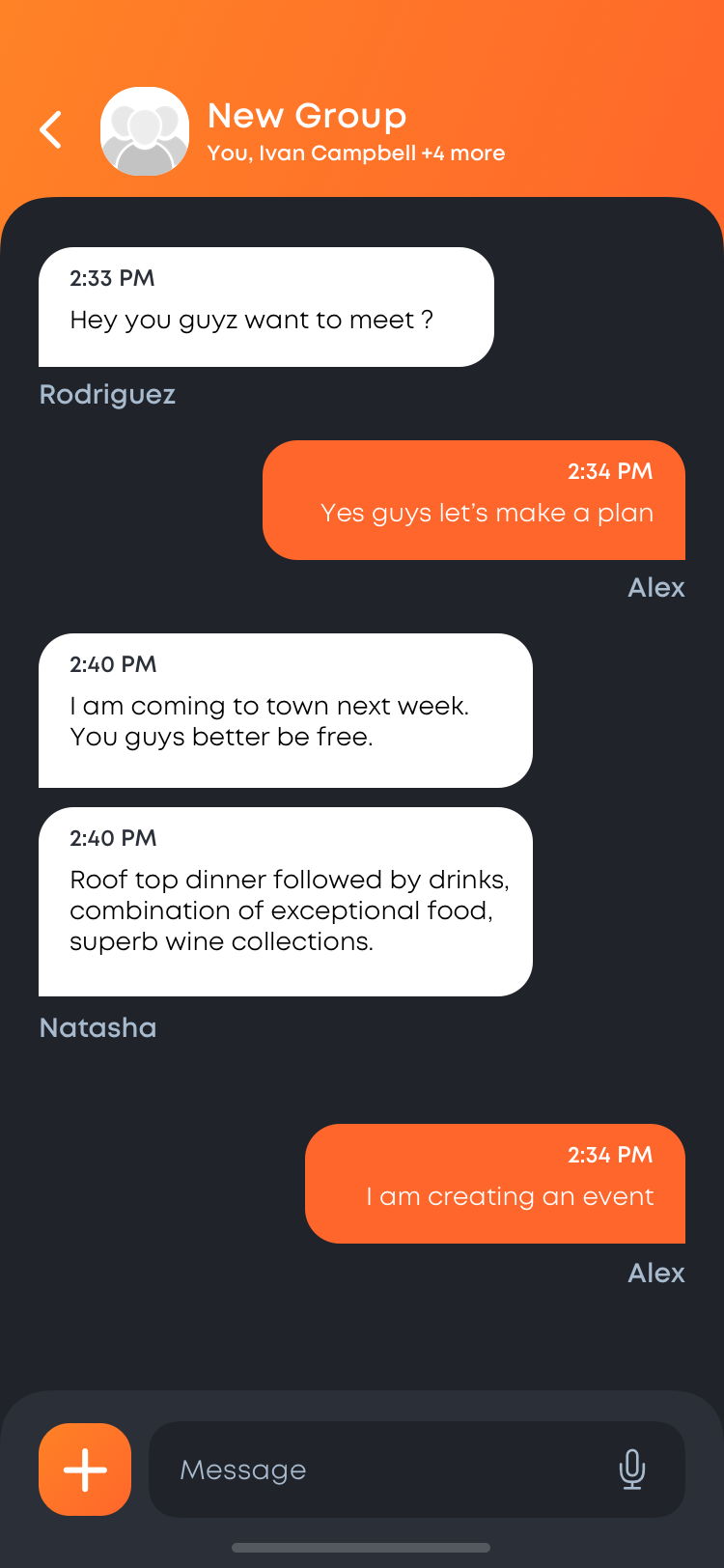 Group Chat
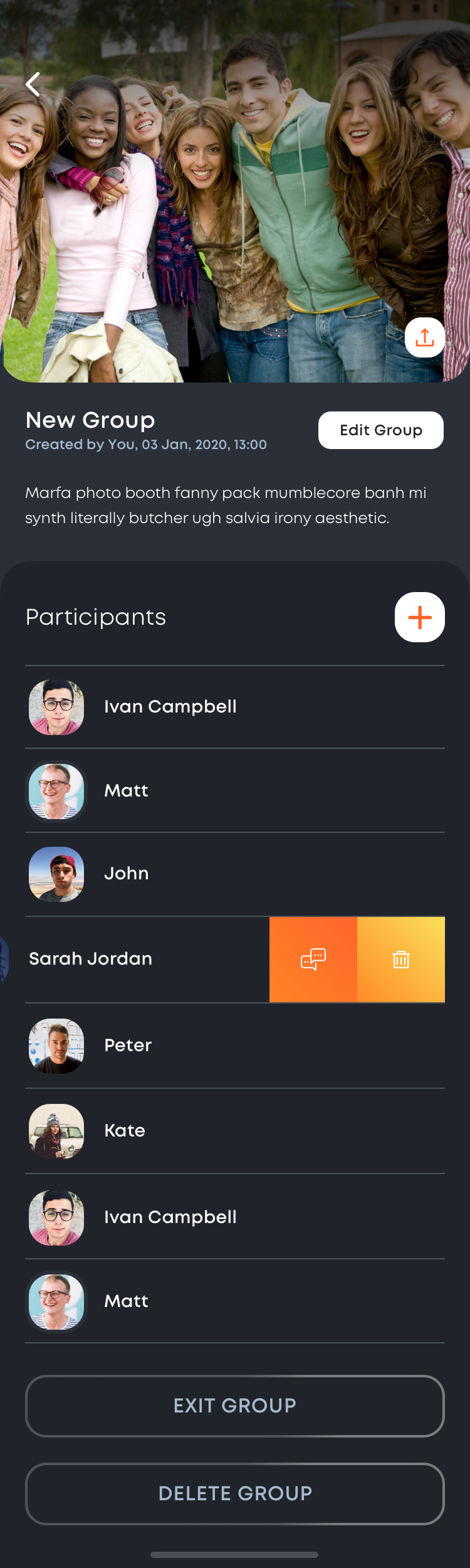 Chat Group Detail
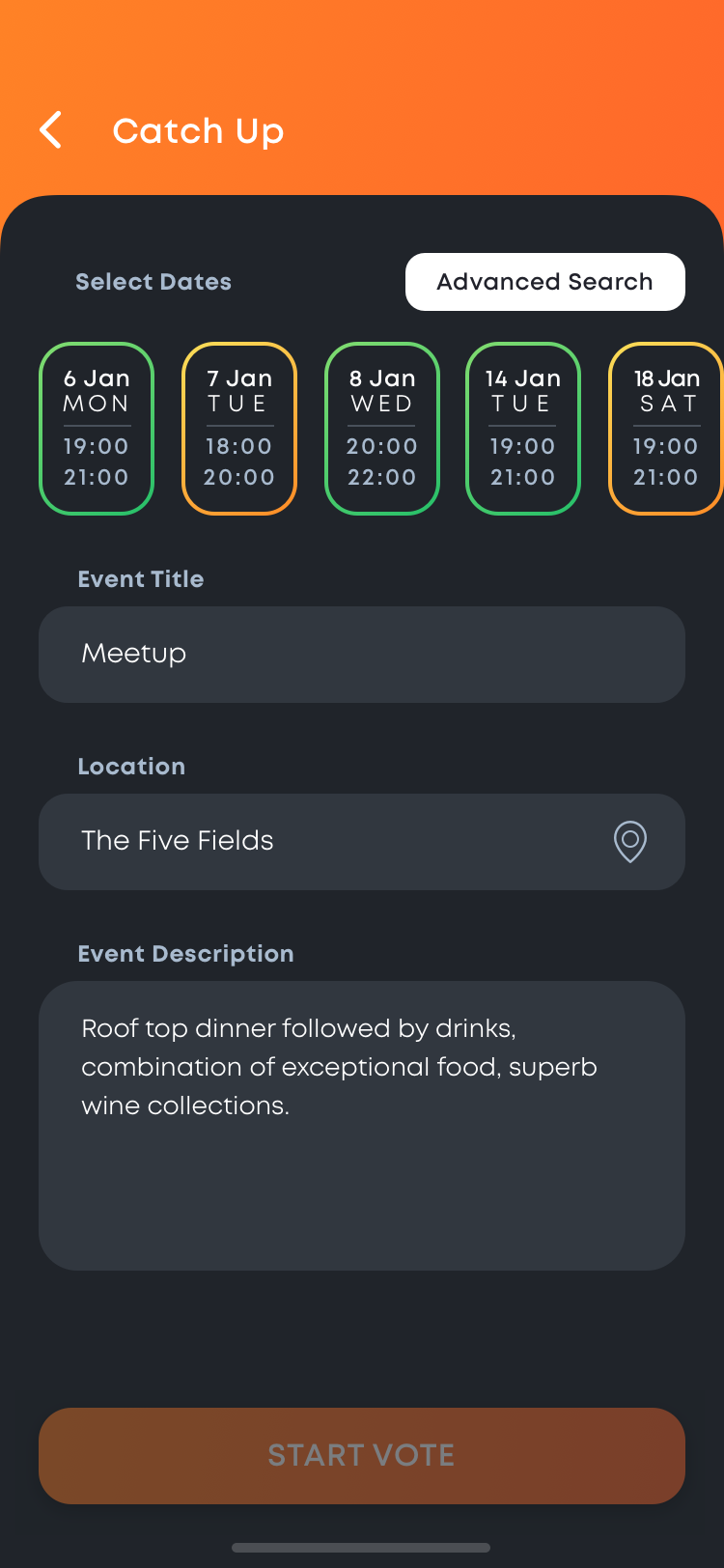 Create Group Event
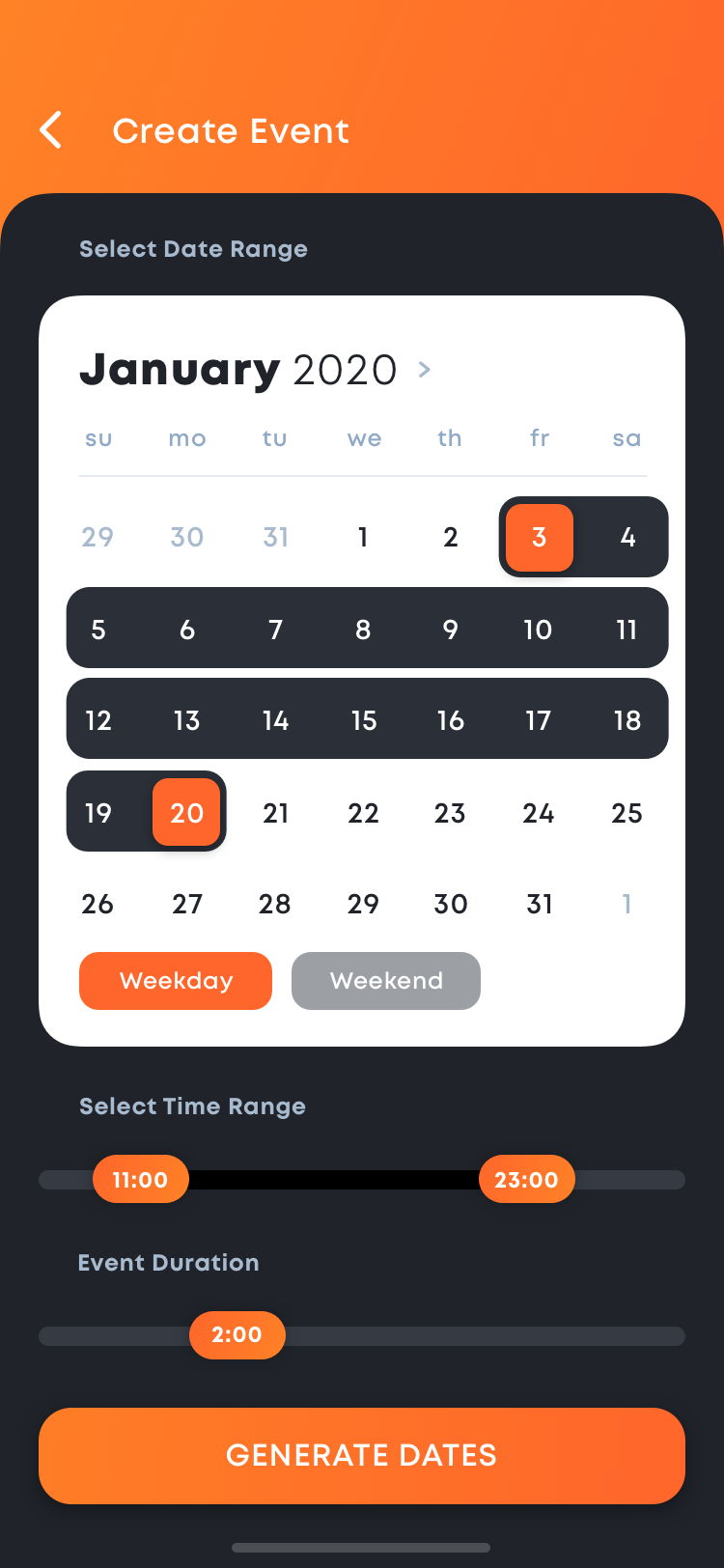 Advance Date Search
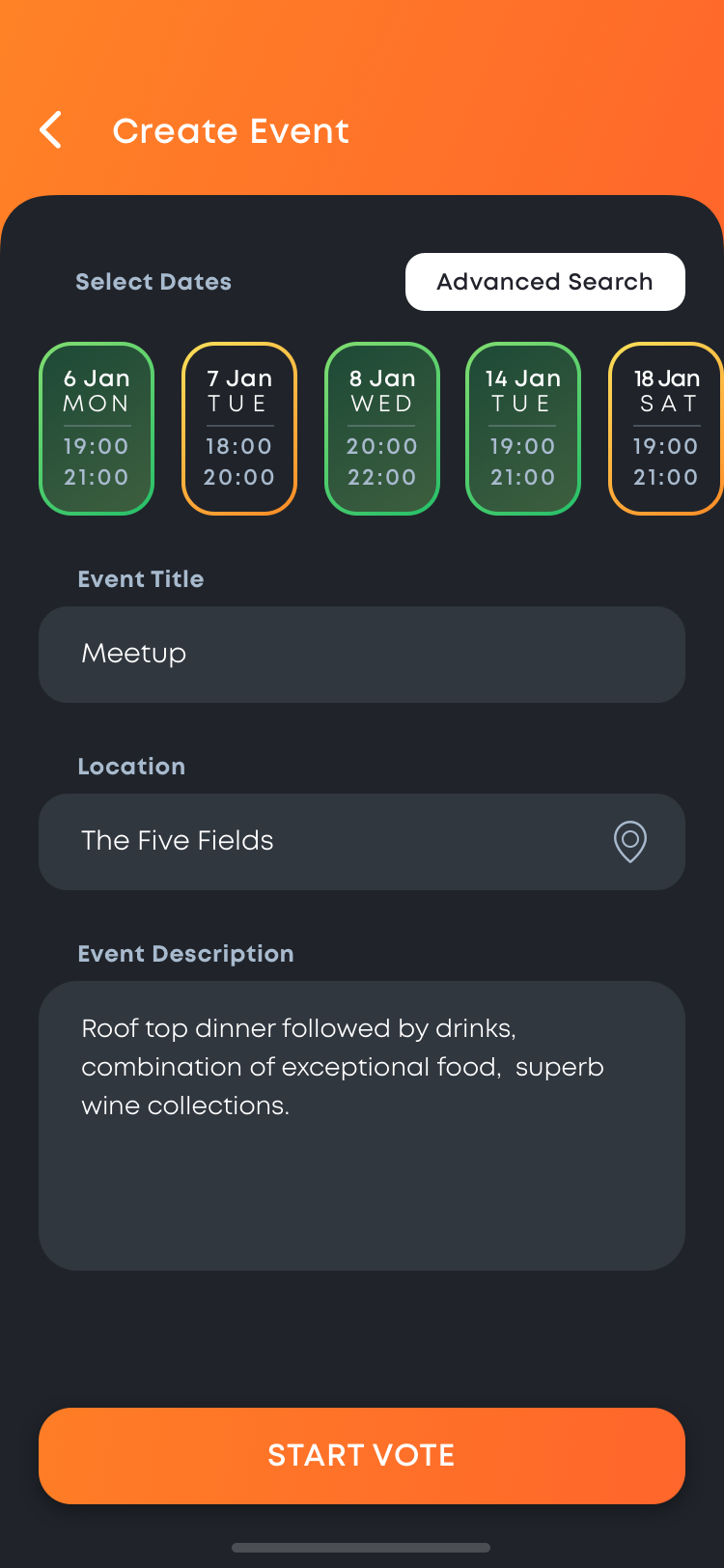 Select Date
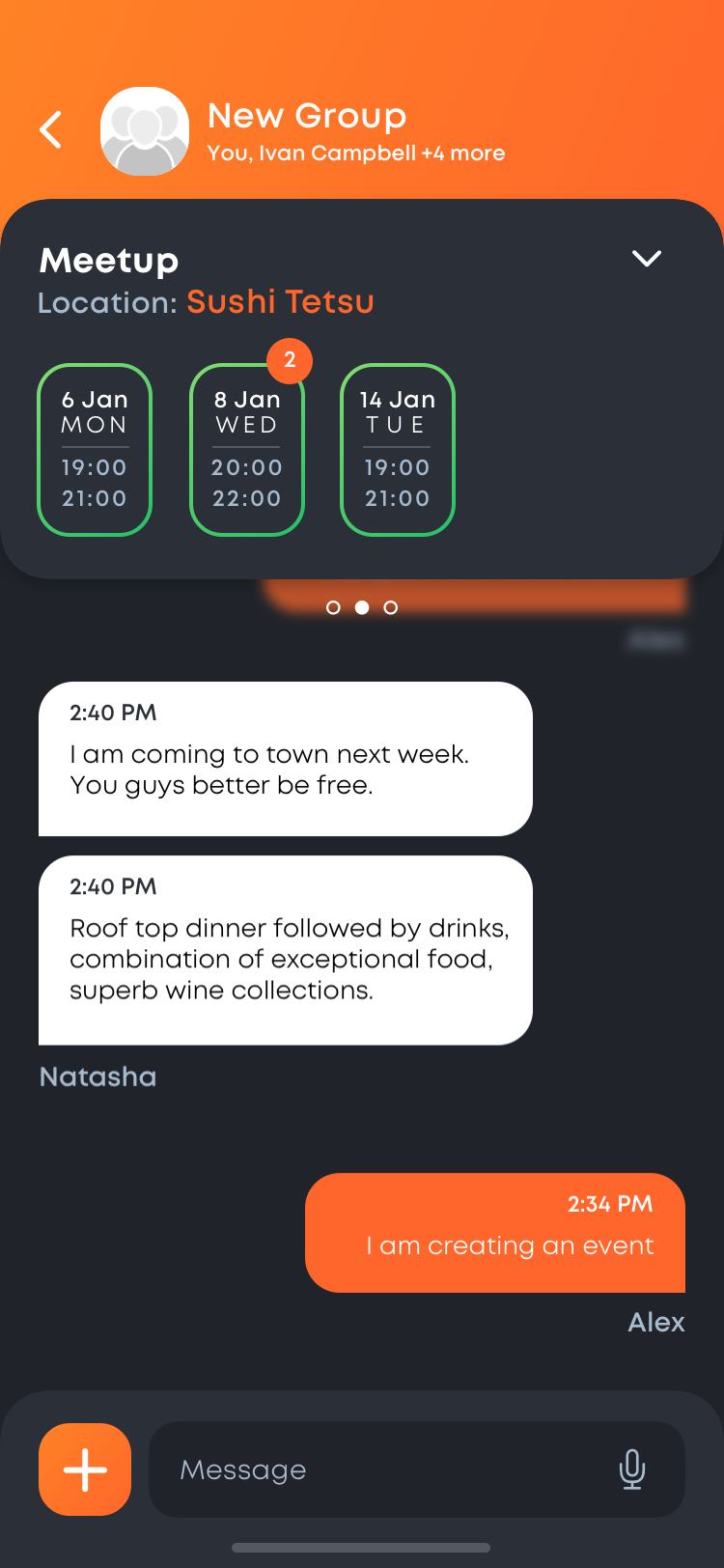 Group Vote
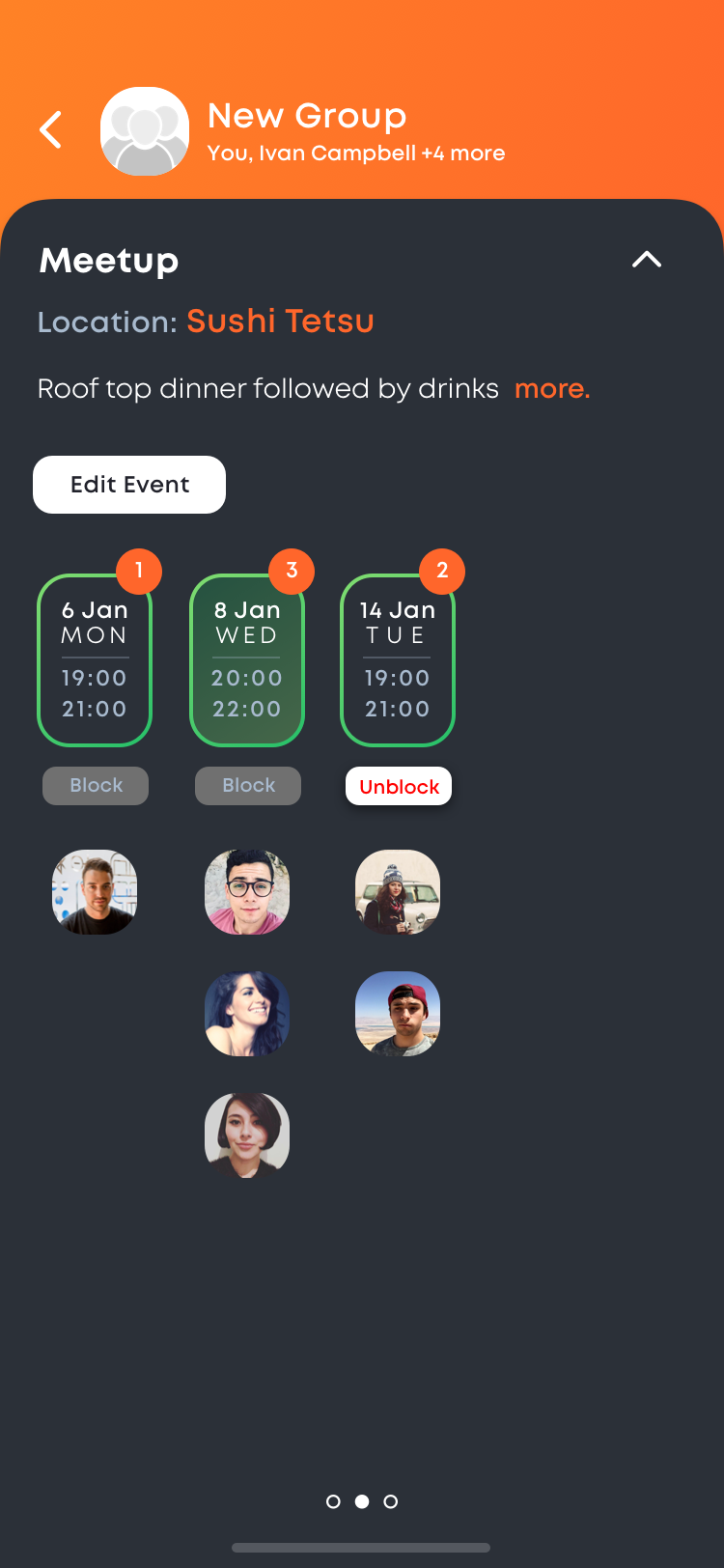 Group Vote Detail
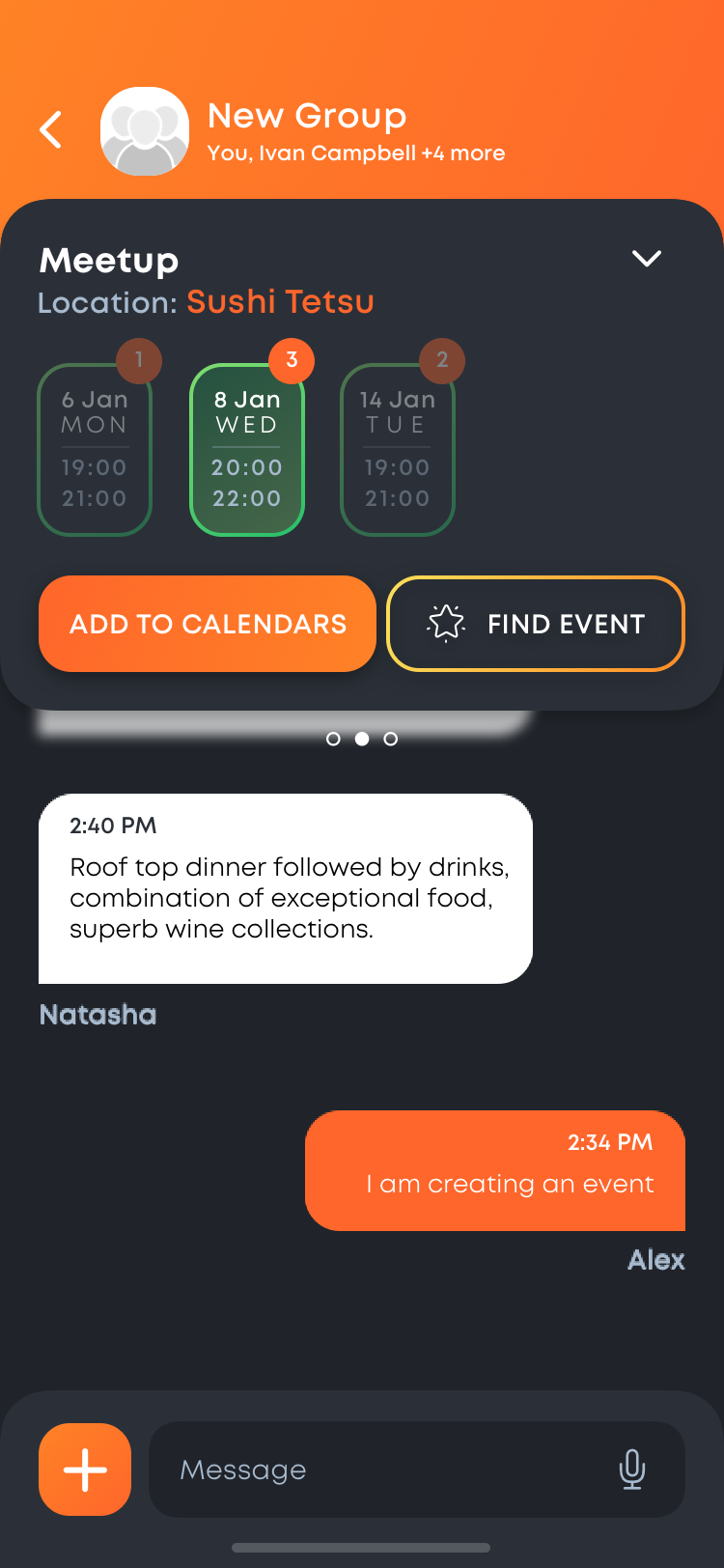 Vote Finalised
Userflow for Discover Restaurants & Table Booking
Dashboard or Navigation
Discover
Restaurant
Restaurant Filter
Restaurant Detail
Book Table
Create Event via Book Table
Add People
Finalise Event
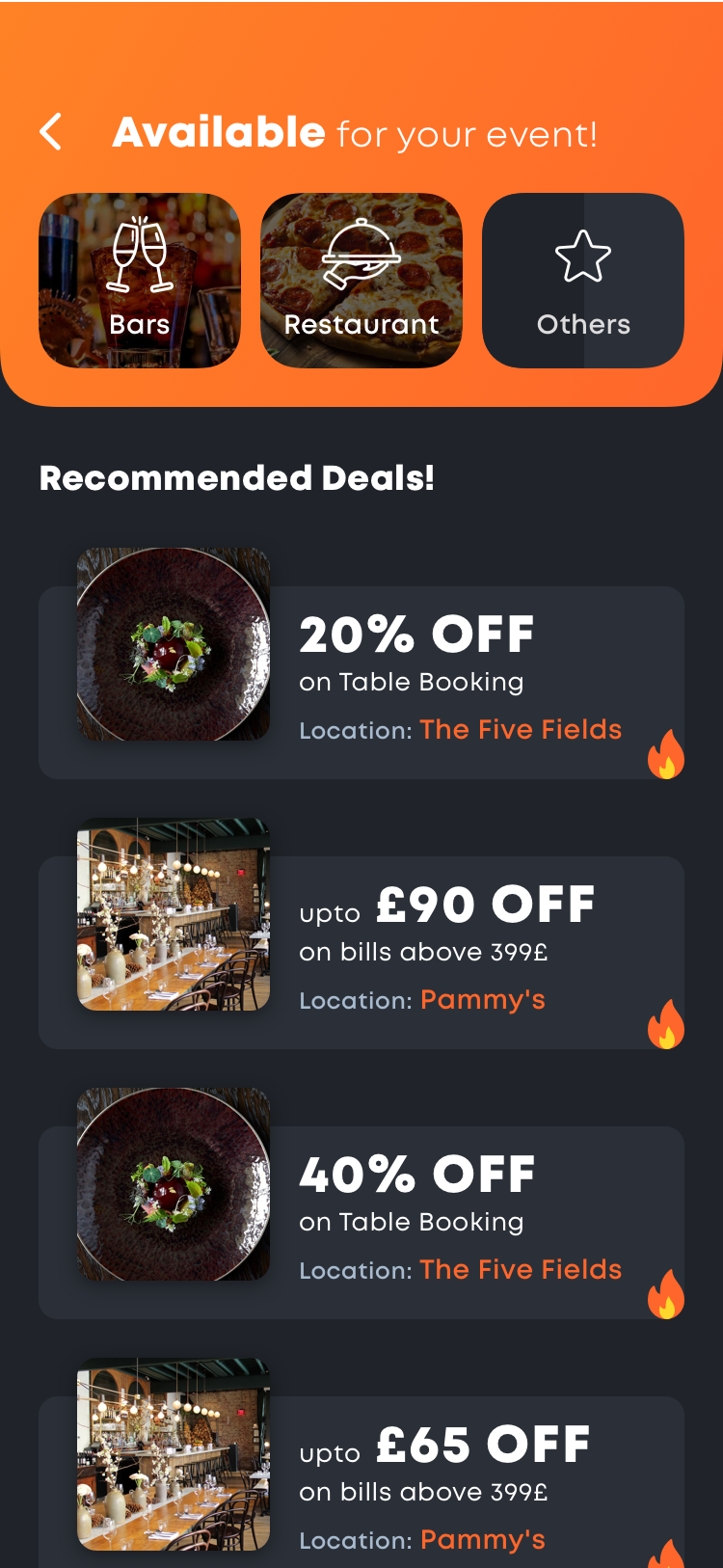 Discover
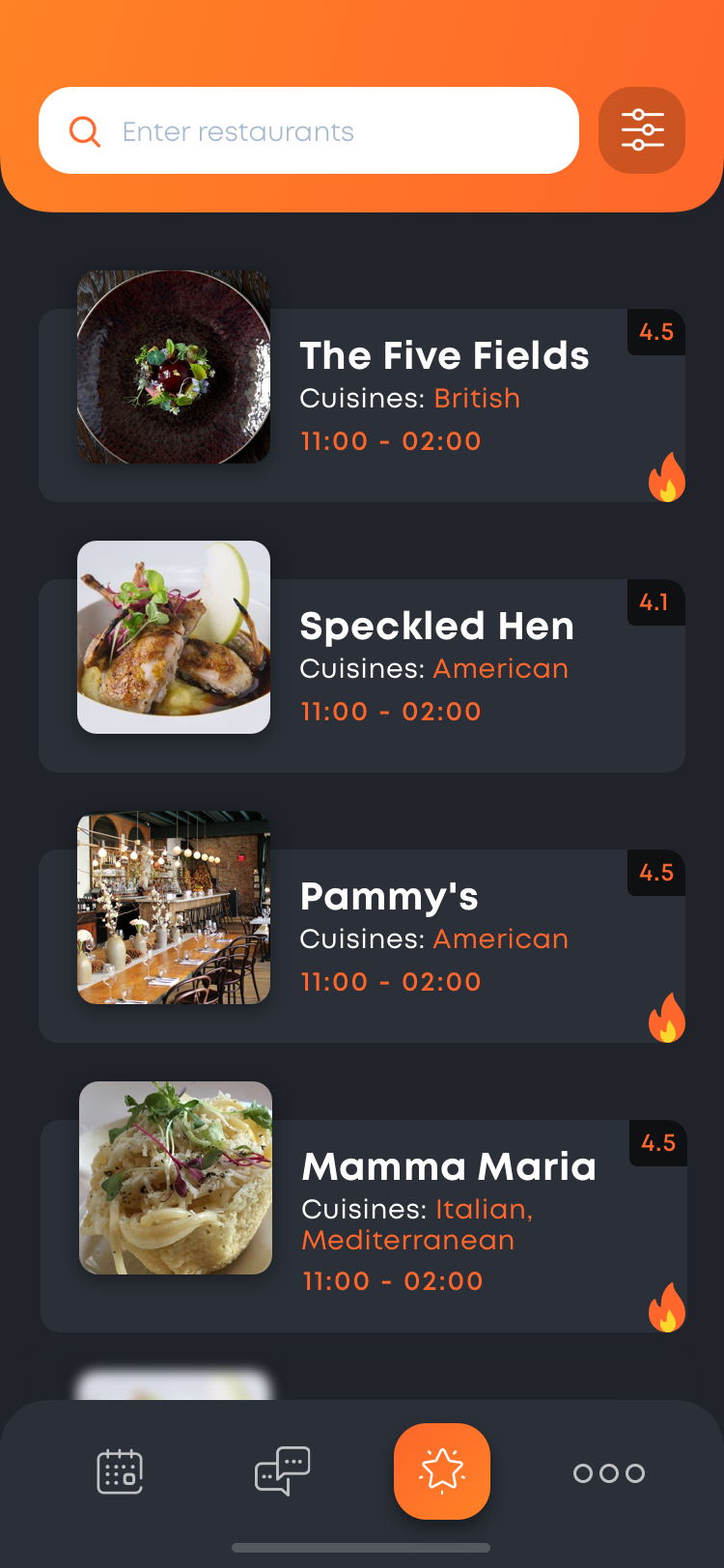 Restaurant List
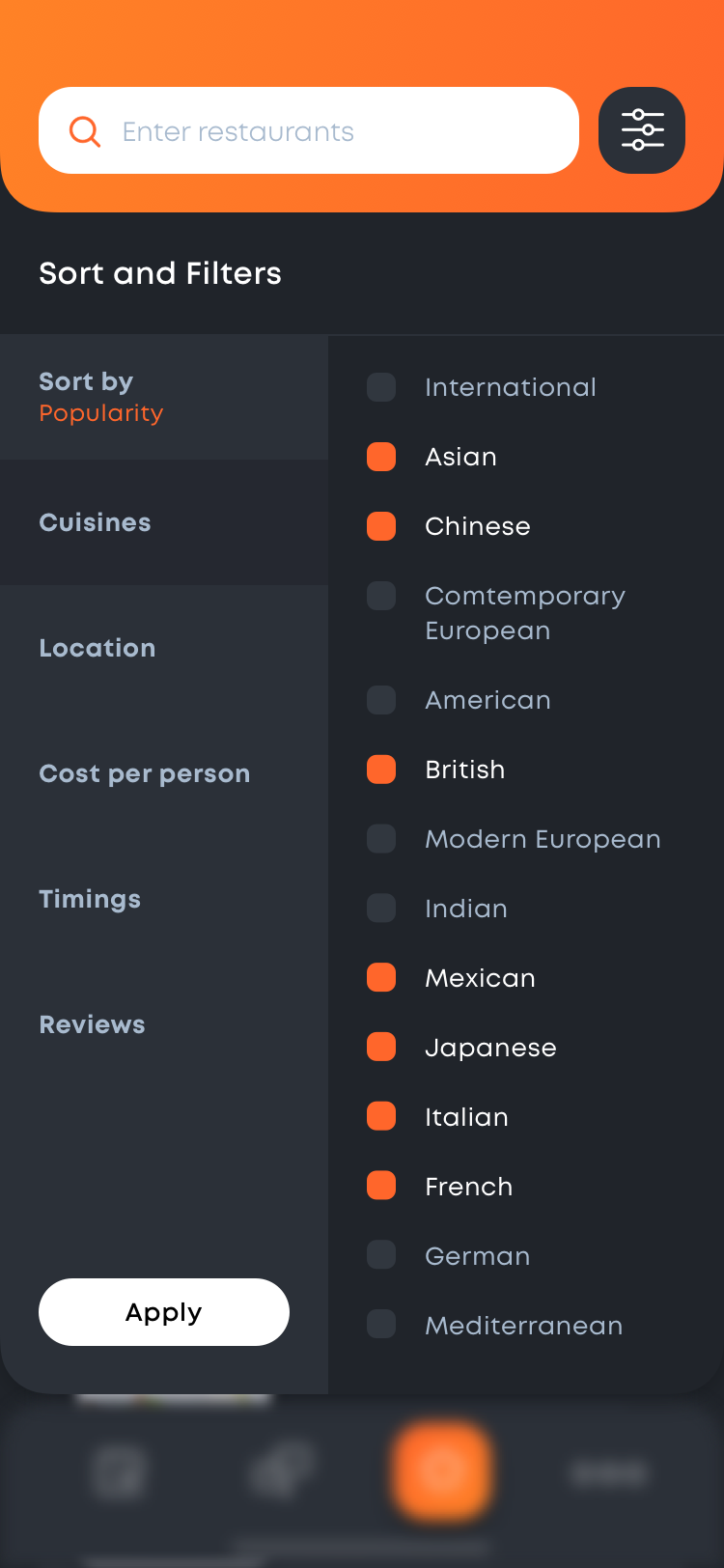 Restaurant Filter
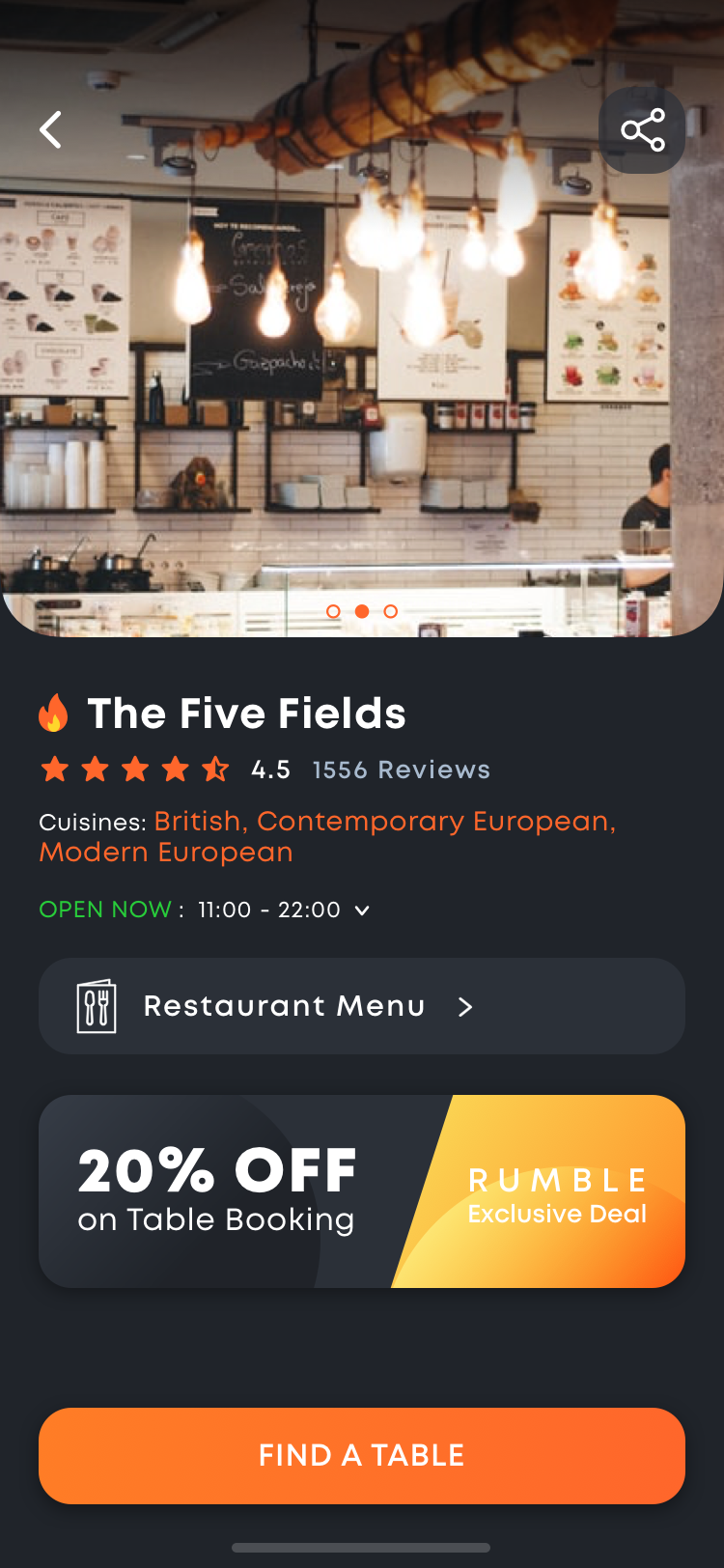 Restaurant Detail
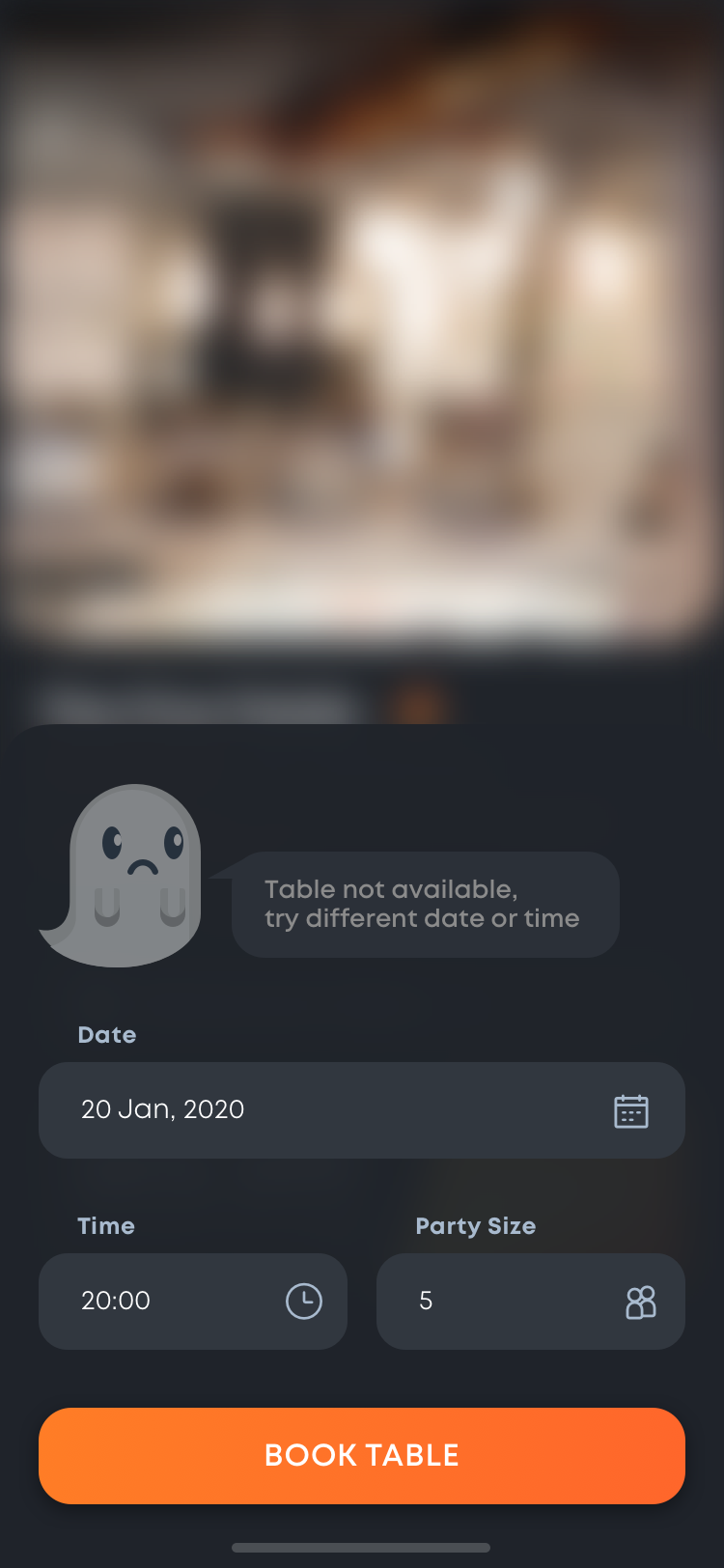 Book Table
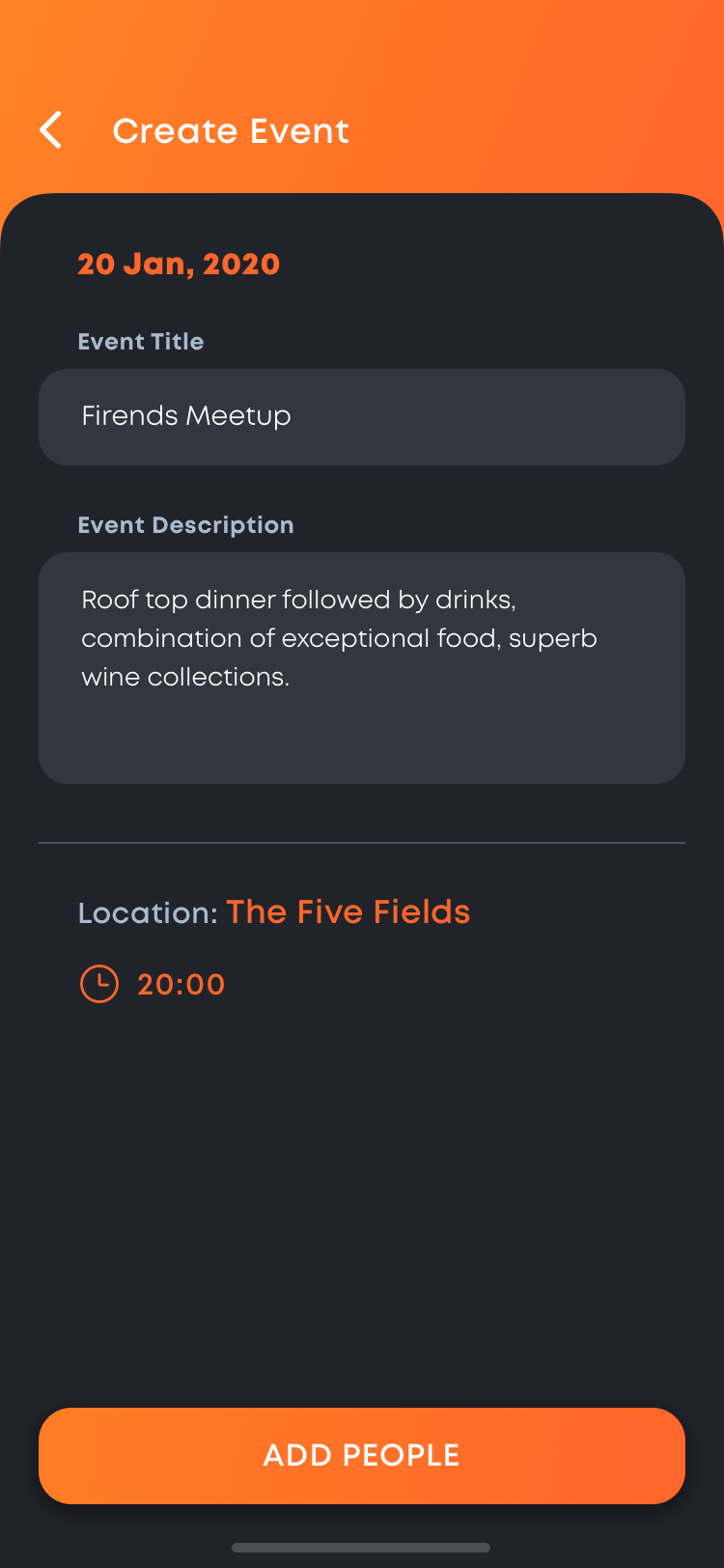 Create Event
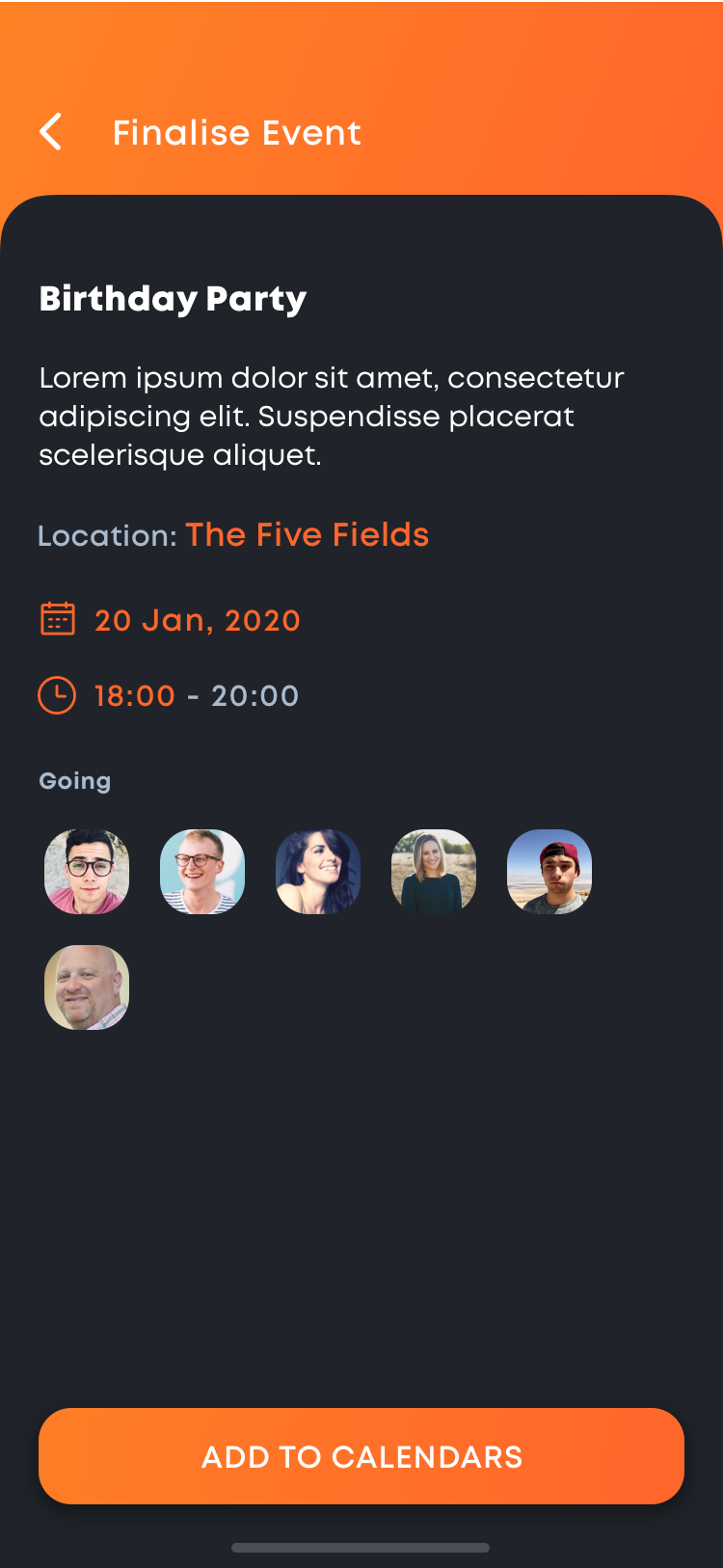 Finalise Event
Miscellaneous Screens
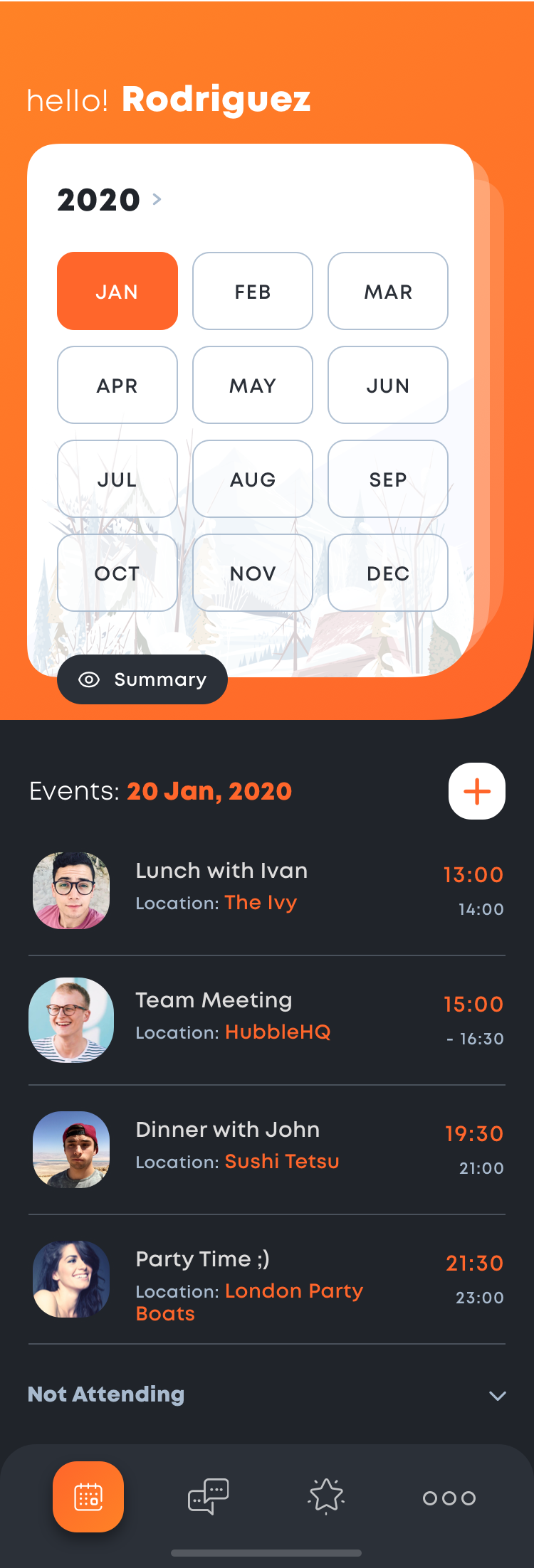 Calender Month Selector
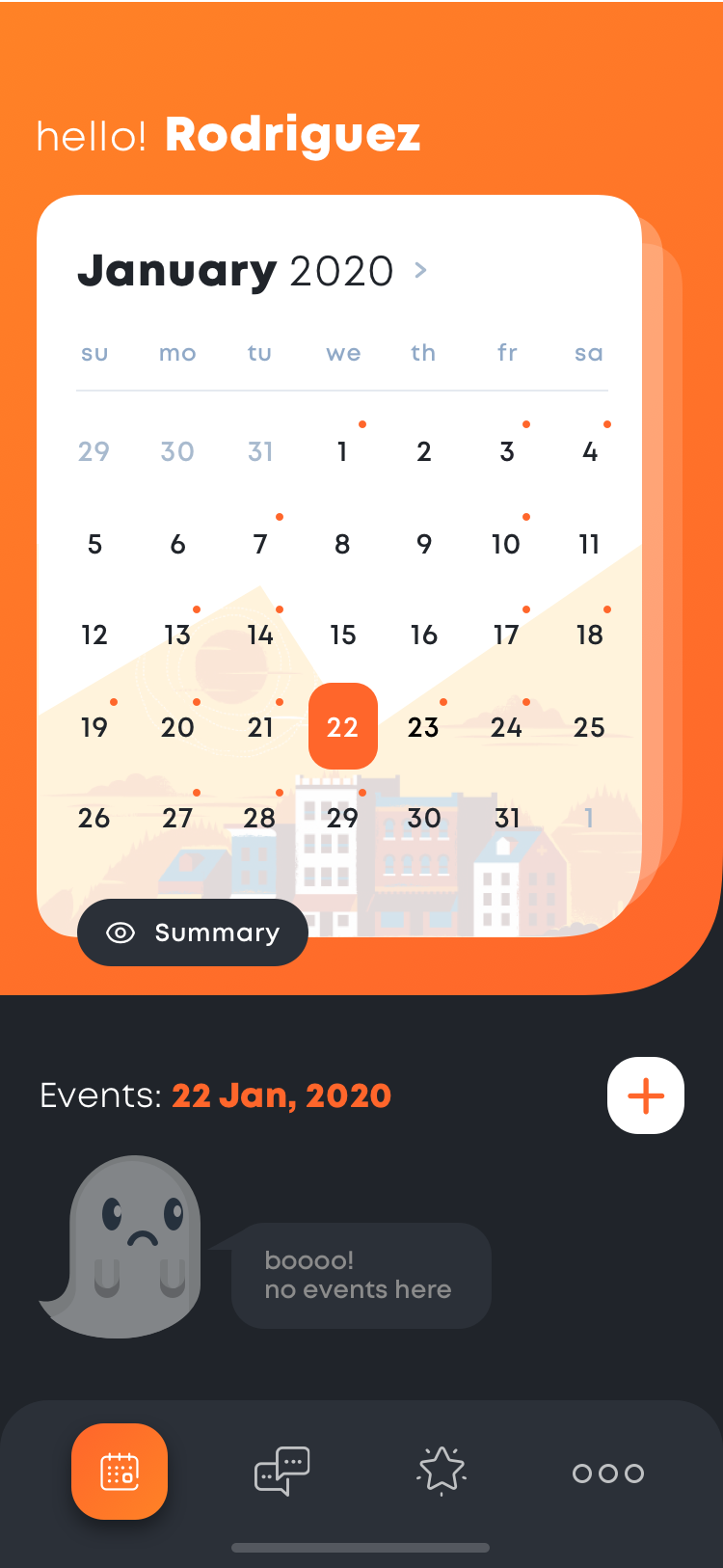 Calender No Event
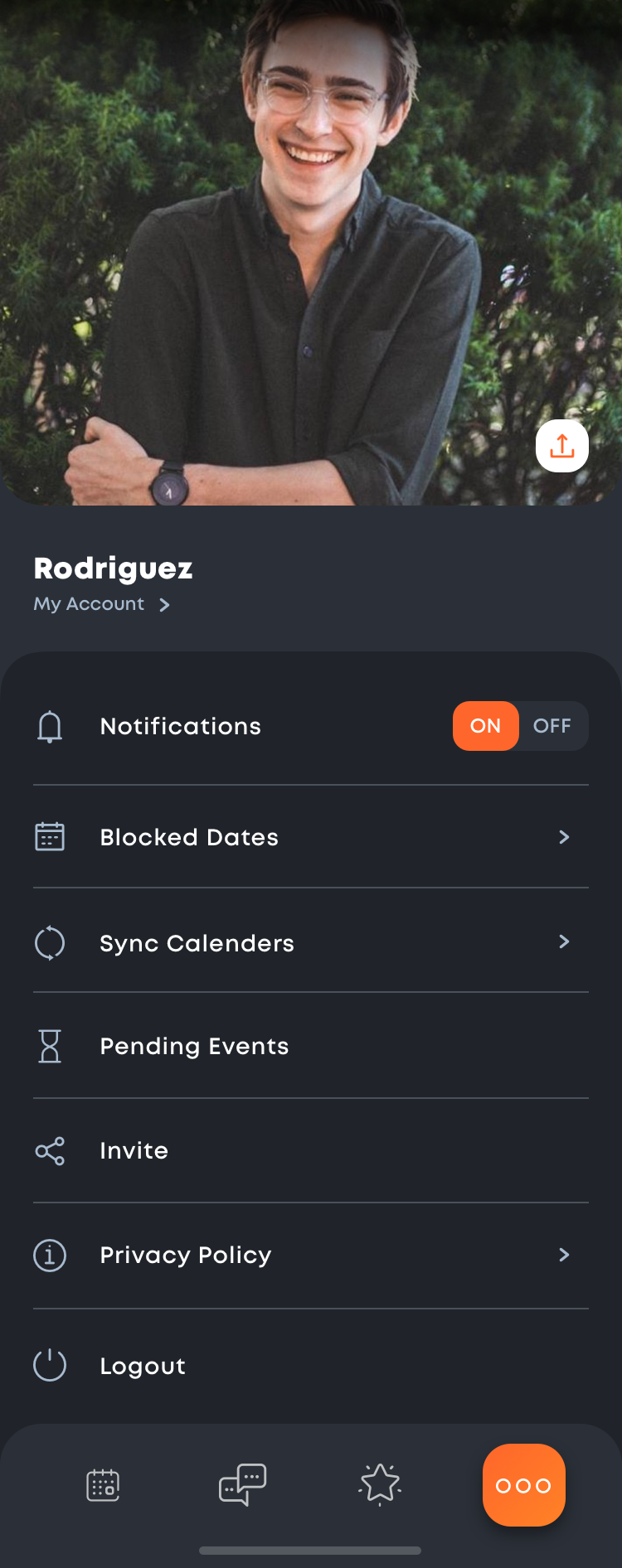 My Account
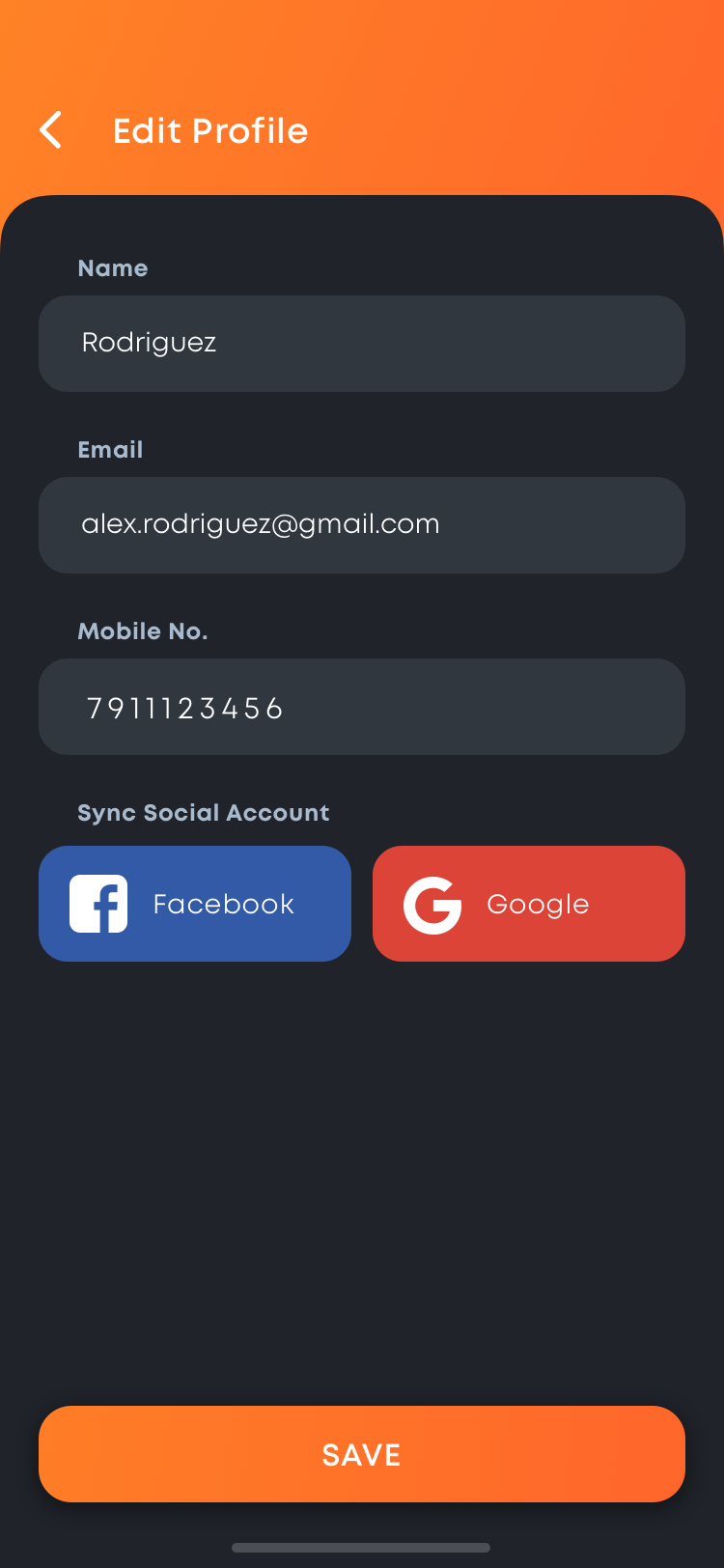 Edit Profile