Design Process

User Research

UI Design

Prototype

User Testing
Key Objective
TVS on the MyTvs app revolve around enhancing user experience, increasing customer engagement, and strengthening brand loyalty. MyTvs' primary aim is to ensure that the app provides a seamless and intuitive platform for users to access OBD features and services. By offering additional value-added services through the app, their aim is to drive higher levels of customer engagement and satisfaction, ultimately fostering stronger connections between TVS and its customers.
Additionally, TVS seek to broaden it's service offerings by integrating new features into the MyTvs app, catering to diverse customer needs and preferences. Through these efforts, TVS aims to drive business growth, leverage data insights for informed decision-making, and foster a culture of innovation within the organization.
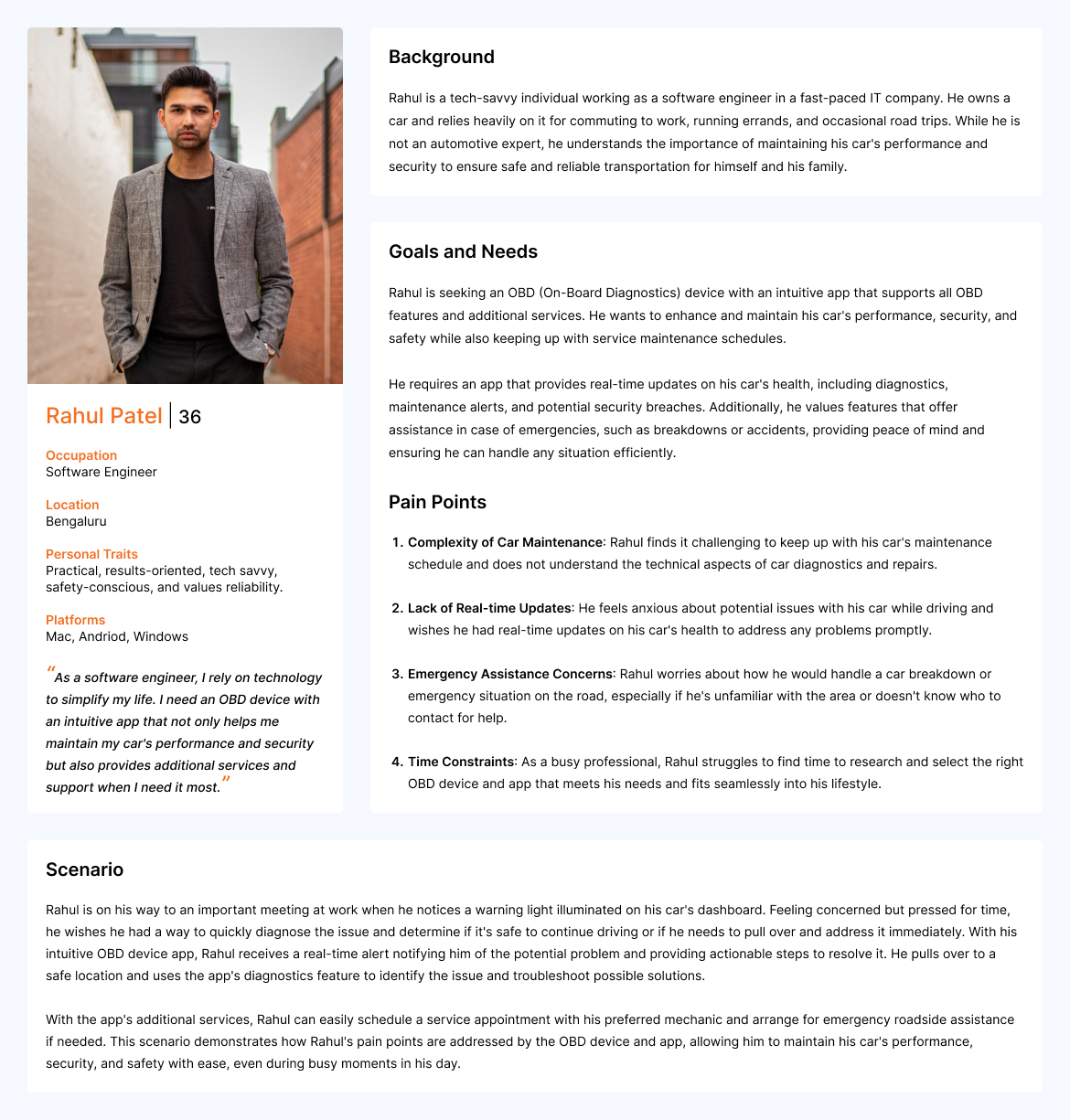
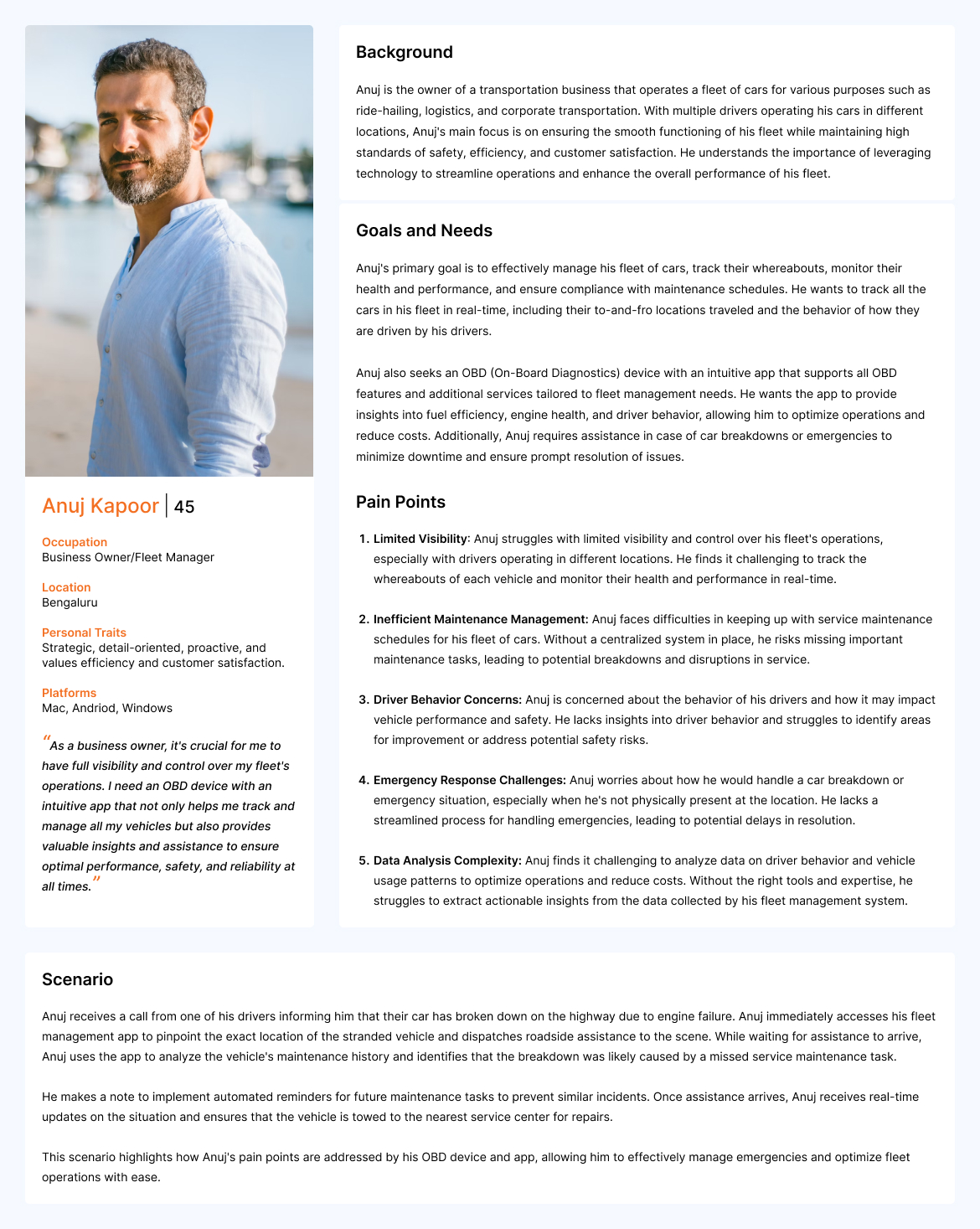
User Personas
Personal Car Owner
Fleet Manager
User Flow and UI Design
For Complete Working Prototype, please check the link > Prototype Link
Userflow for Sign In / Sign Up
Sign In Verify OTP Confirm OTP Dashboard
Sign Up Add Personal Info Verify Mobile Number Add Vehicle Details Add Vehicle Registration and Insurance Add OBS Installation Address Book OBD Installation Time Installation Confirmation
 Splash Screen
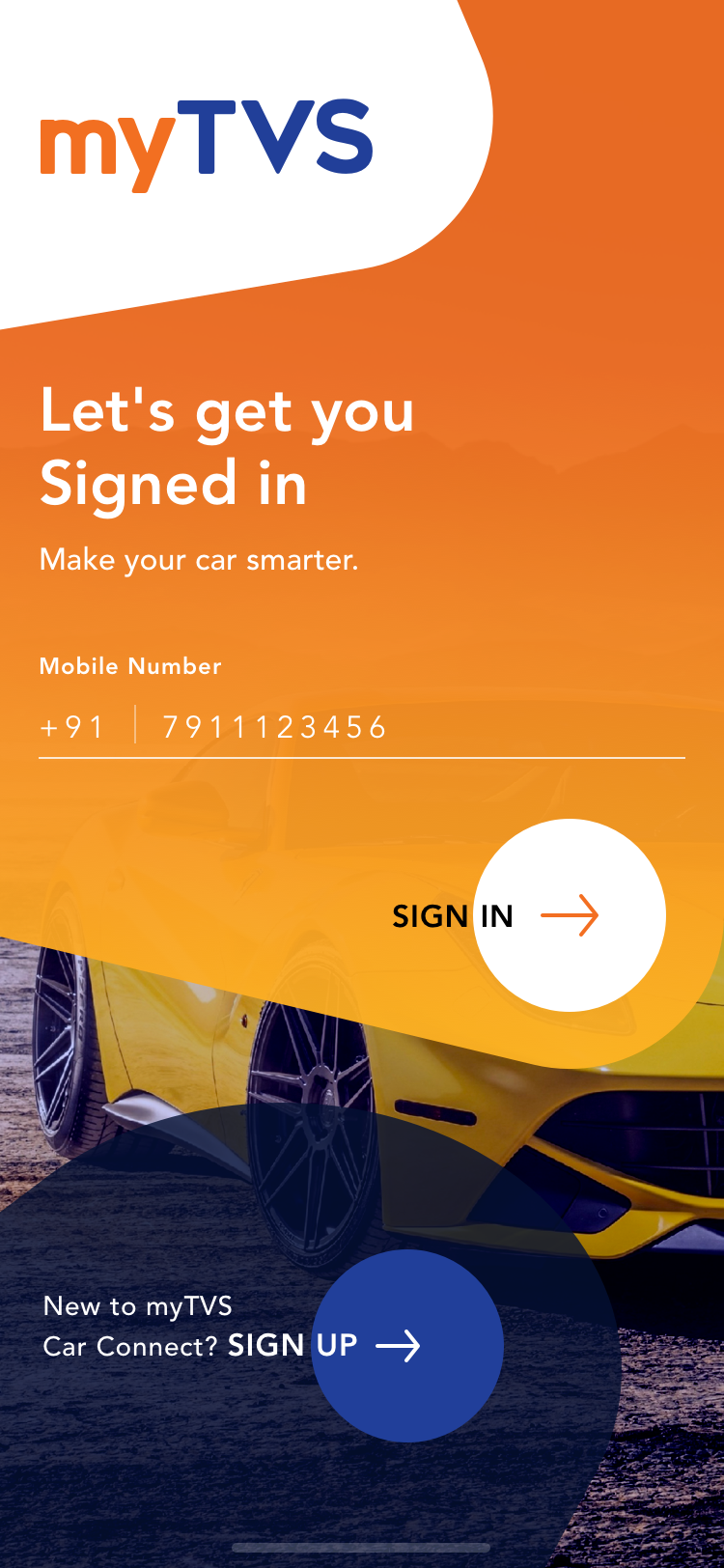 Sign In / Sign Up
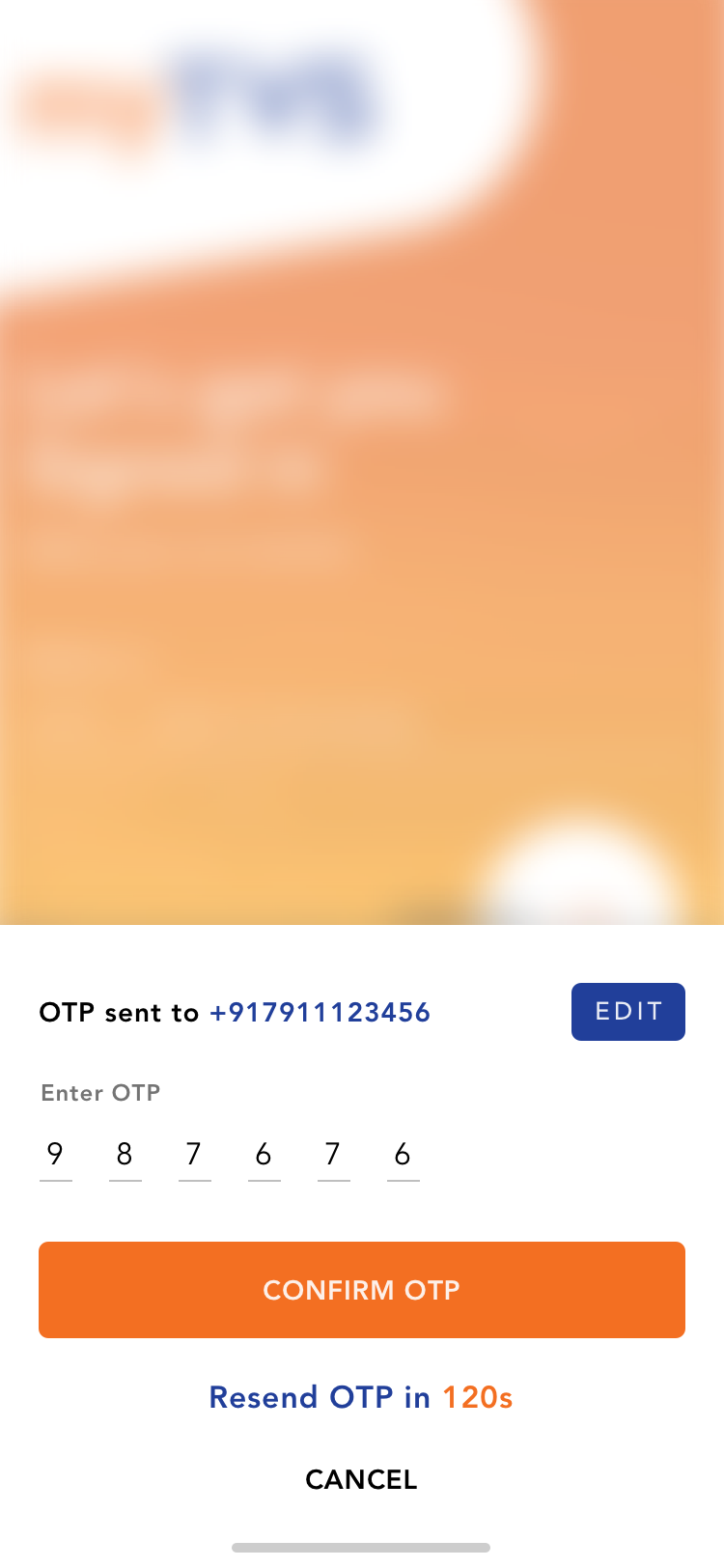 Login OTP
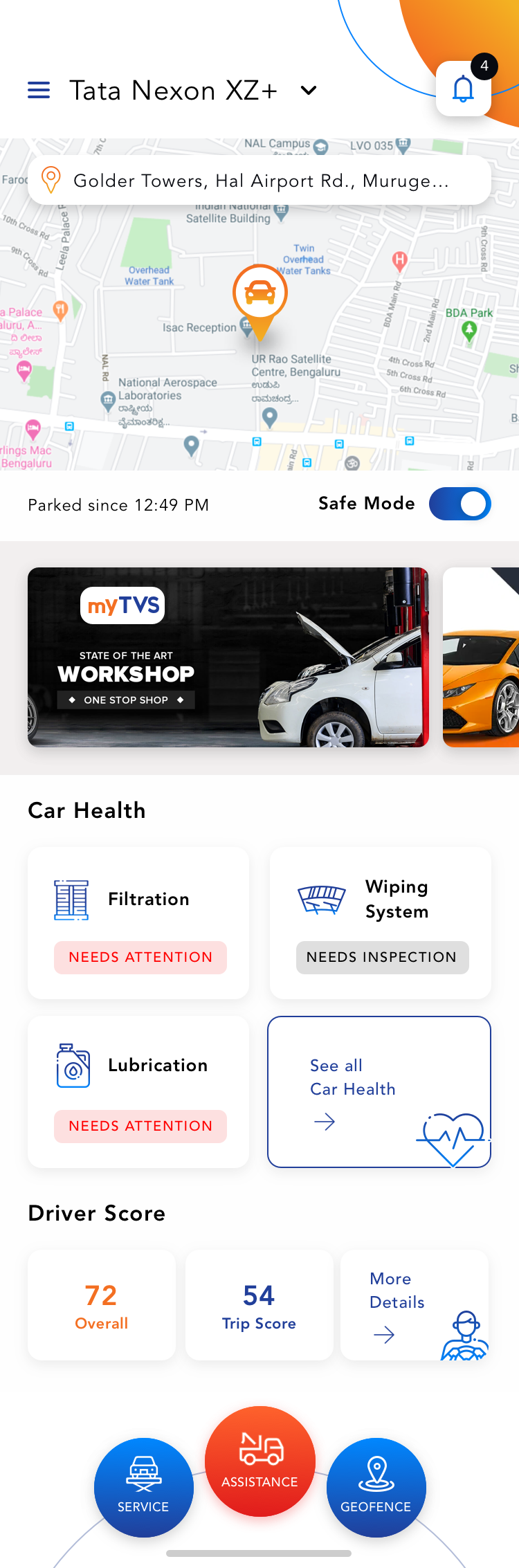 Dashboard
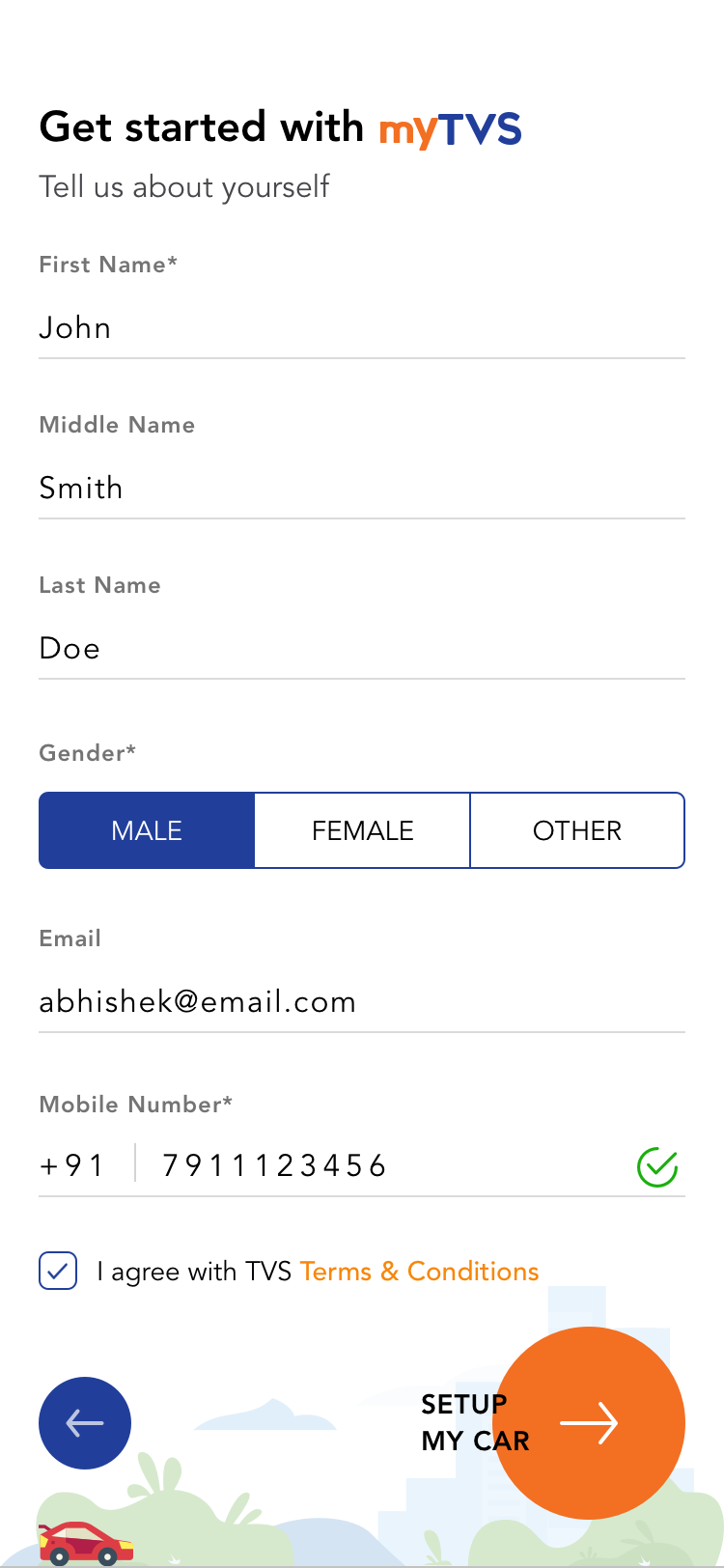 Sign Up - Get Started
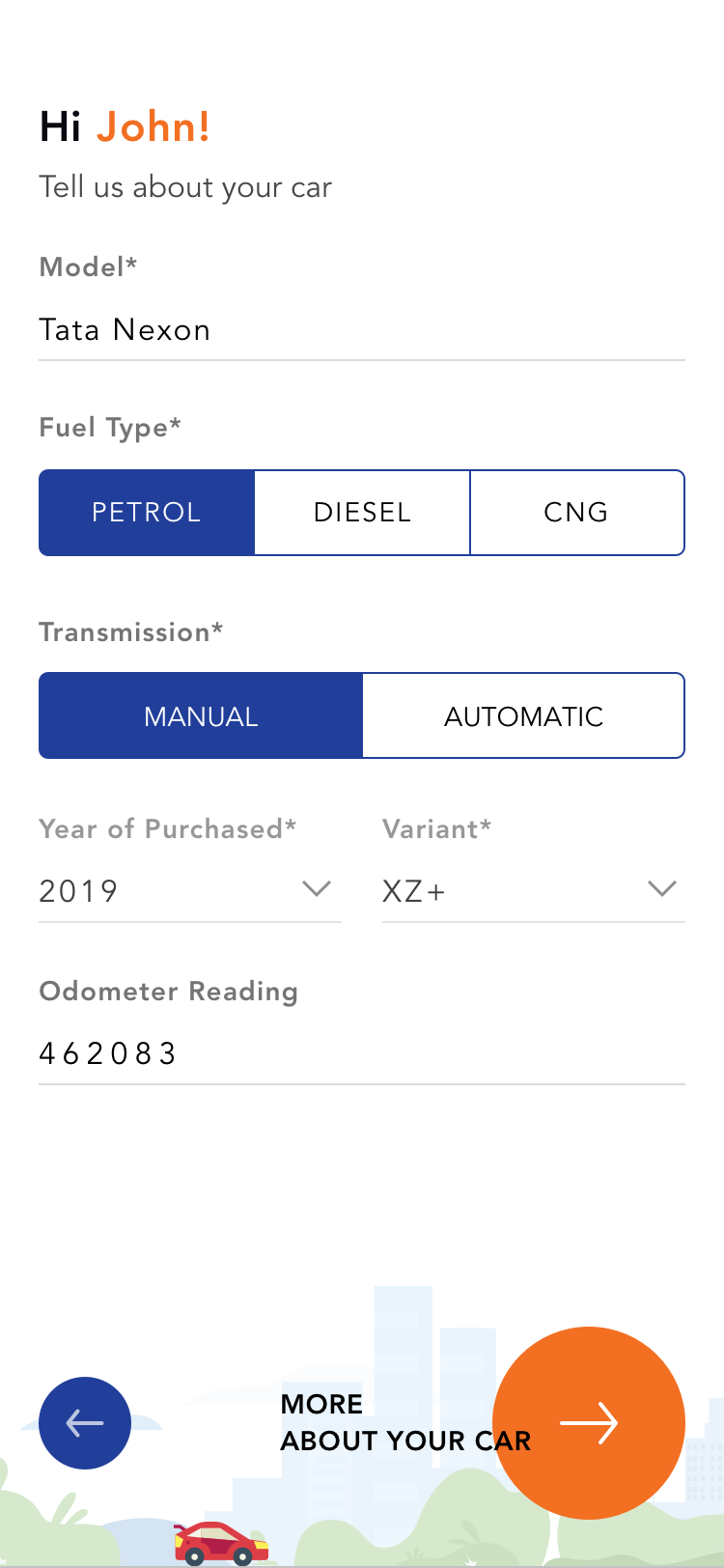 Vehicle Setup
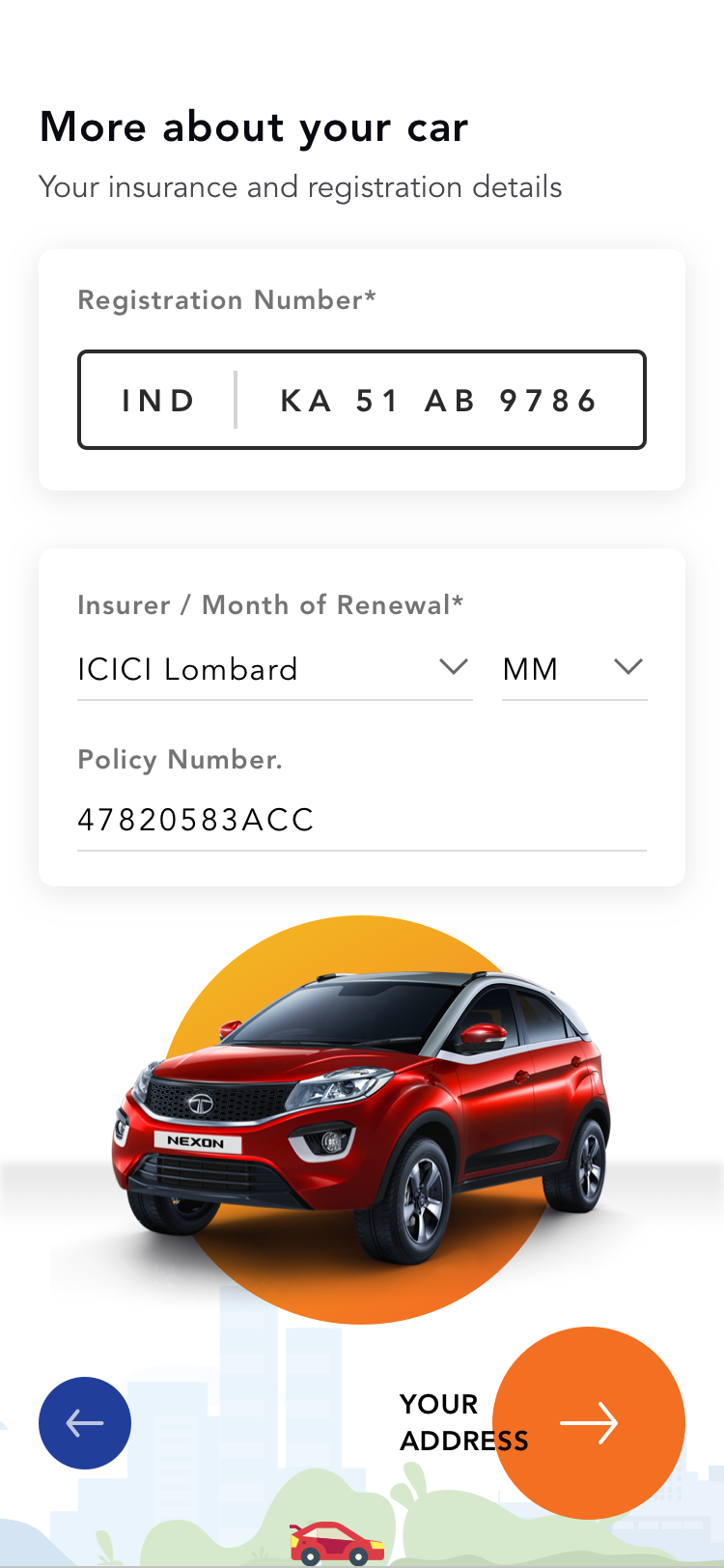 Additional Info
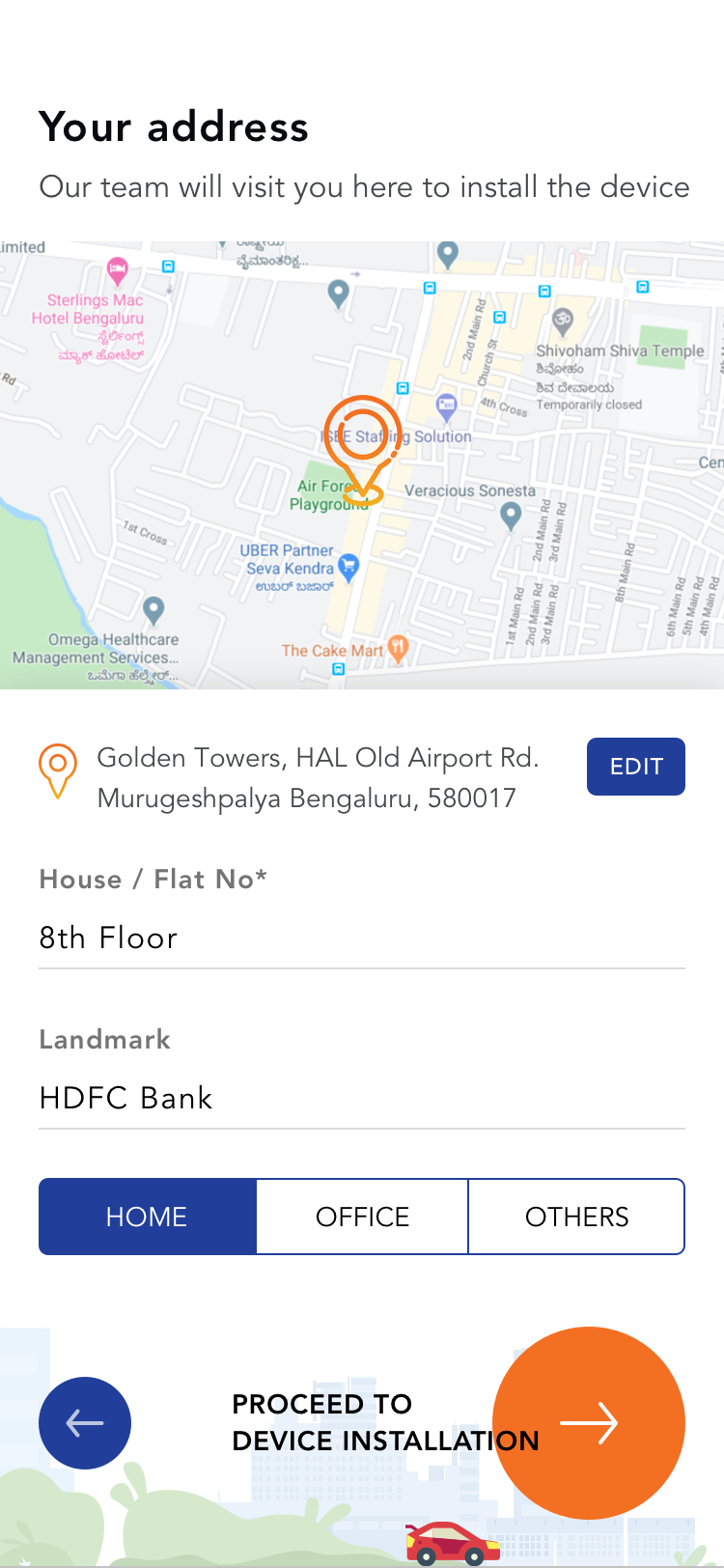 Address
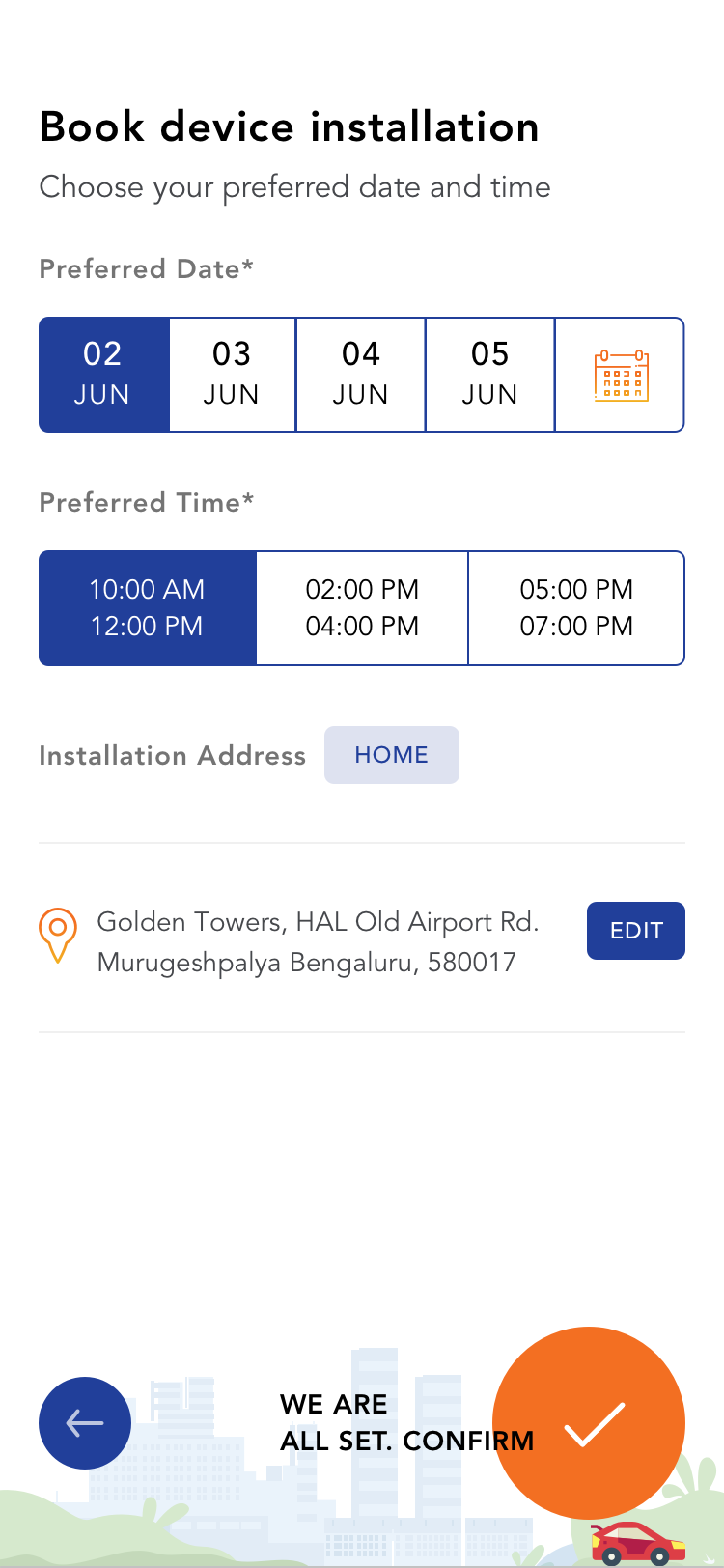 Book OBD Installation
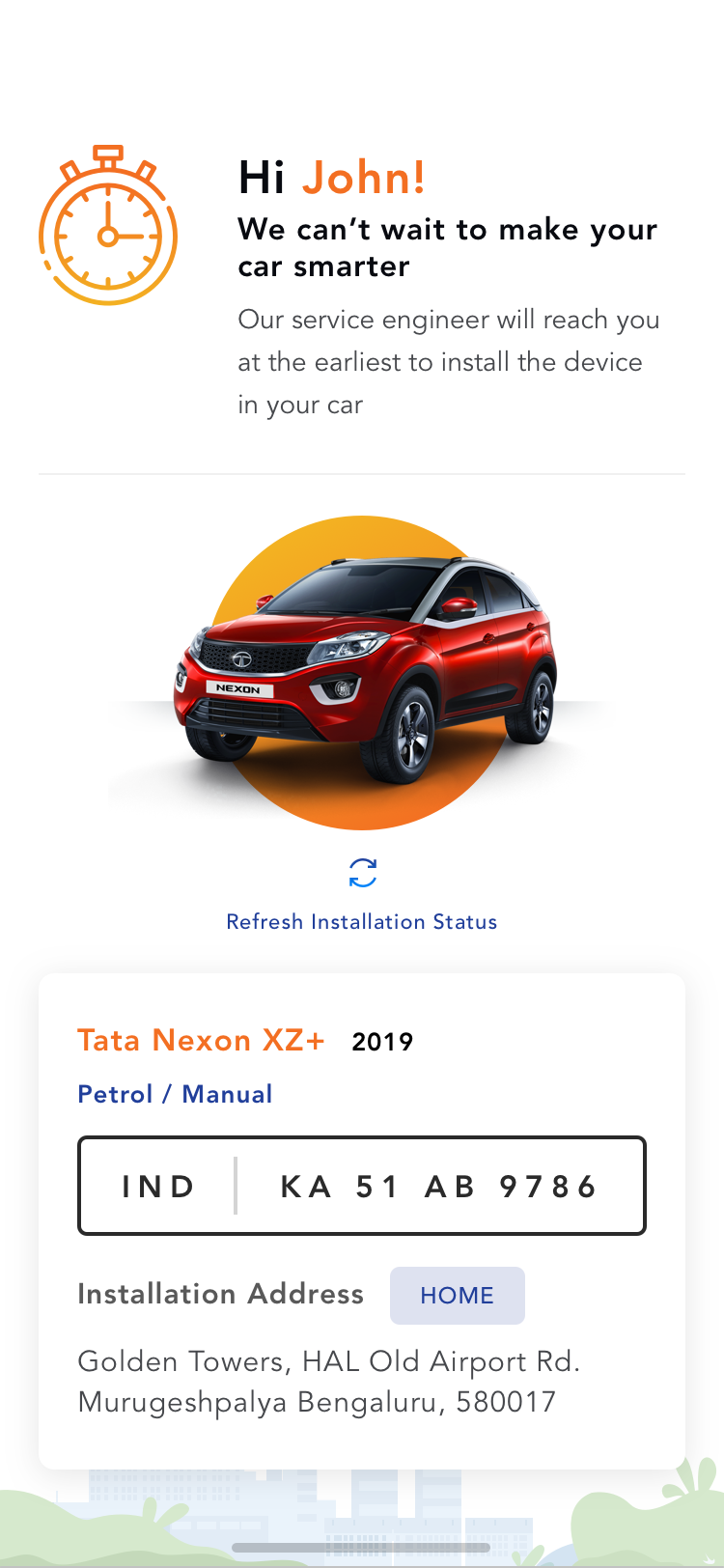 Installation Confirmation
Userflow for Request Road Side Assistance
Select Assistance Type (Accident) Auto Detect Location Confirm Request Request in Progress Request Accepted
Call Assistance Team when No Internet
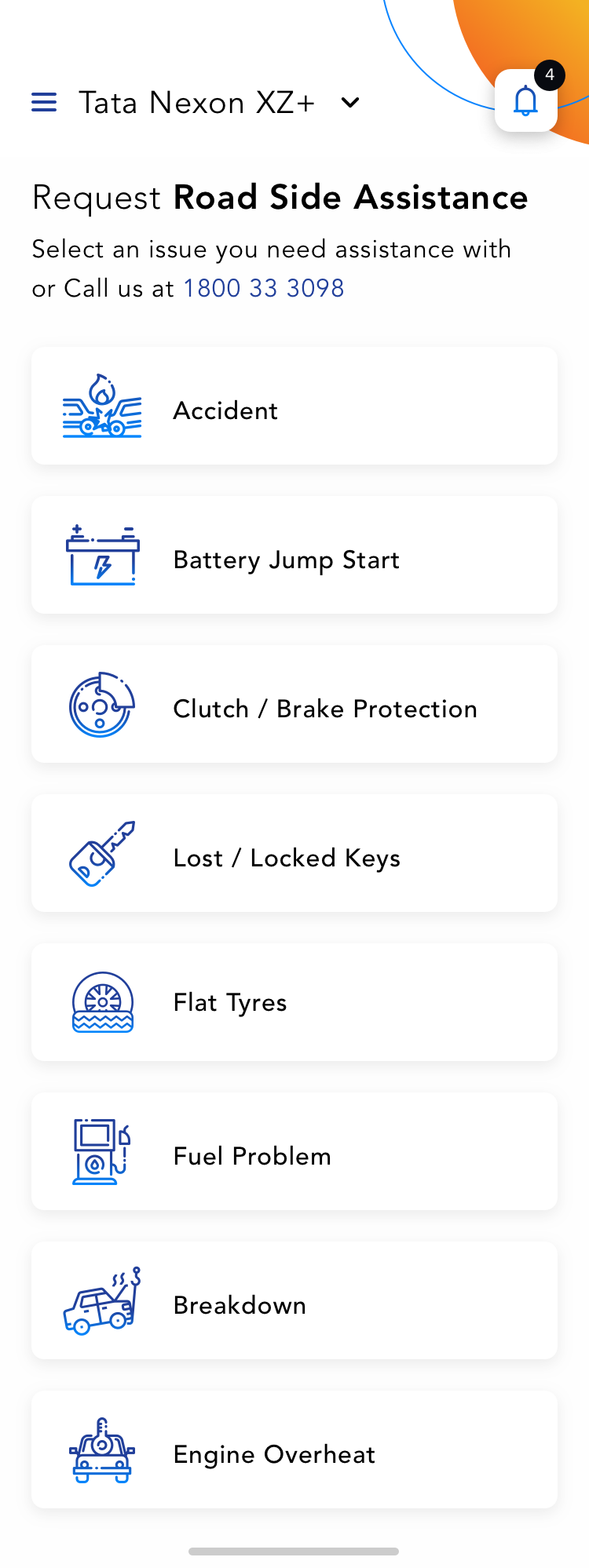 RSA Reason List
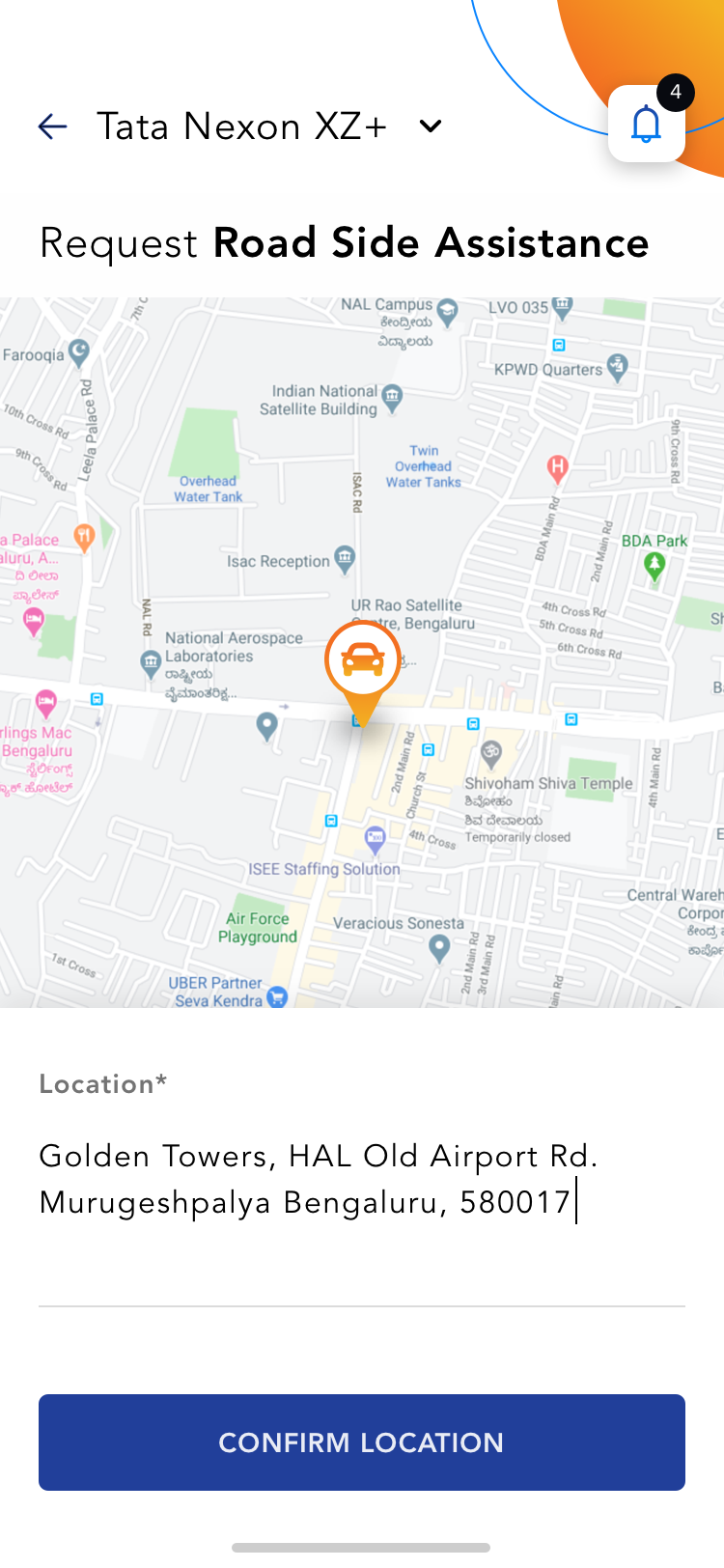 RSA Location Detection
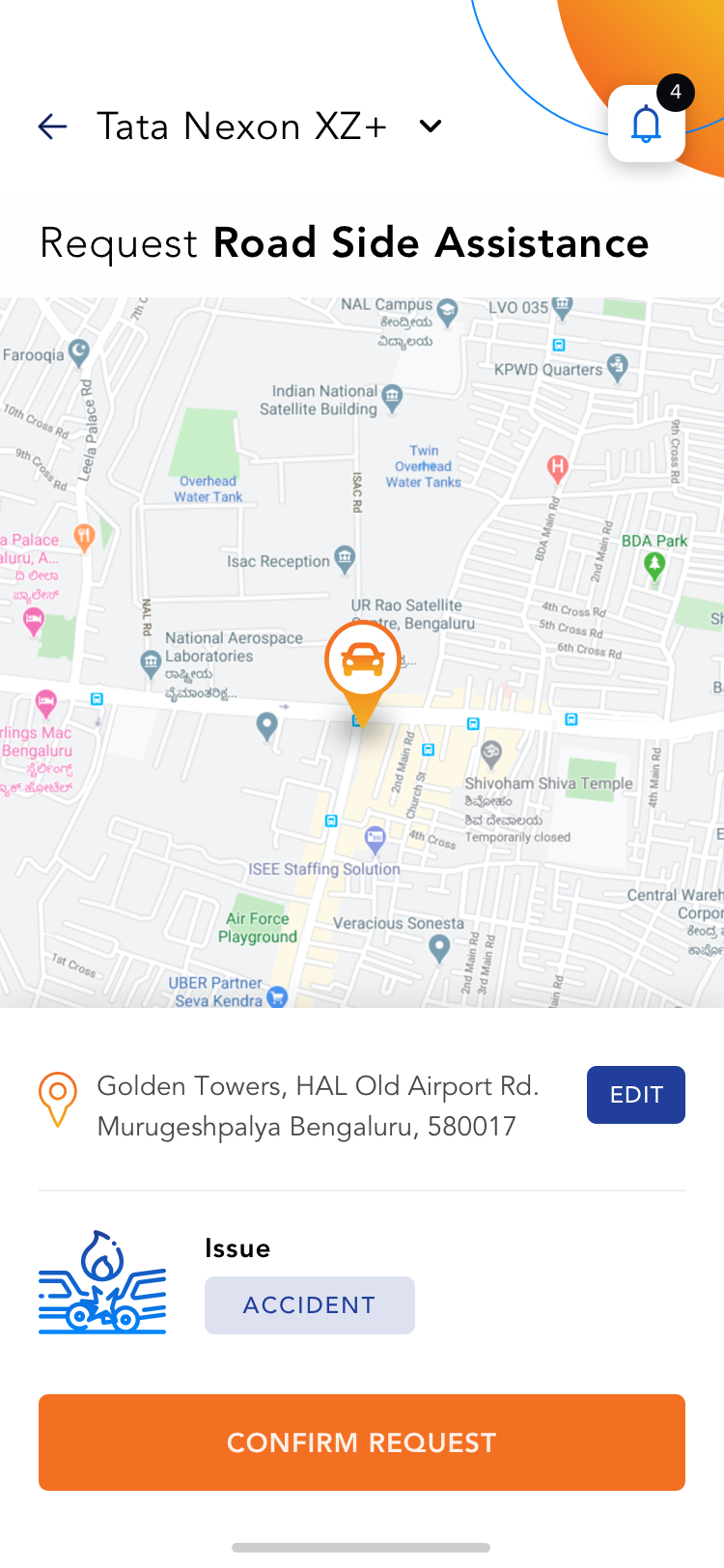 Accident Type RSA
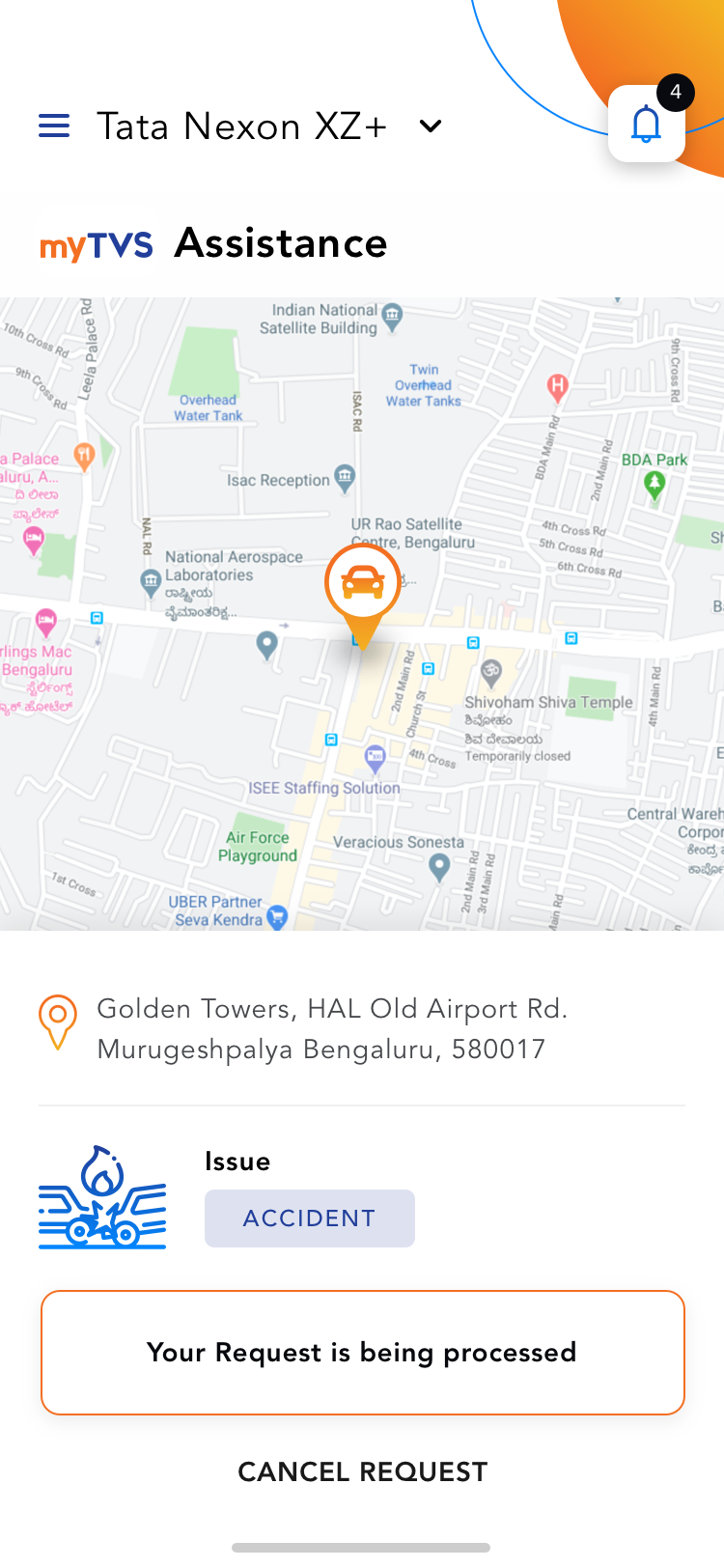 Request In Progress
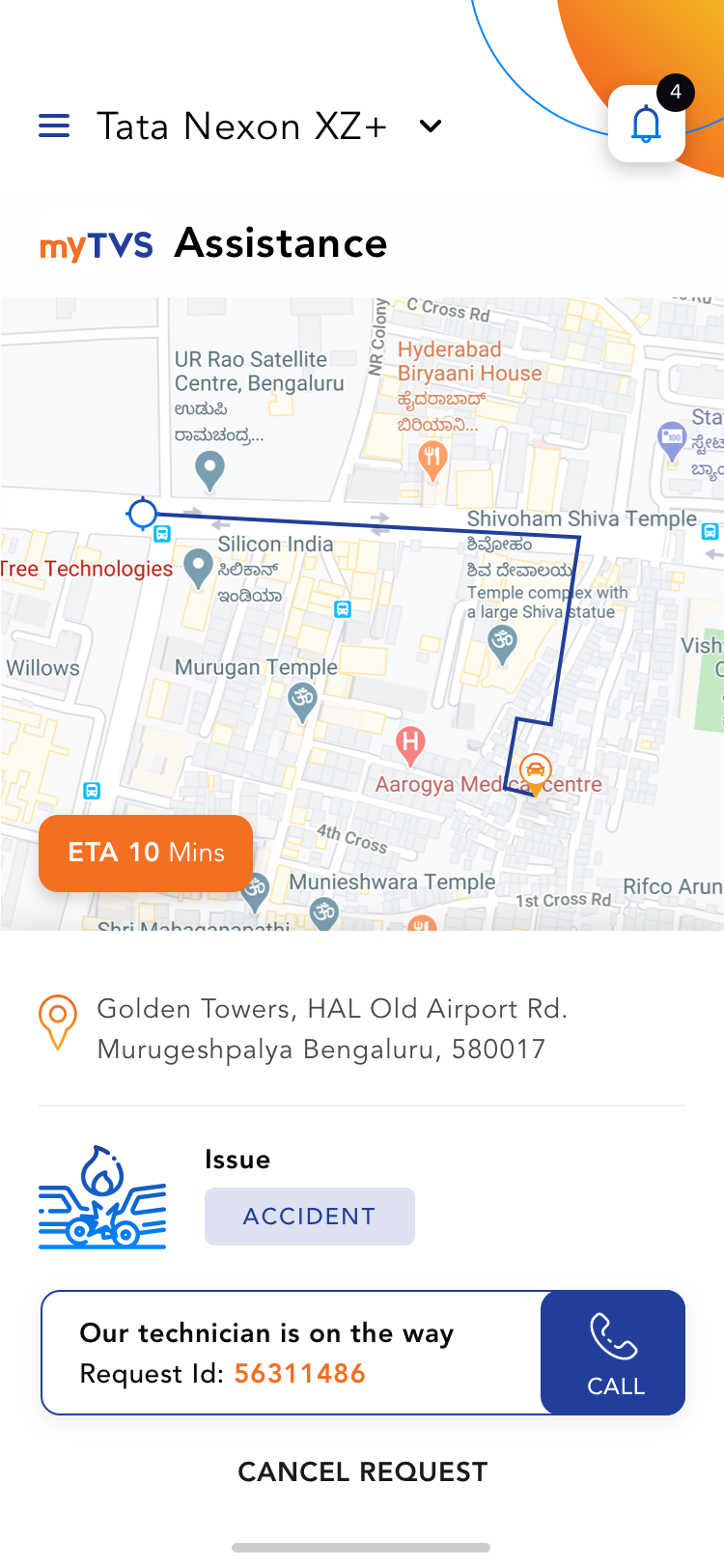 Request Confirmation
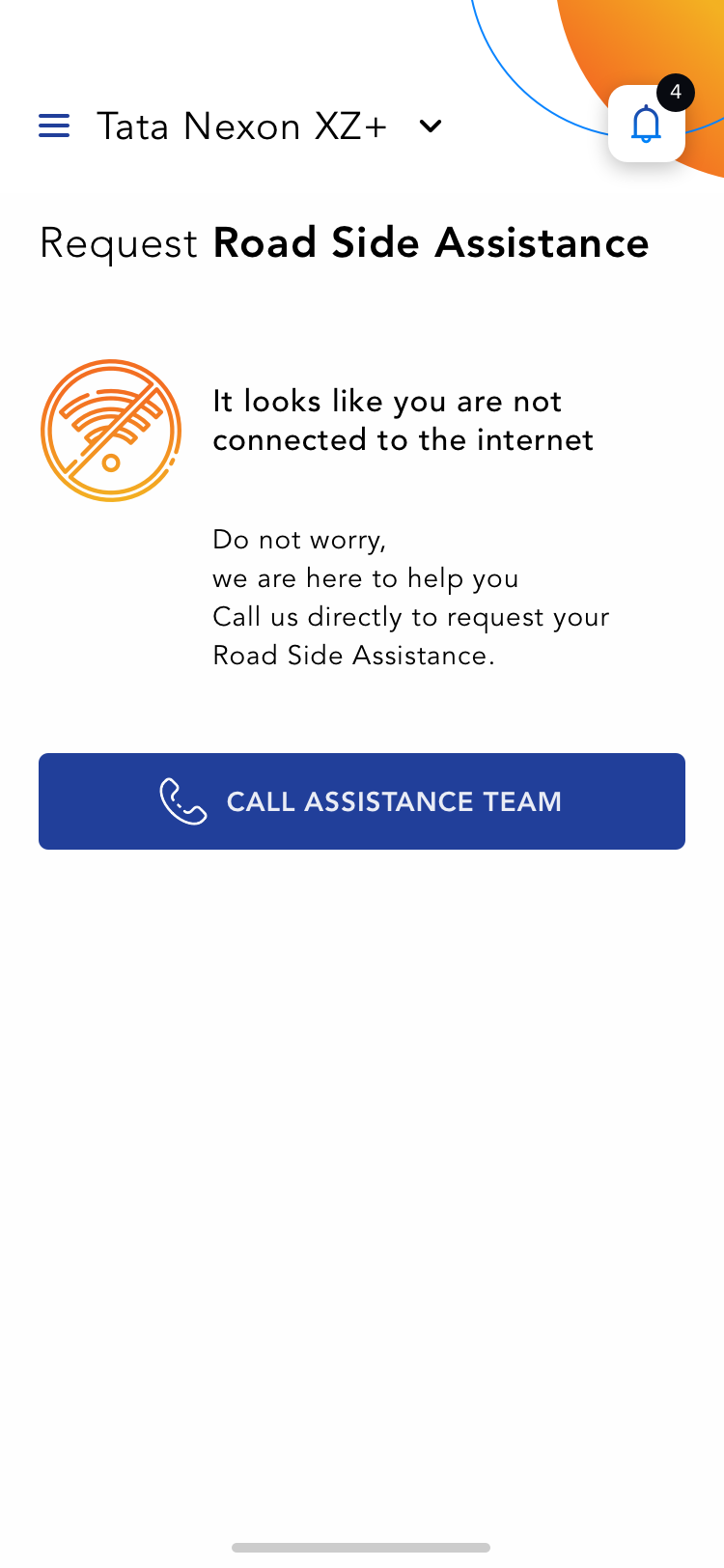 RSA Request with no Internet
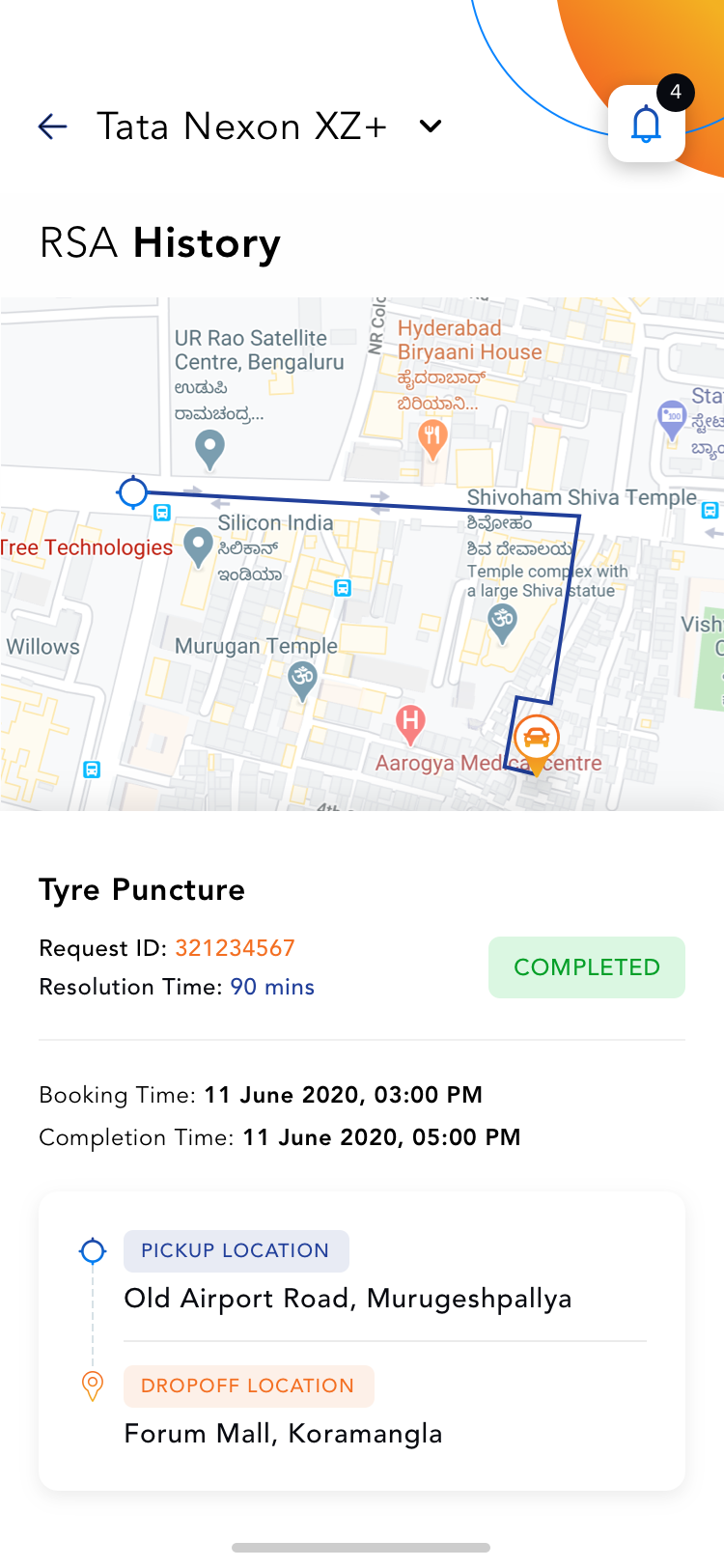 RSA History
Userflow for Service Request
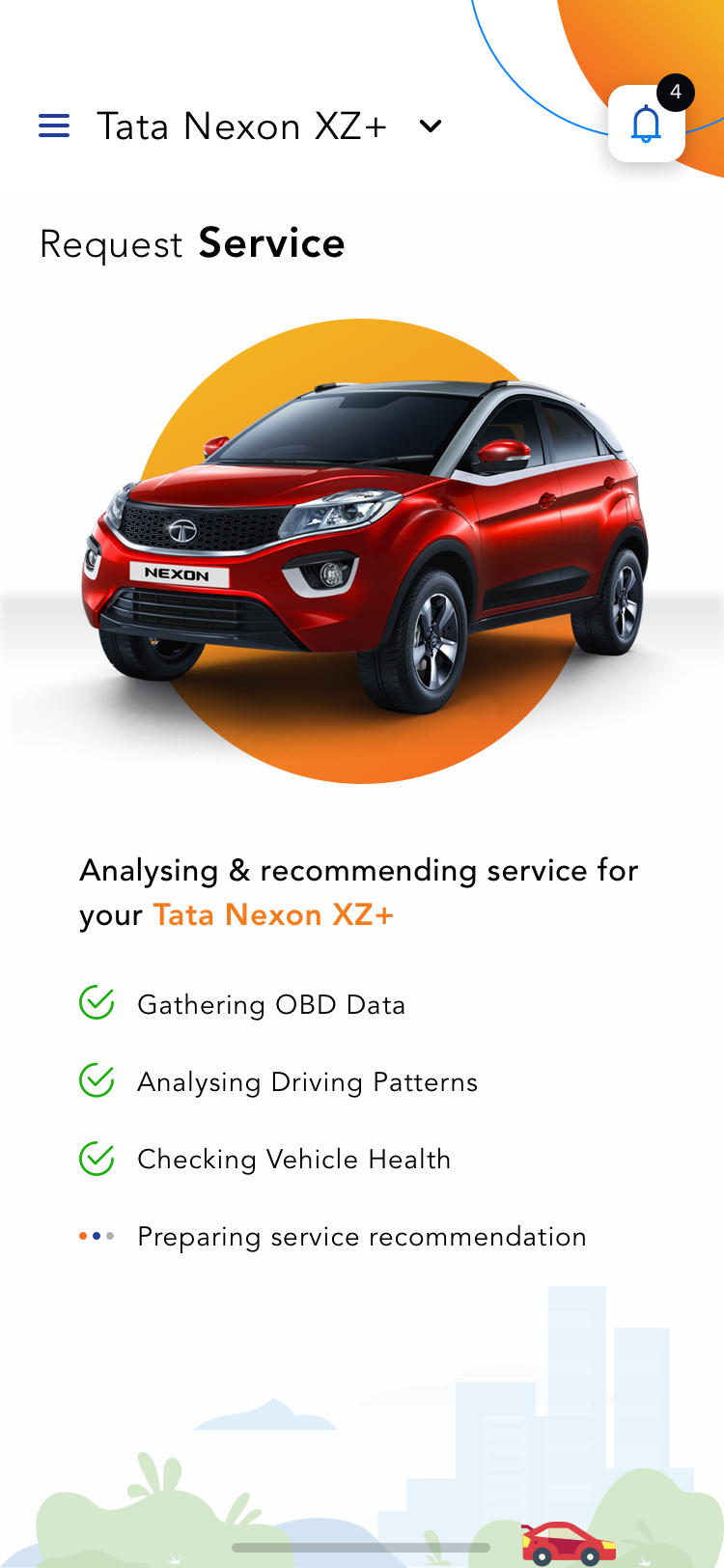 OBD Processing
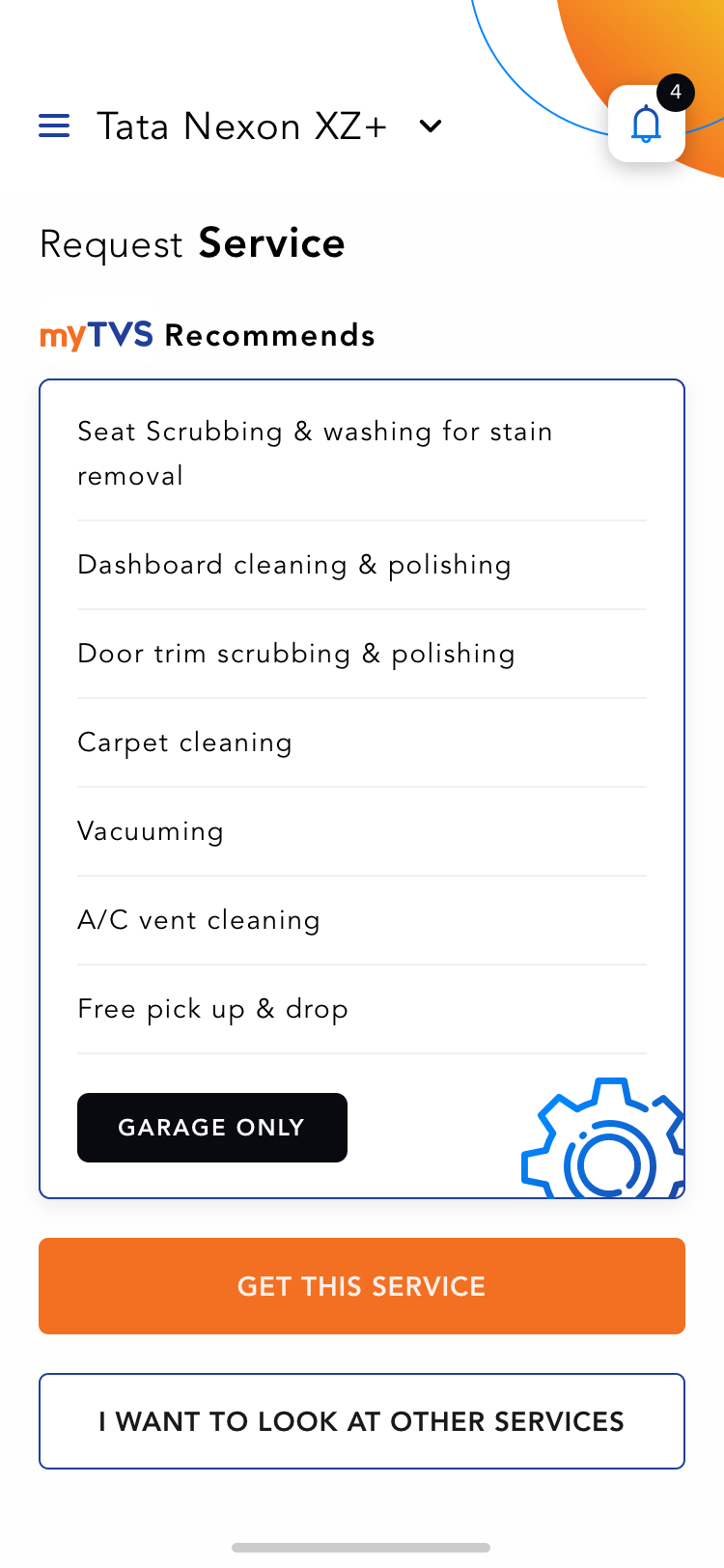 OBD Recommended Service
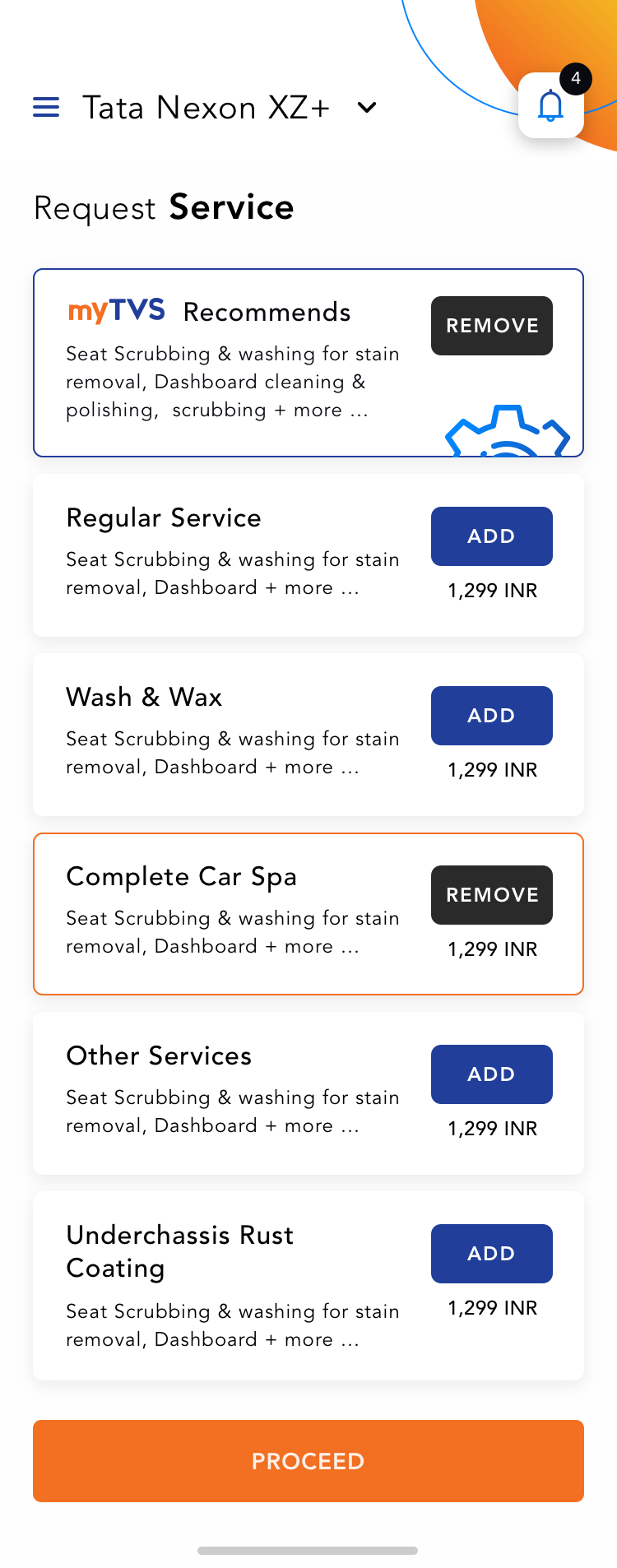 Services List
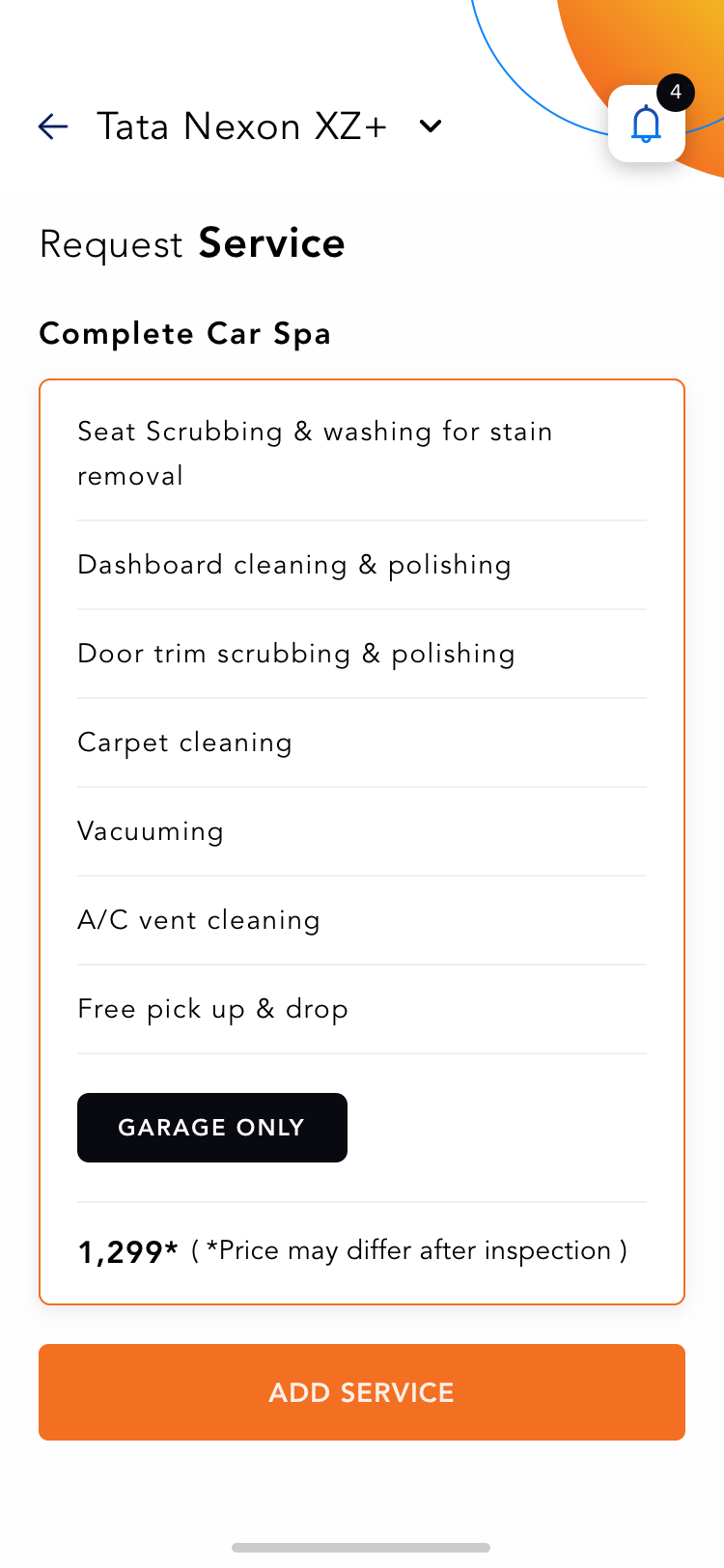 Service Detail
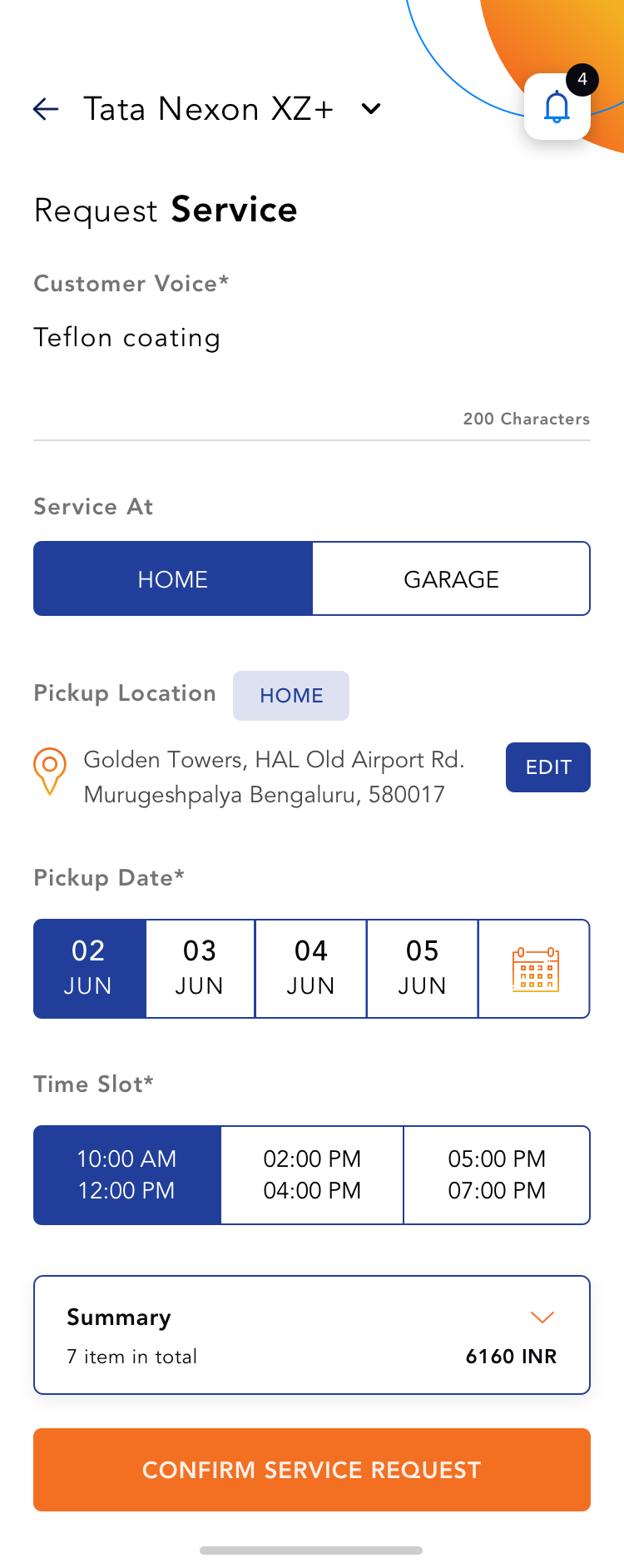 Request Service
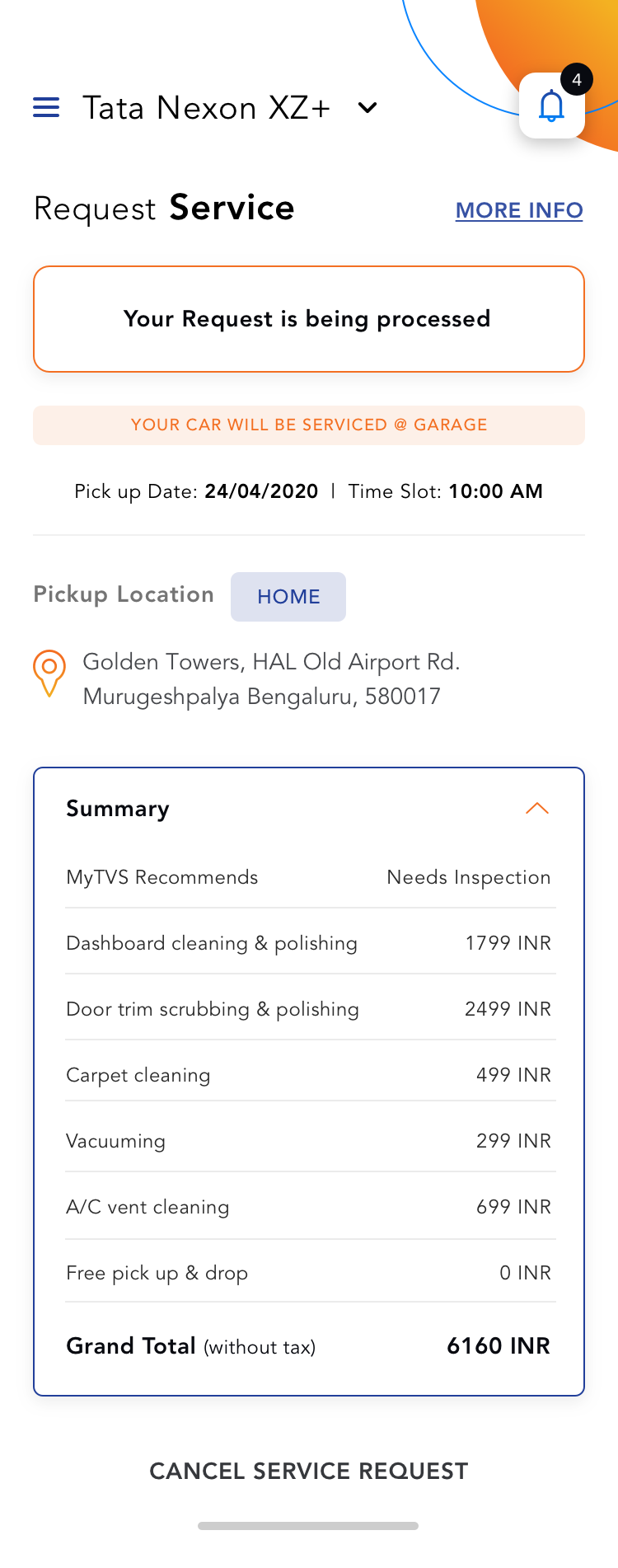 Service Confirmation
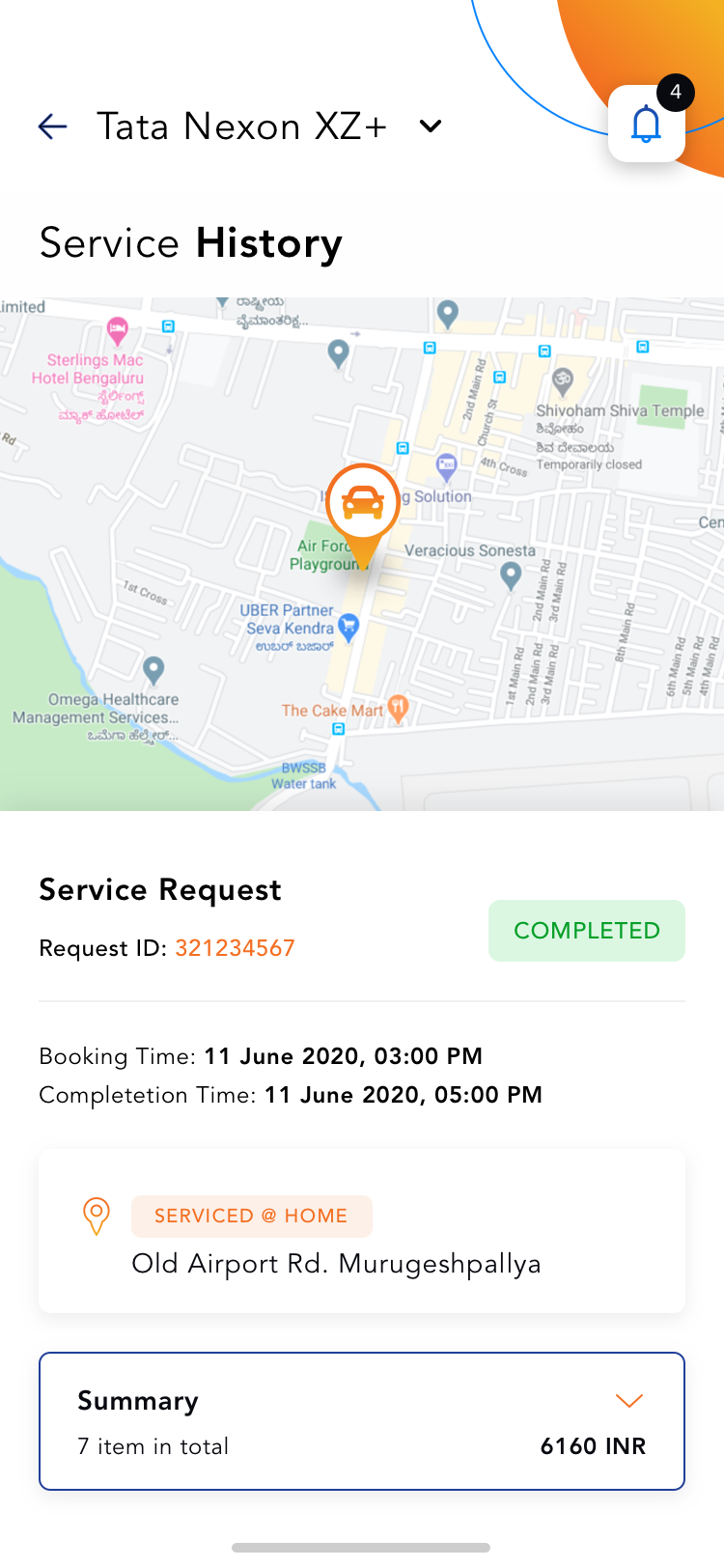 Service History
Userflow for Geo Fence
Safe Mode Auto Detect Location Activate
Valet Mode Auto Detect Location Set Fence Radius Activate
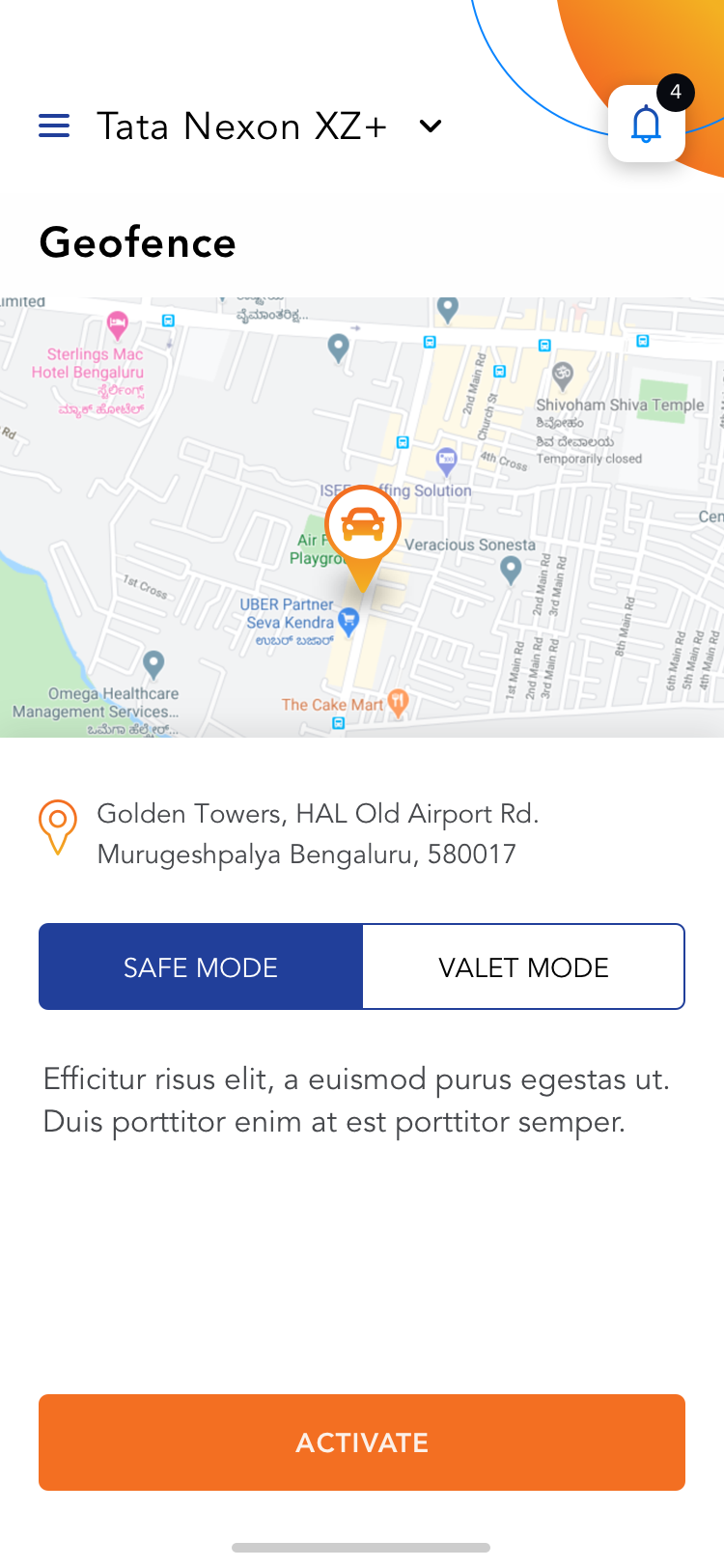 Geofence Safe Mode
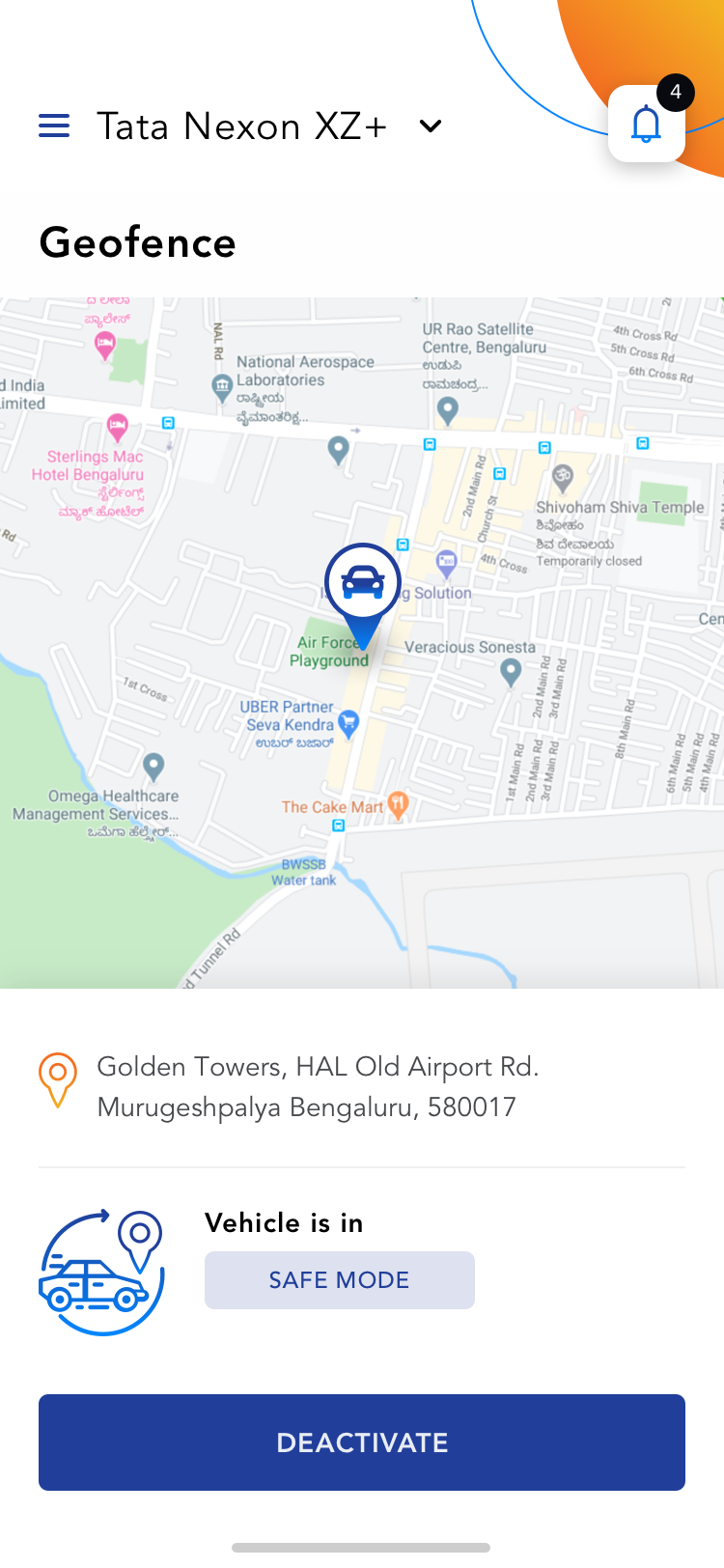 Safe Mode Active
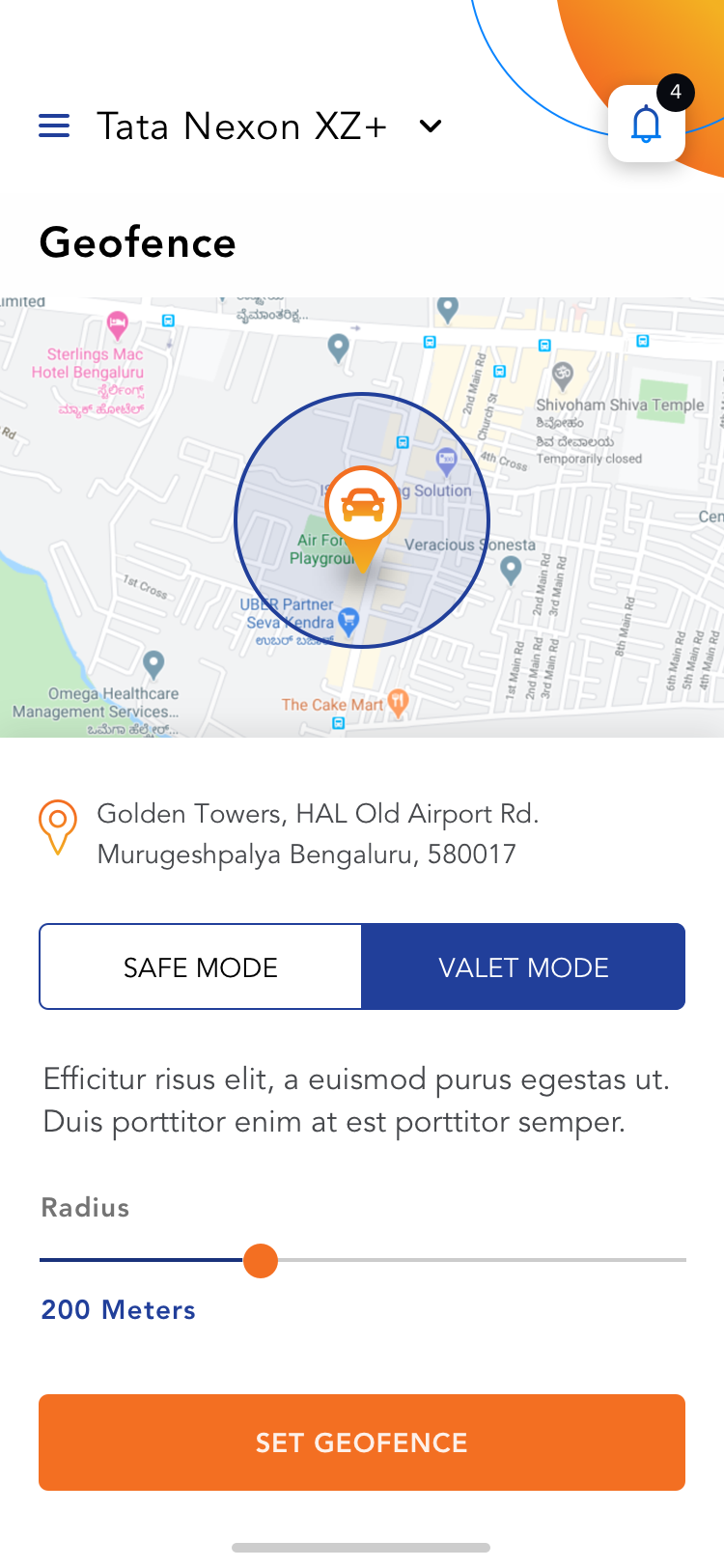 Geofence Valet Mode
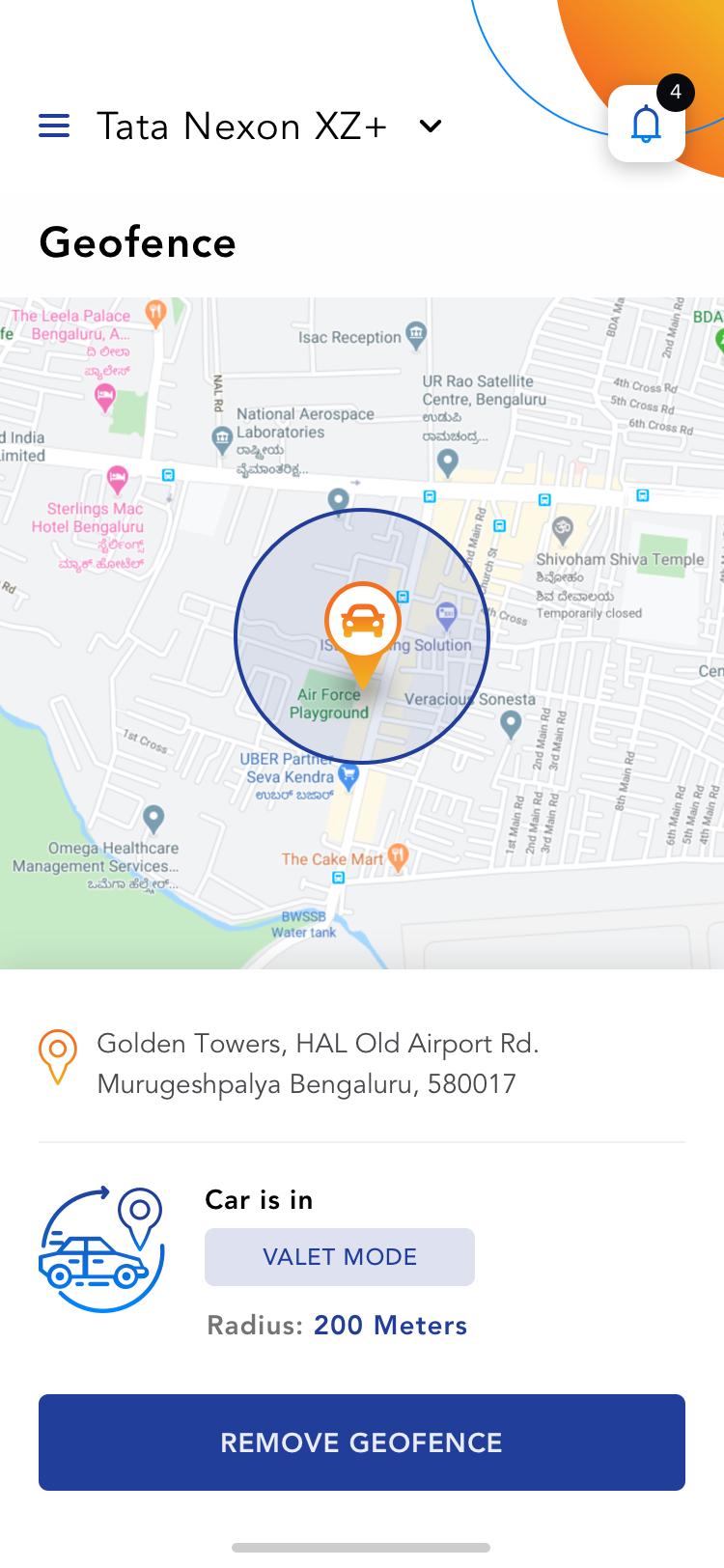 Valet Mode Active
Userflow for Vehicle Health
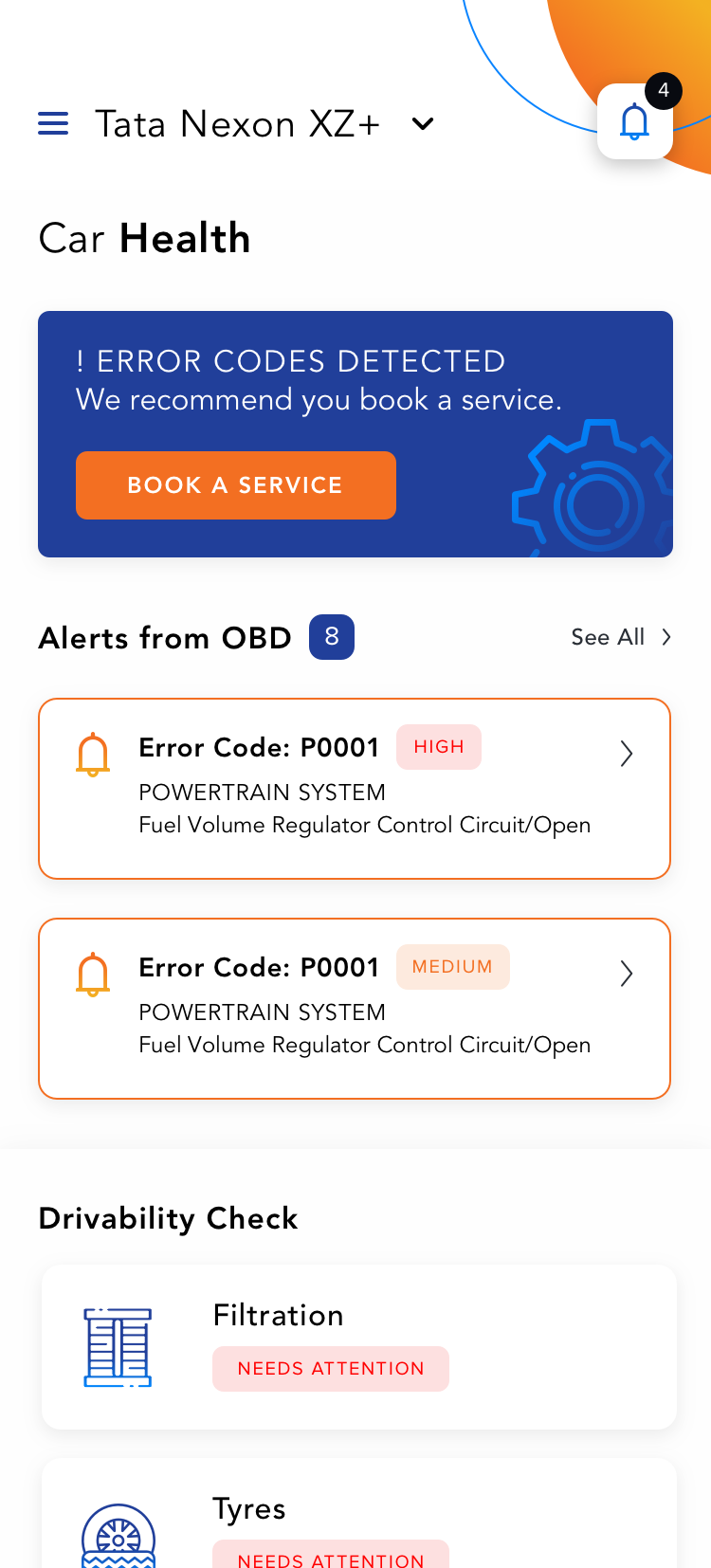 Vehicle Health
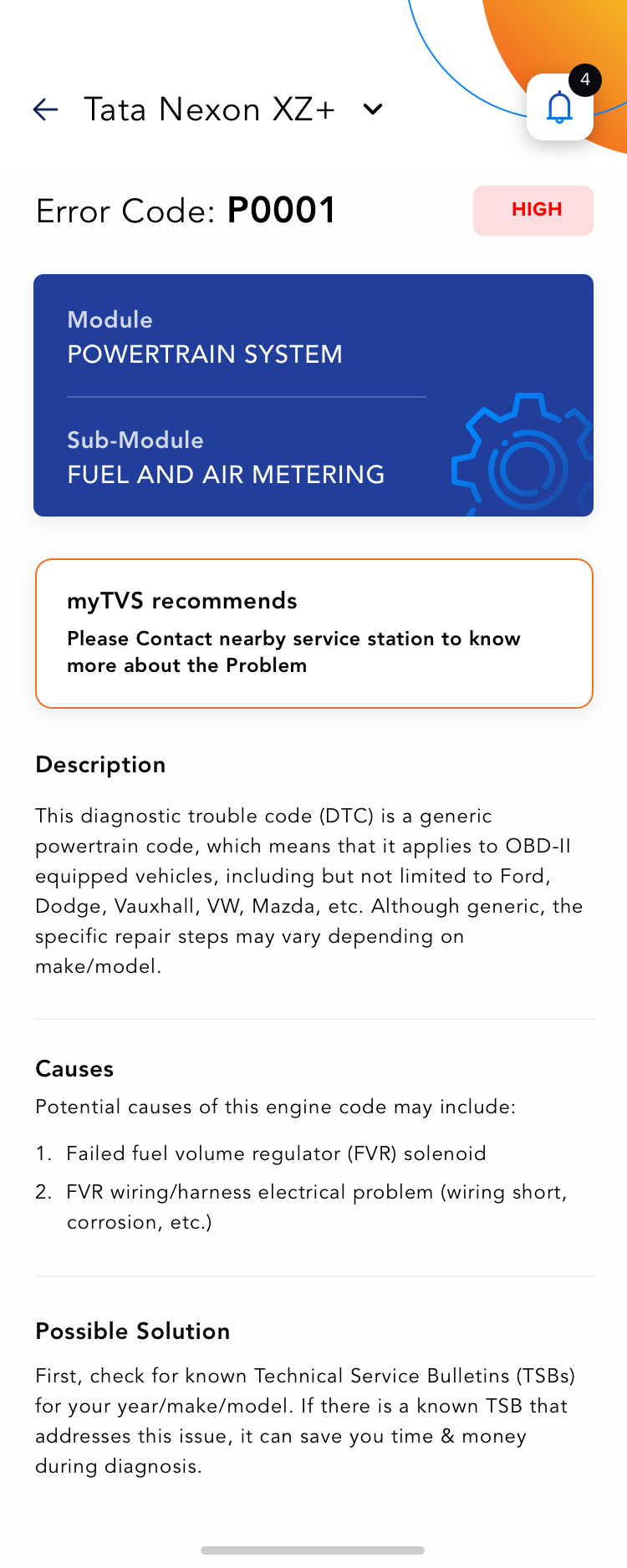 OBD Alert Detail
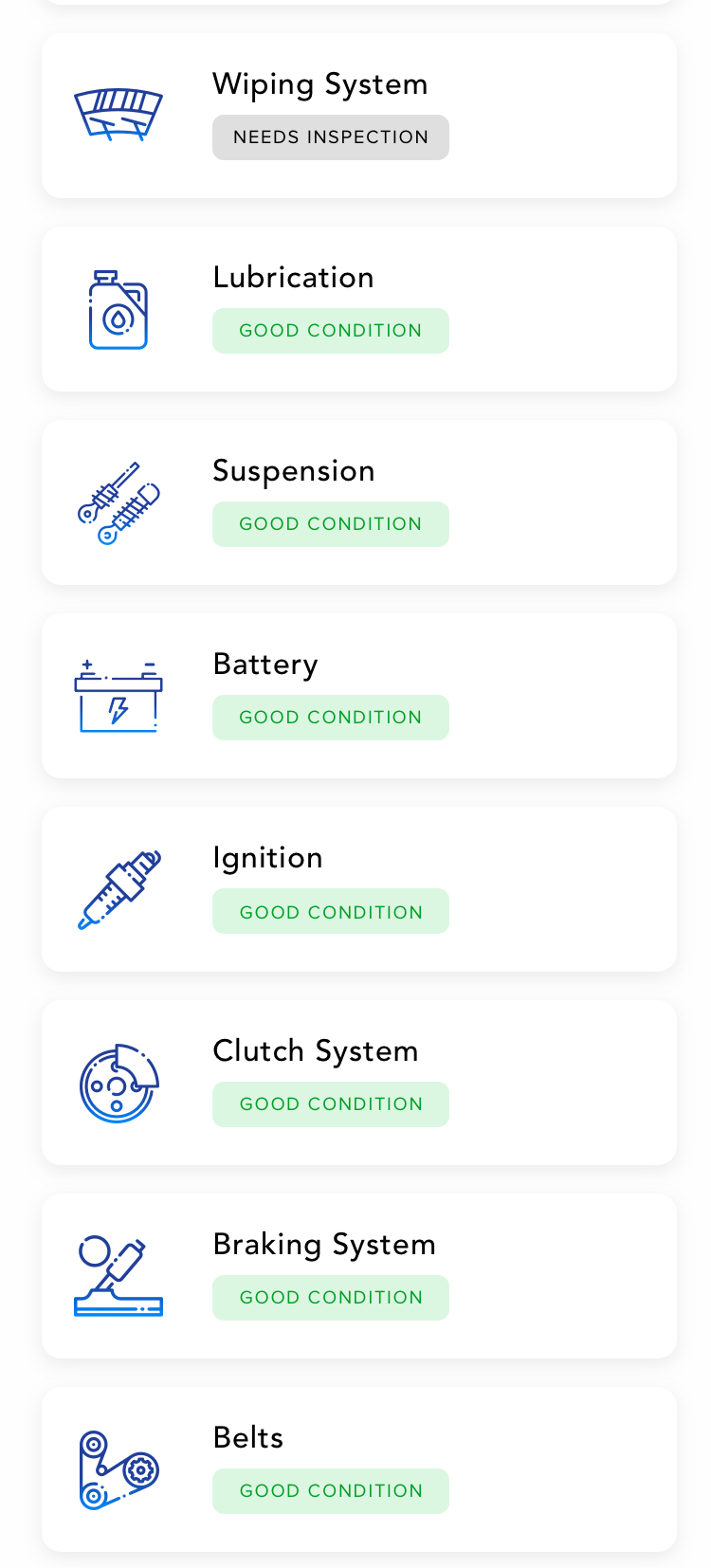 Drivability Check List
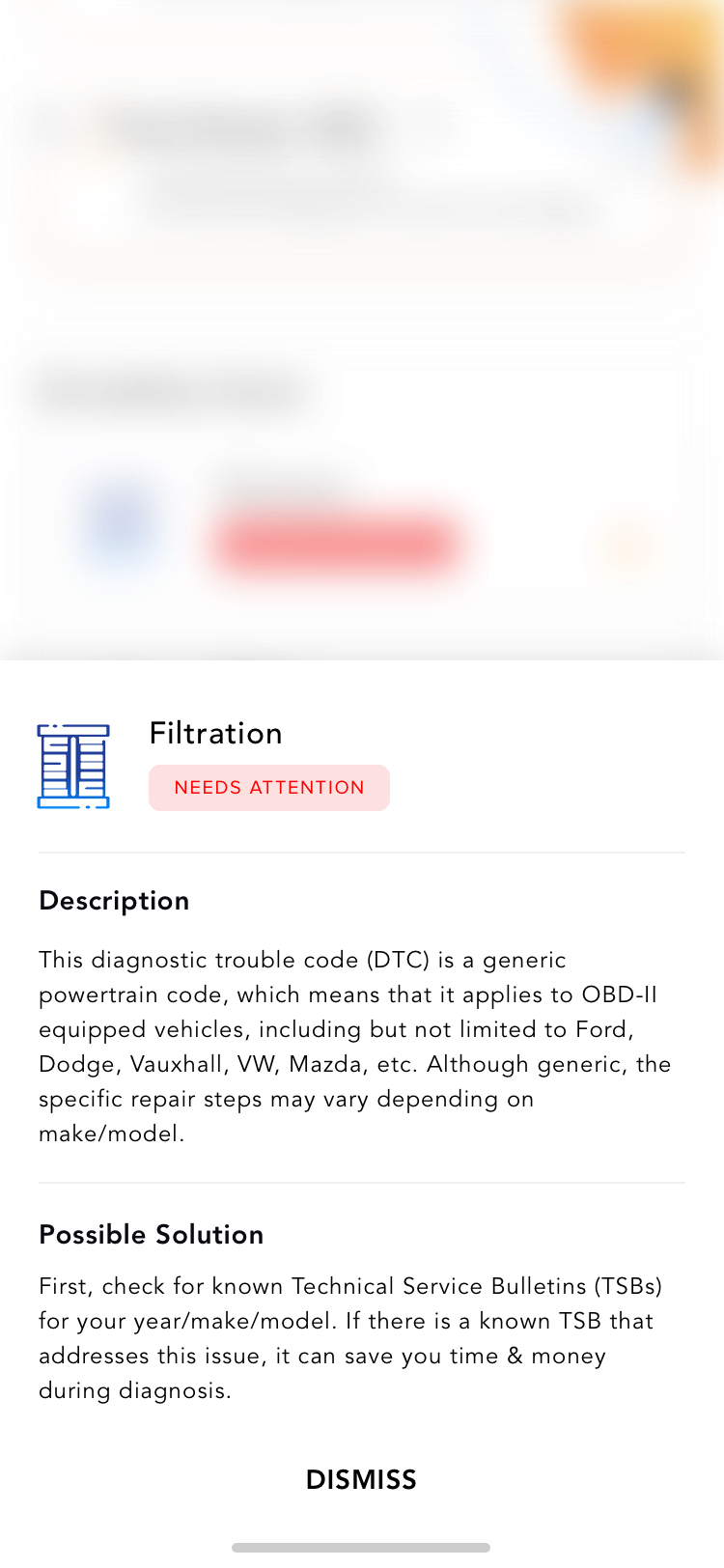 Drivability Check Detail
Userflow for Manage Vehicles
View Car Car Detail Select Car to view Car Health or Remove Car
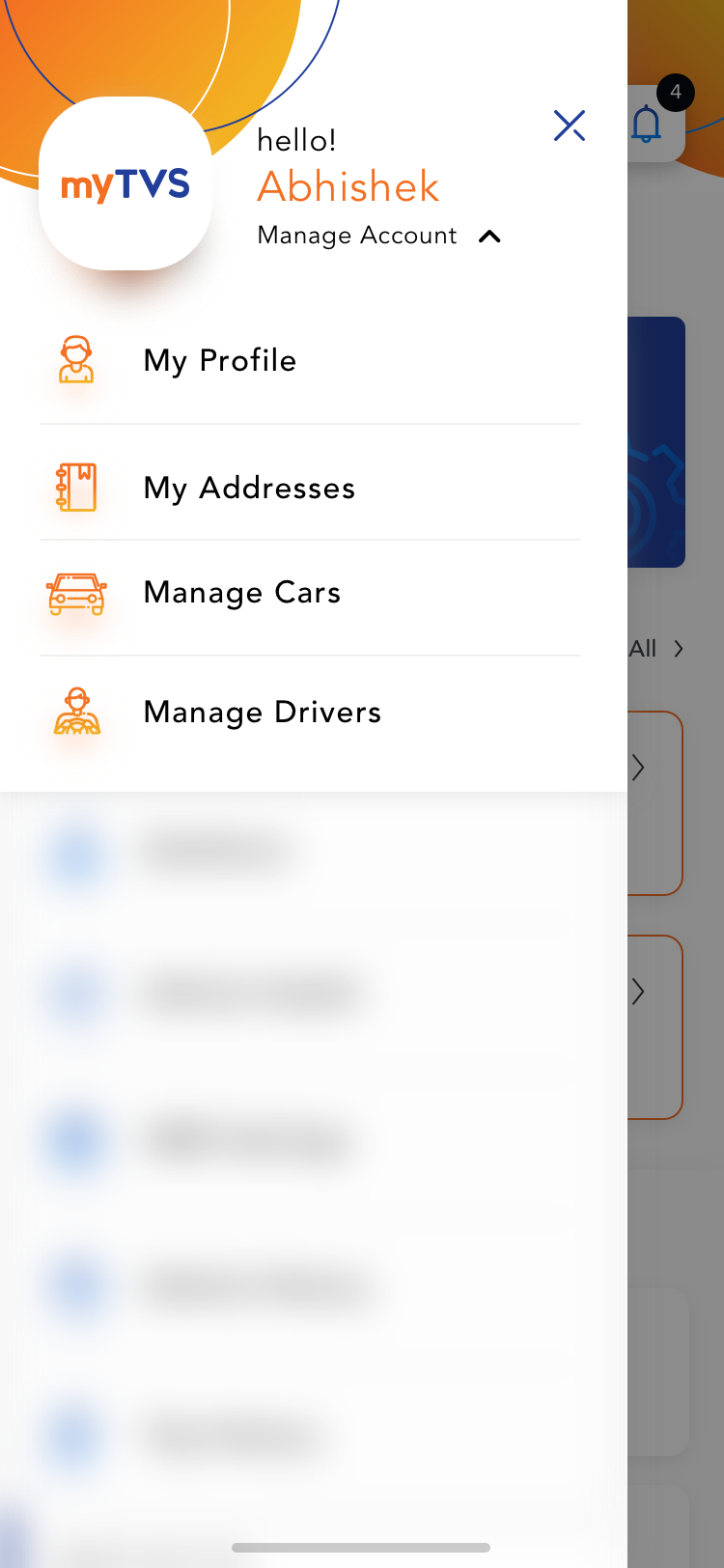 Account Navigation
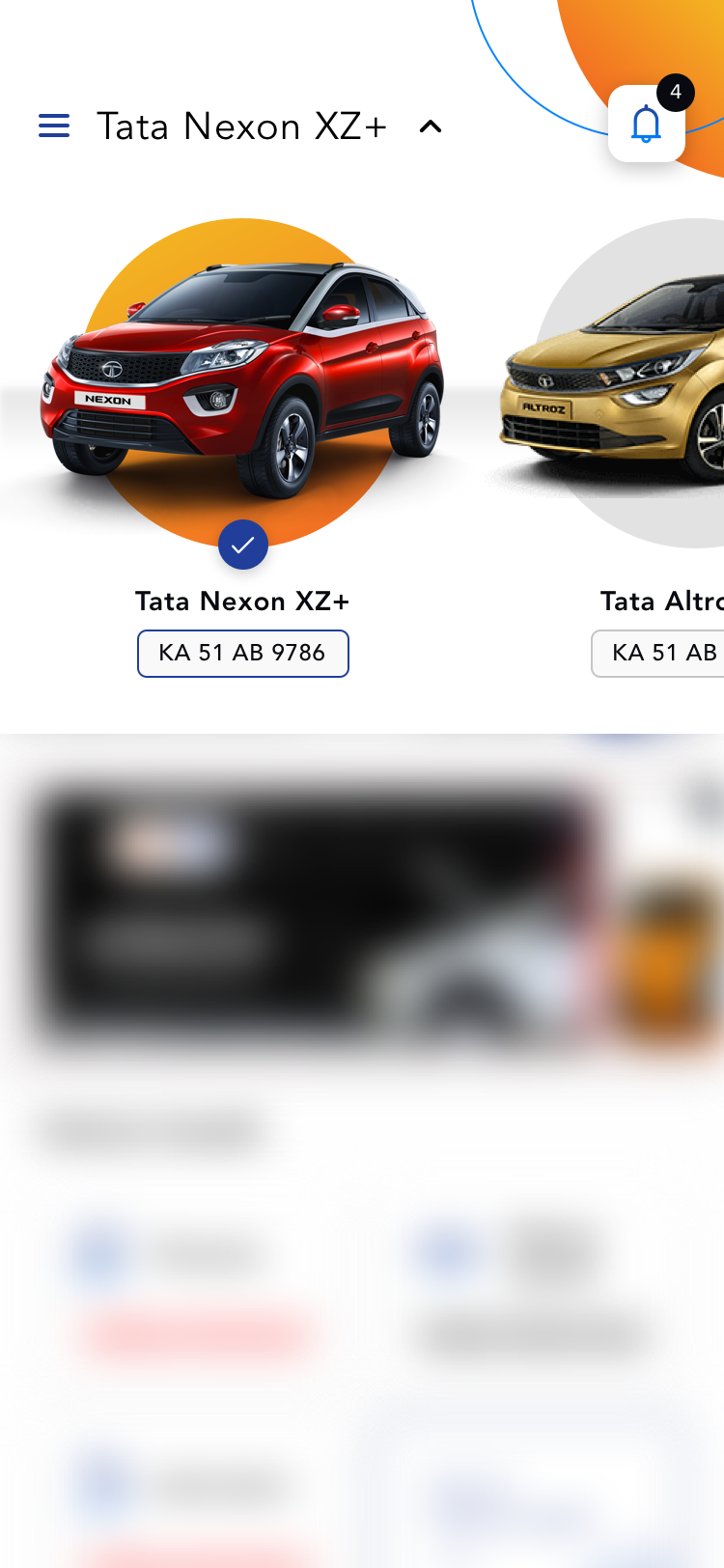 Vehicle Dropdown List
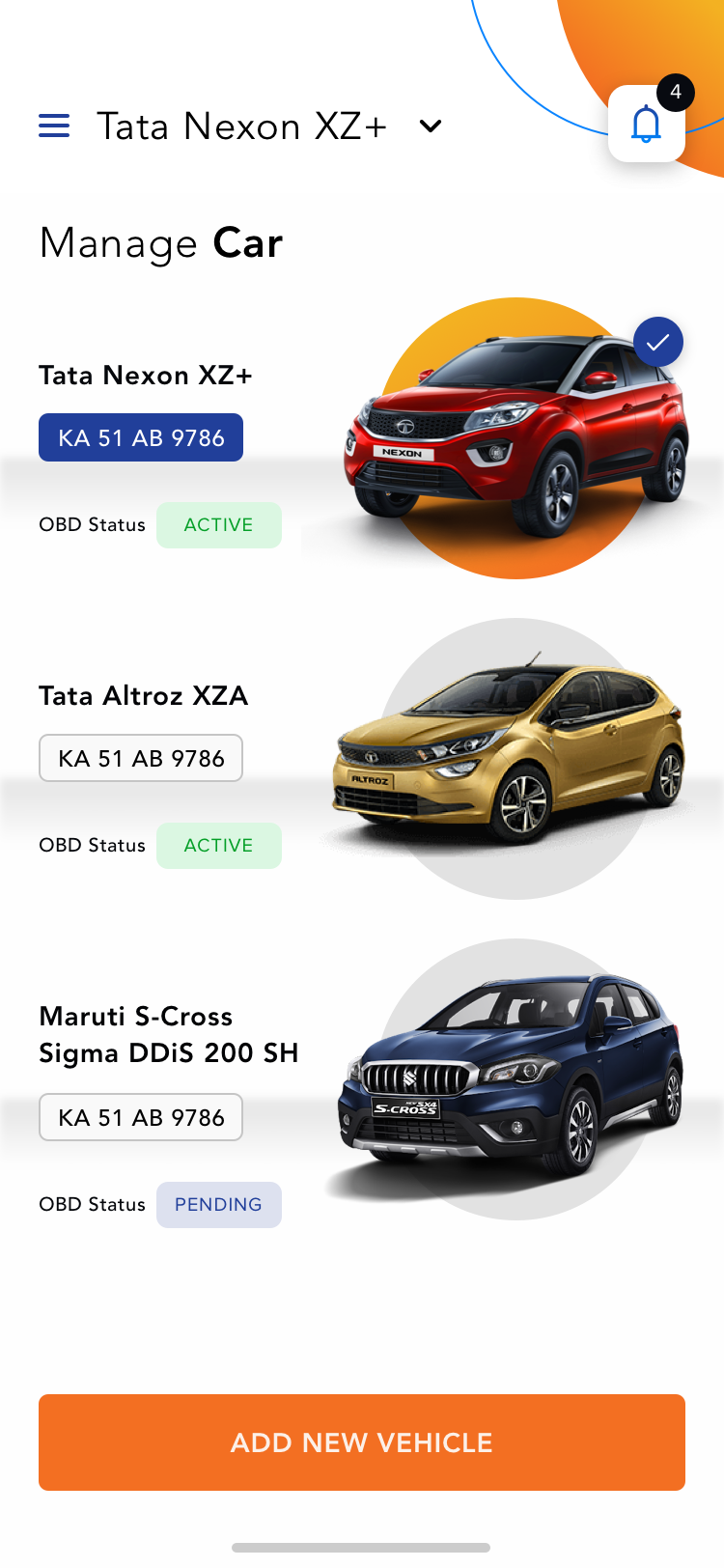 Vehicles List
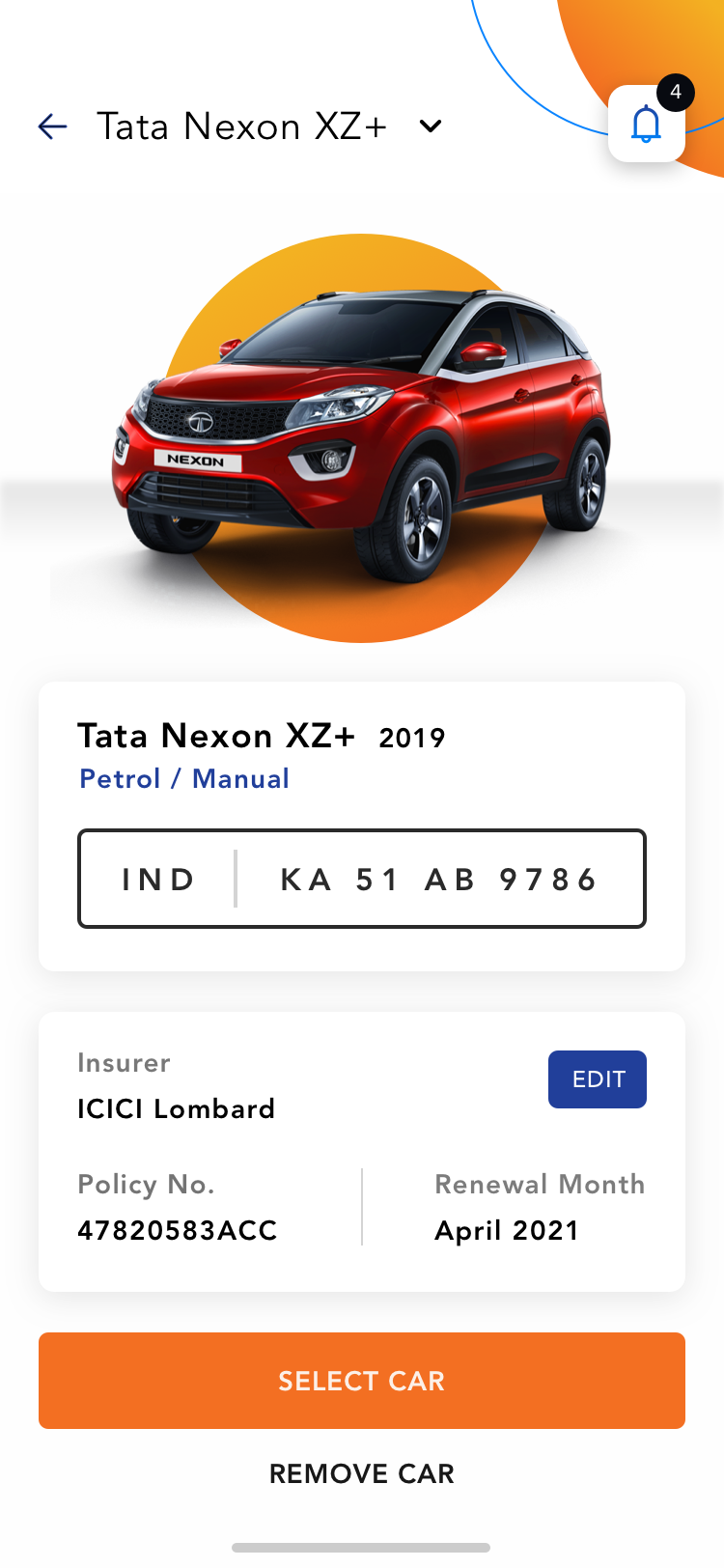 Vehicle Detail
Miscellaneous Screens
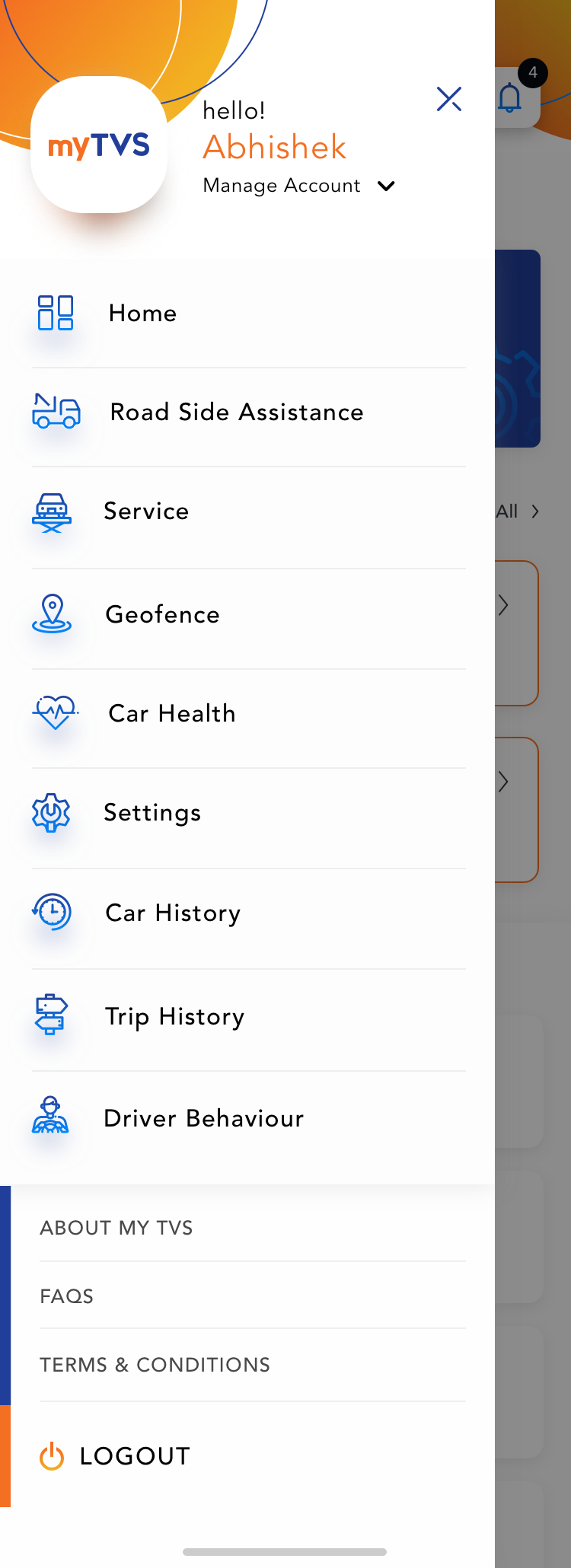 Navigation
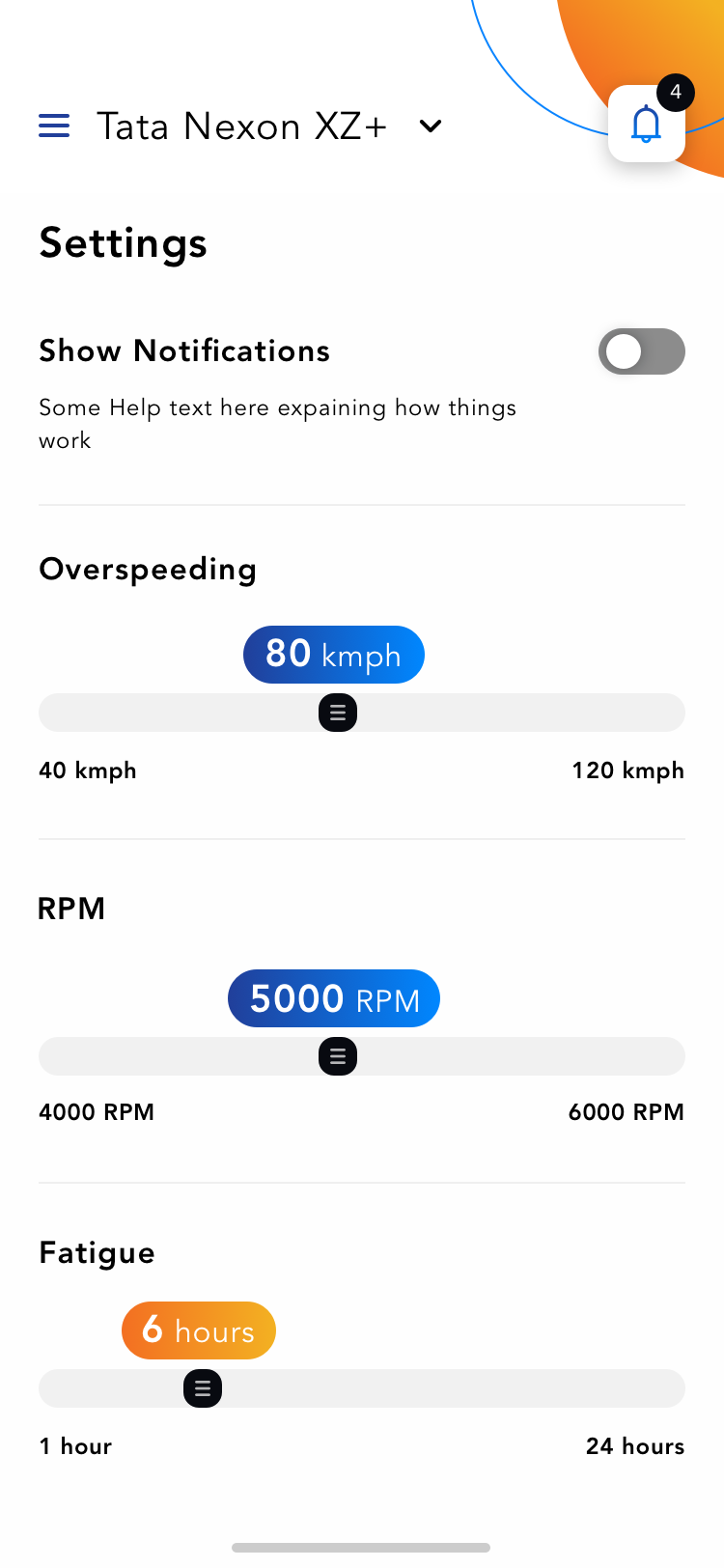 Settings
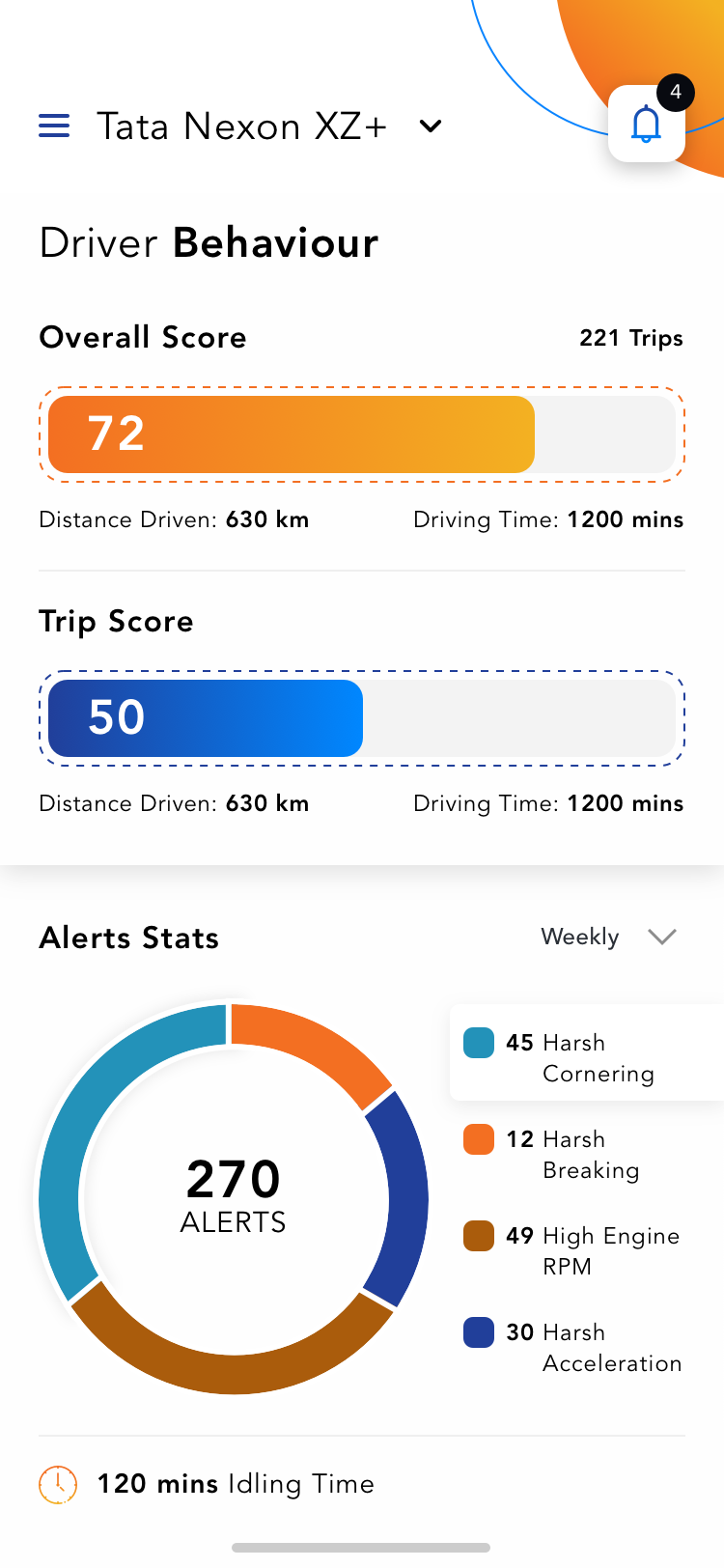 Driver Behaviour
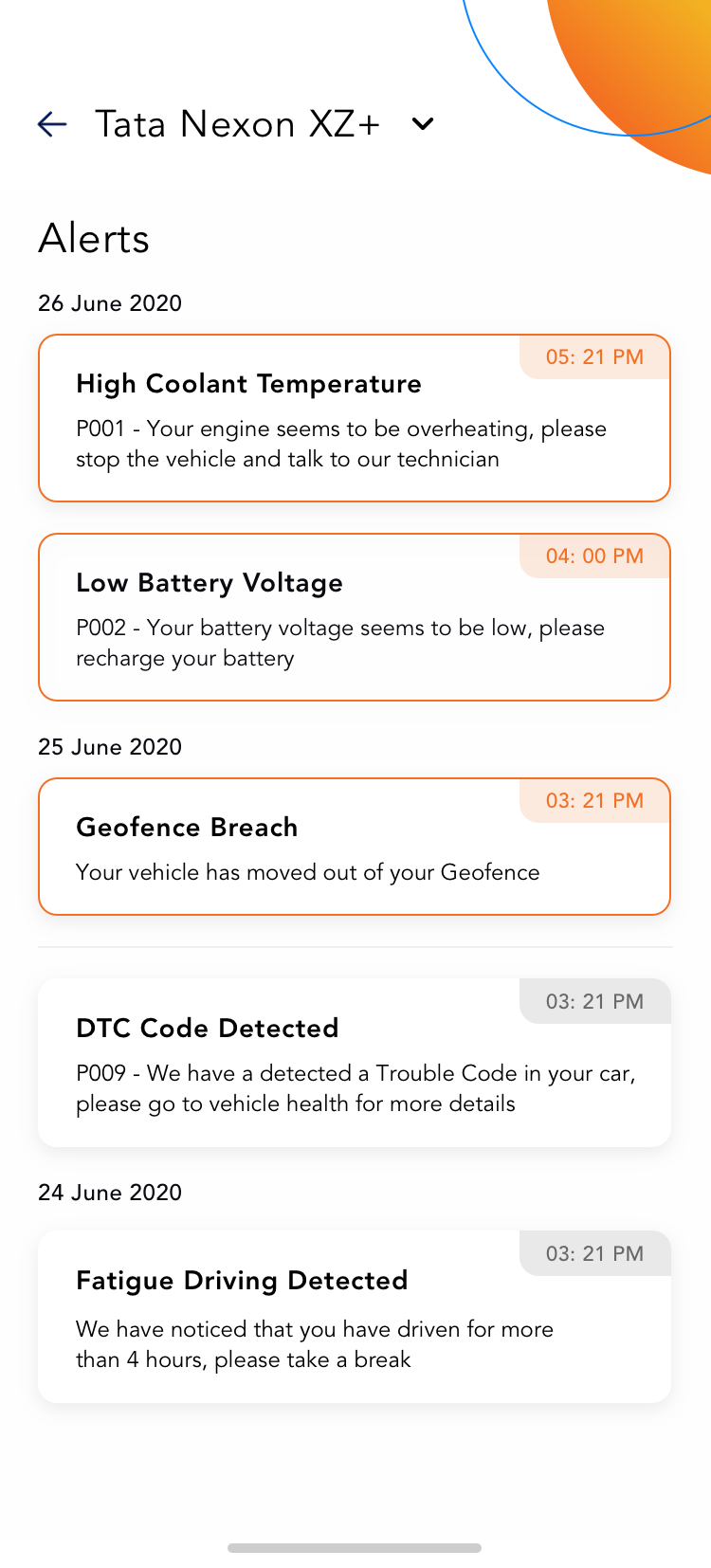 Alerts
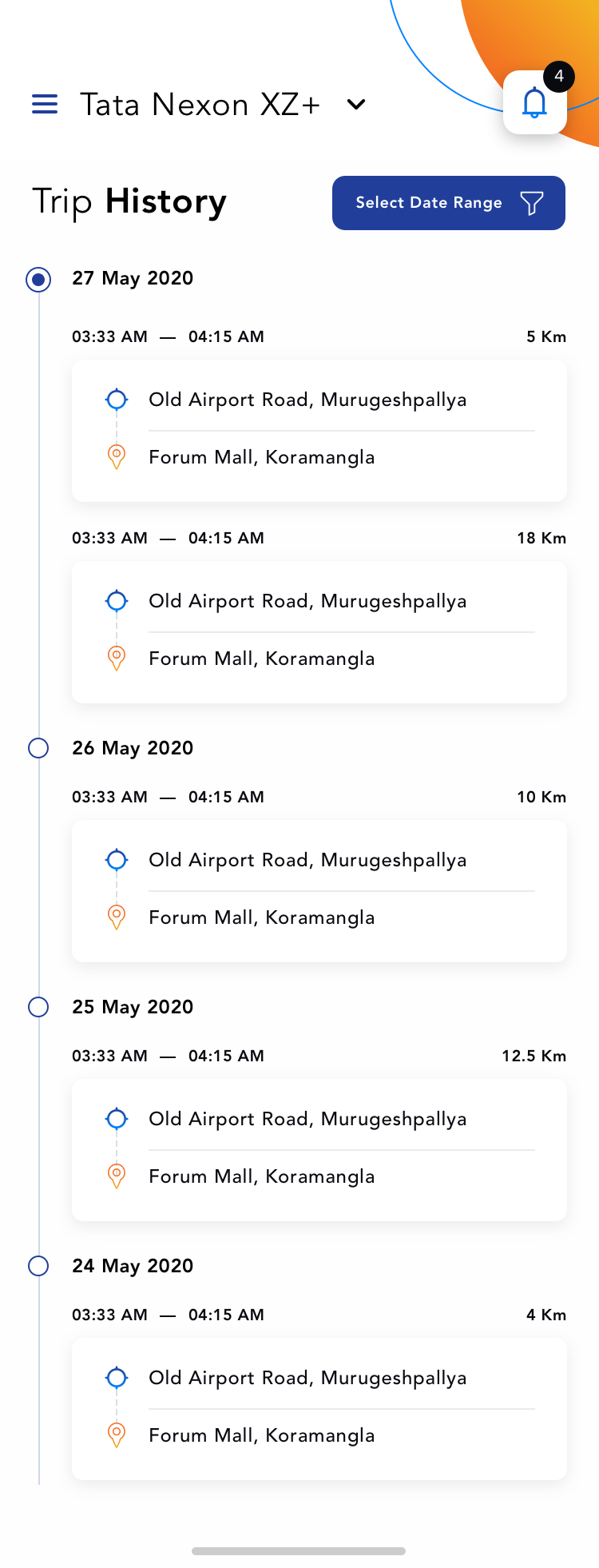 Trip History
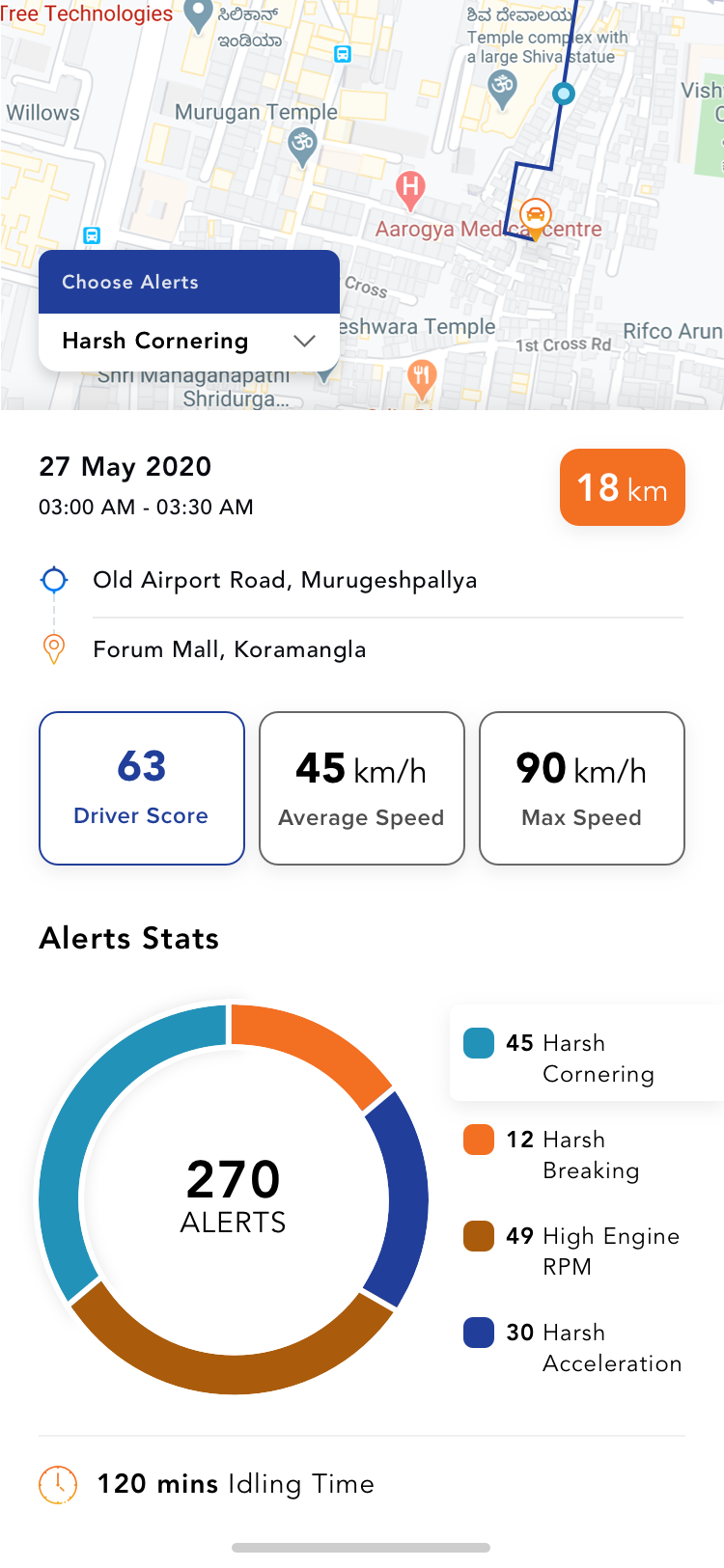 Trip History Details